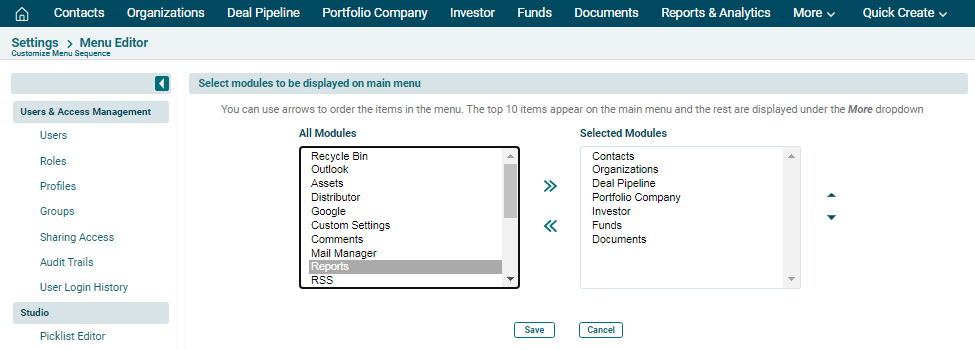
Menu Editor
Menu Editor allows you to choose the modules which shall appear on the blue horizontal bar as you log in. It allows you to place your most-visited modules for ease access and navigation. You can easily switch between modules. You can also change their positions as per your convenience.
To configure a menu, follow the below steps:
1. Click on CRM
Settings icon ( ) in the top right corner of the panel.
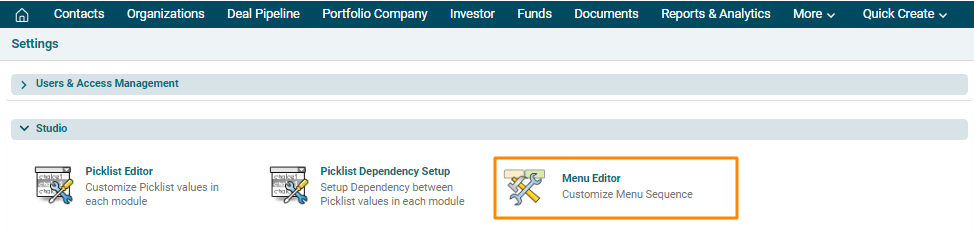
2. In the Studio panel, click on Menu Editor.
3. A new window is displayed. Click on the module you wish to add and press the right-facing arrow button to select the module. Click Save.