Quickly Create An Investor
To quickly create an investor, follow the below steps:
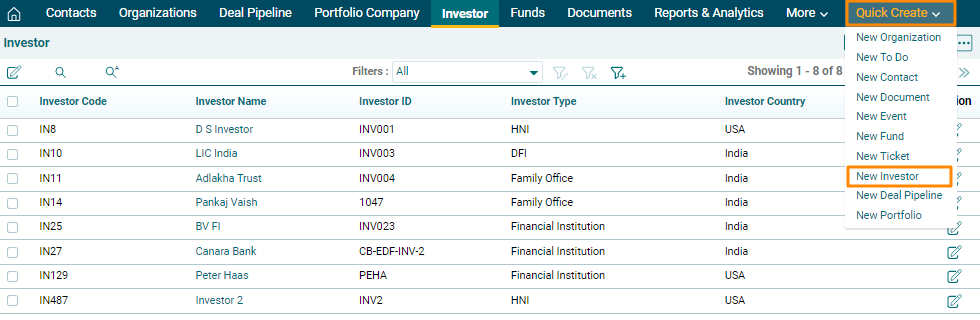
1. In Quick Create menu on the top bar, Click on the New Investor.
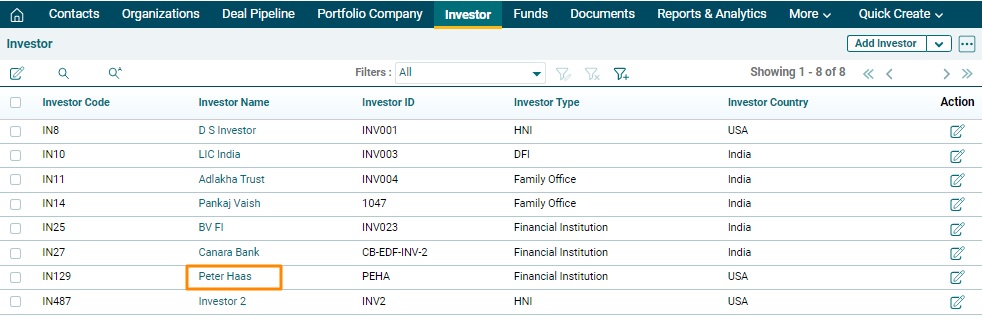
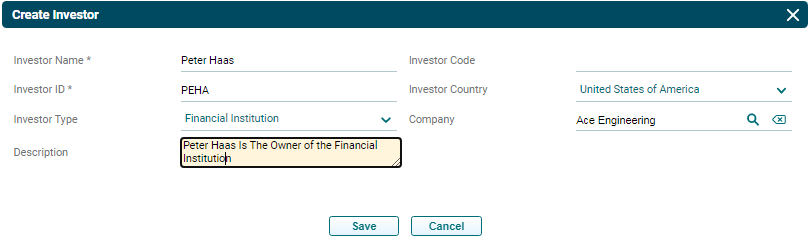
2. The Create Investor pop up will be displayed. Update the mandatory details marked with an asterisk and click Save.
3. The Investor is visible on the Investor List View page.