
Travel Planning Report
To view and download reports, follow the below steps:
1. Click on Reports & Analytics in the main menu.

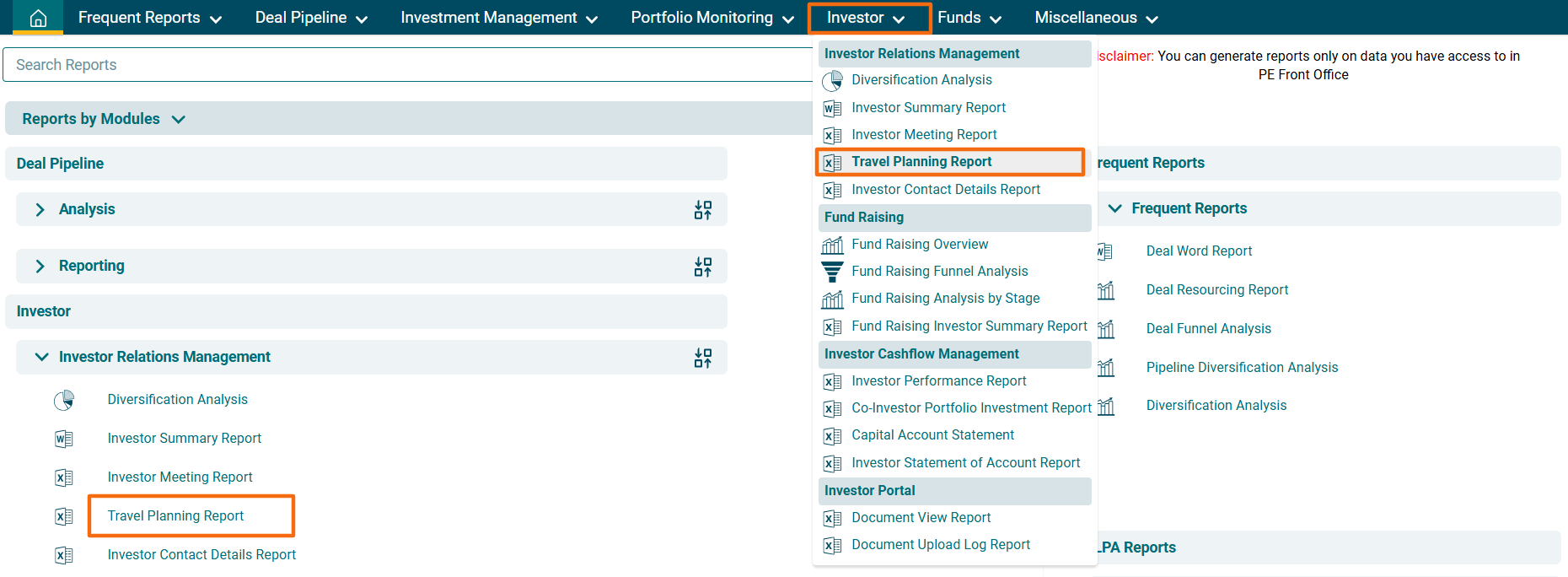
2. You can access the report from the dashboard by clicking Travel Planning Report in the Investor panel or from the Investor drop-down menu in the blue vertical bar.
3. The Travel Planning Report window is displayed. Choose a country from the dropdwon list for which travel planning is to be made. Click on Download Excel. The excel file will download.
