
Work Plan
In the Work Plan panel, you can add plans for future work. To modify a work plan, follow the below steps:
1. Specify the work plan in the Add Work Plan field. Click Save.
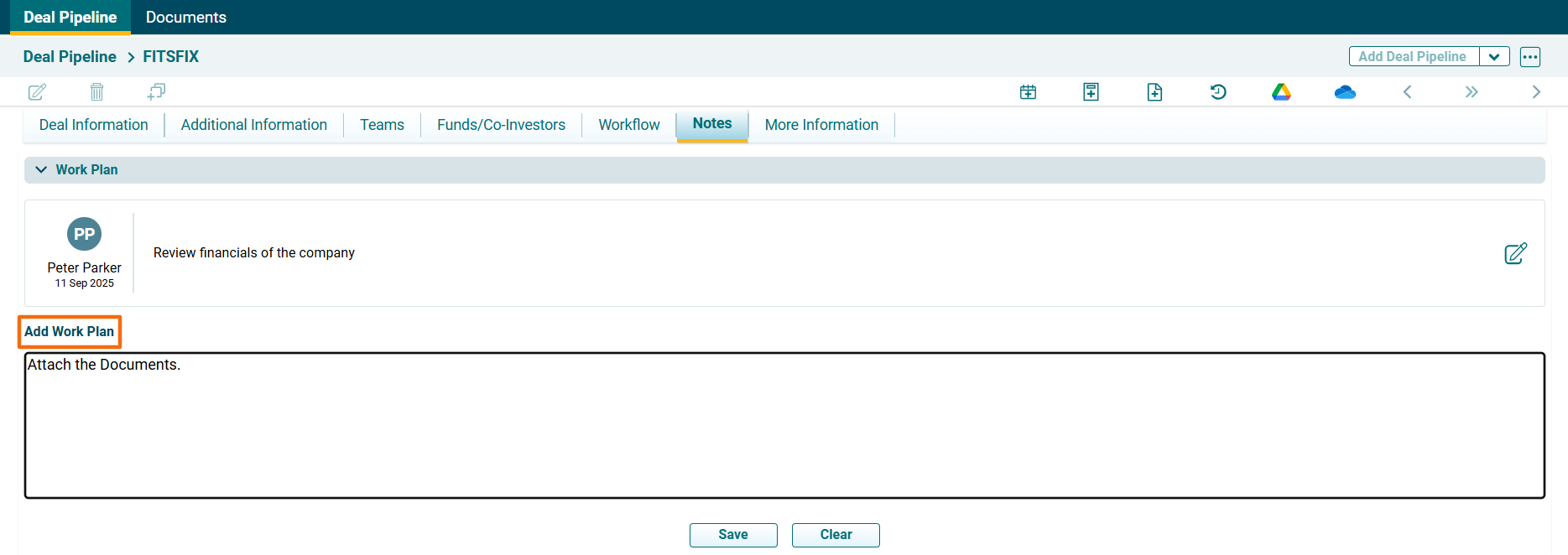
2. The plan appears in the Work Plan panel.
In the Work Plan panel, you can add plans for future work. To modify a work plan, follow the below steps:
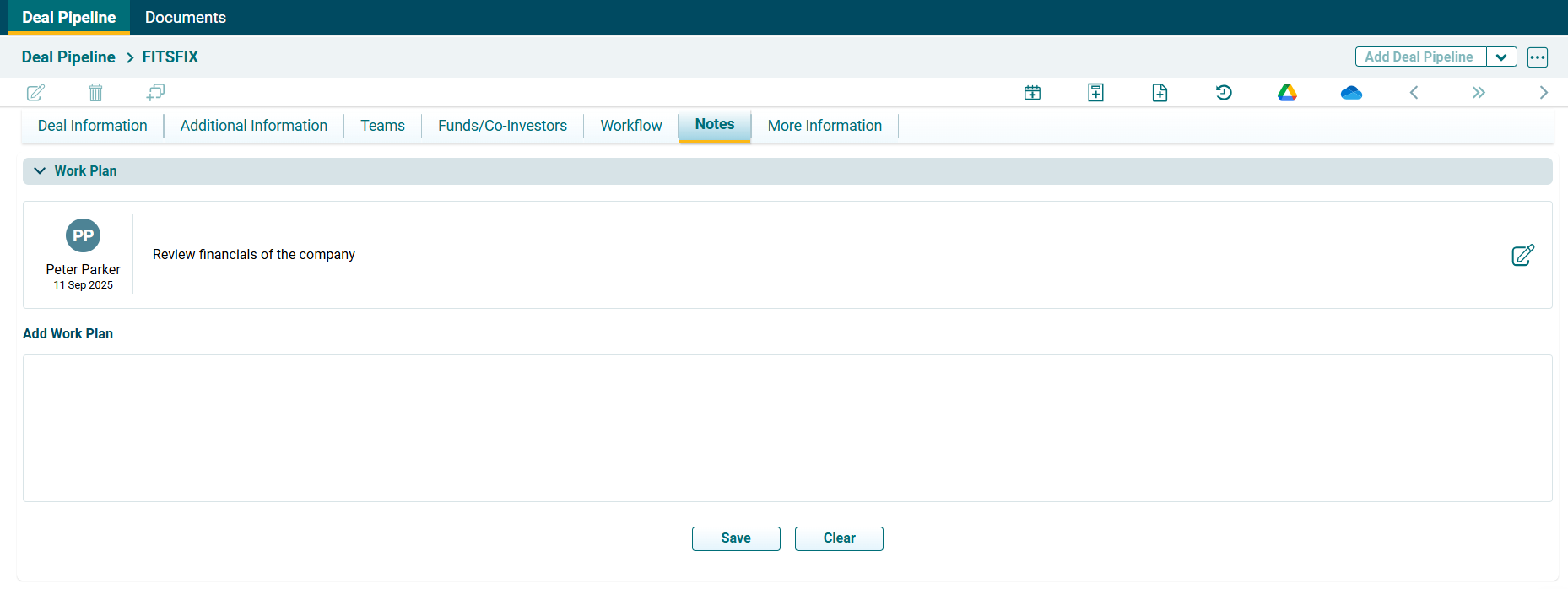
1. Specify the work plan in the Add Work Plan field. Click Save.
2. The plan appears in the Work Plan panel.