• HELP CENTER

  • Getting Started
  • CRM
  • Deal Pipeline
  • Portfolio Company
  • Investee Company Portal
  • Investors
  • Investor Portal
  • Funds
  • Investee Fund Portal
  • Reports and Analytics
  • Deal Data Room
  • Help Desk
  • Document Management
  • Excel Add-in Integration
  • Email Integration
  • Implementation
  • Custom Settings
  • System Administration

Email Integration

  • Outlook Integration
    • Sync
      • Synchronize Contacts
      • Synchronize Calendar and Tasks
    • PlugIn
      • Install
      • Add/Edit
        • Contact
        • Deal
        • Task
        • Event
        • Email
        • Document
      • View
        • Contact
        • Deal
        • Portfolio
        • Investor
        • Task
        • Event
        • Email
        • Document
        • Help Desk
      • Search
      • Branch off
  • Gmail Integration
    • Sync
      • Synchronize Contacts
      • Synchronize Calendar
    • PlugIn
      • Install
      • Add/Edit
        • Contact
        • Task
        • Event
        • Email
        • Document
      • View
        • Contact
        • Portfolio
        • Investor
        • Task
        • Event
        • Email
        • Document
        • Help Desk
      • Search
      • Branch off
Help Center /

Events

To view or modify an event associated with the contact, follow the below steps:

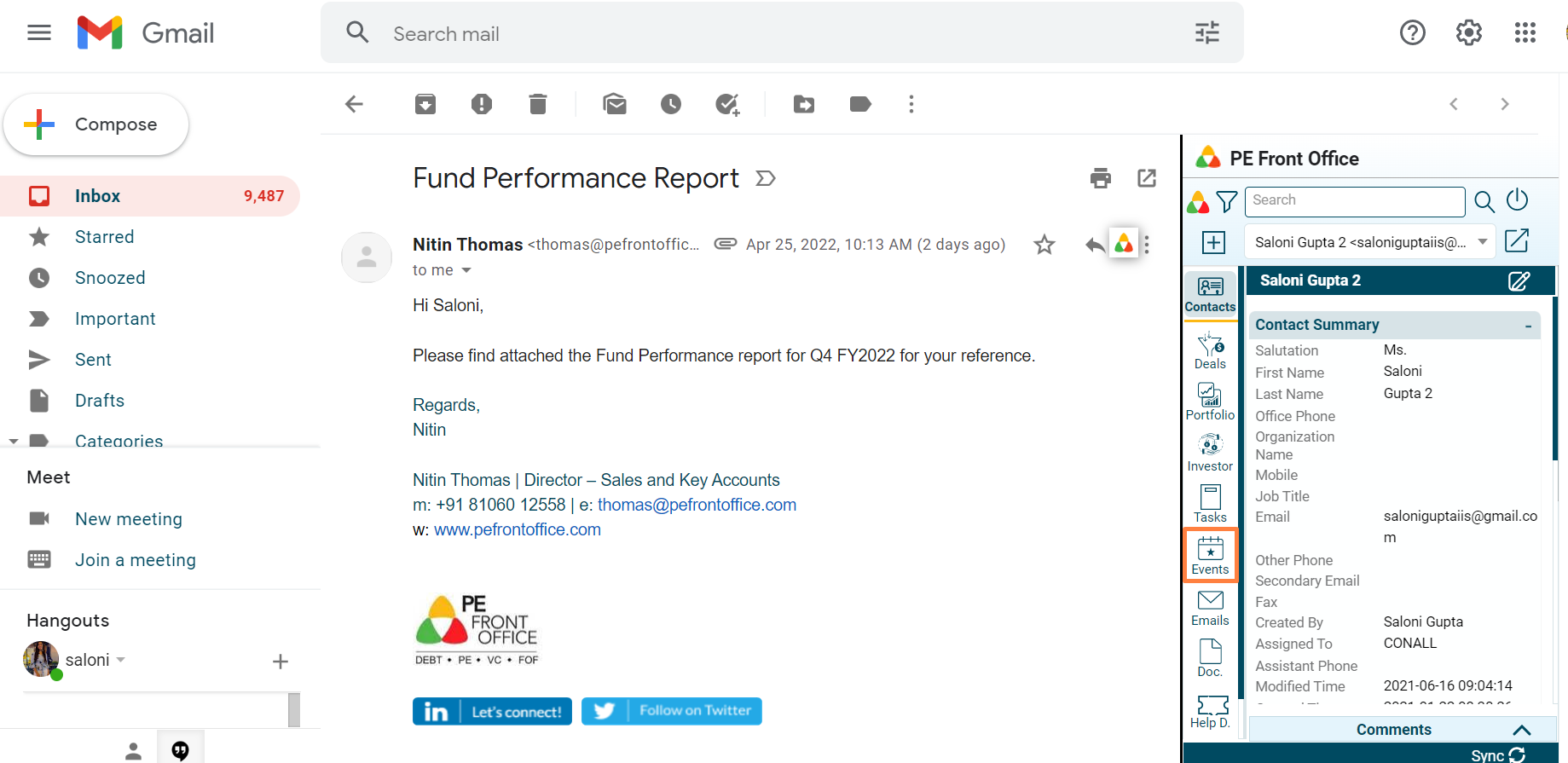
1. Click on Events in the left-hand side menu.
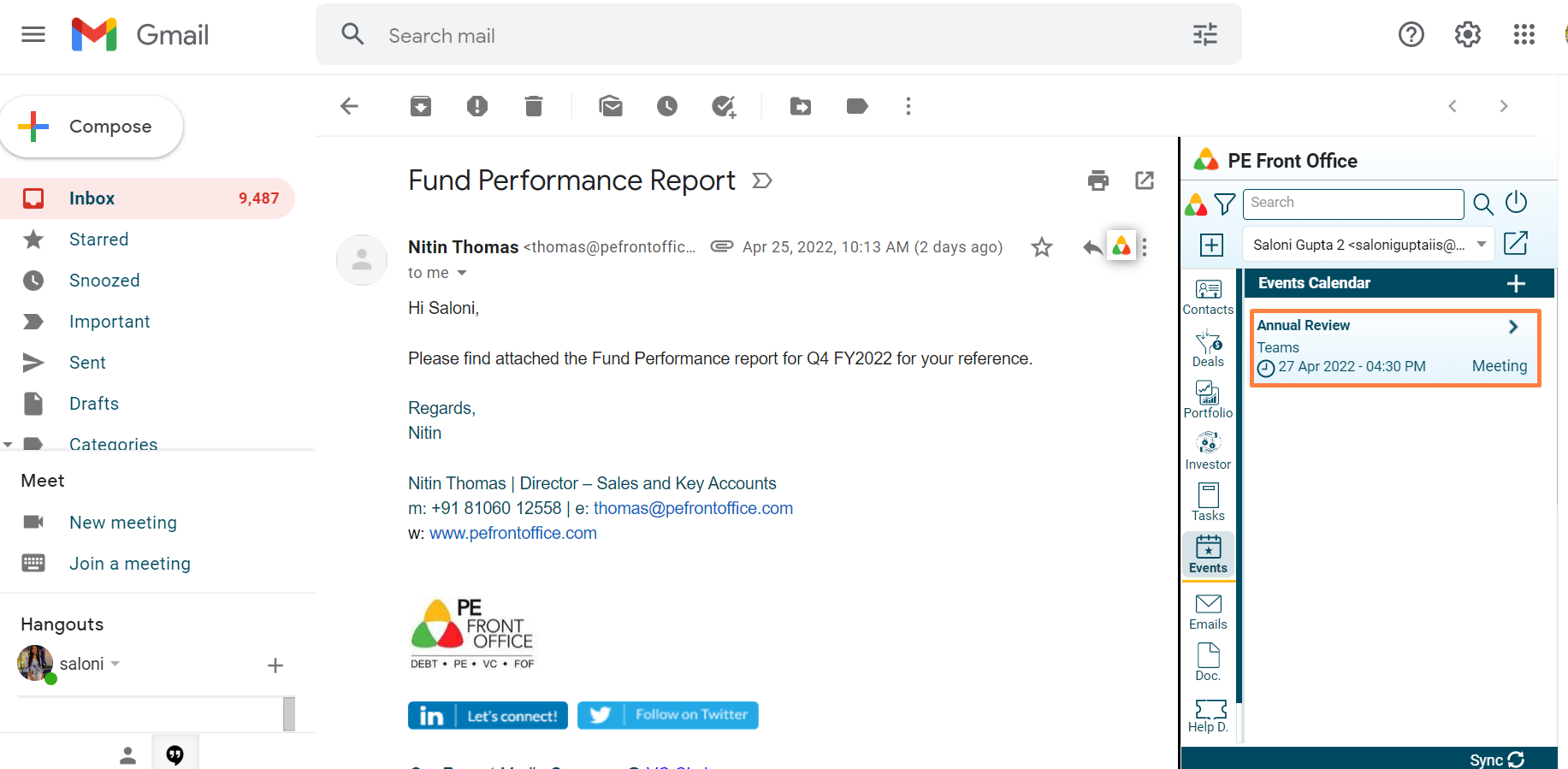
2. The Events window is displayed. Click on an Event to view details.
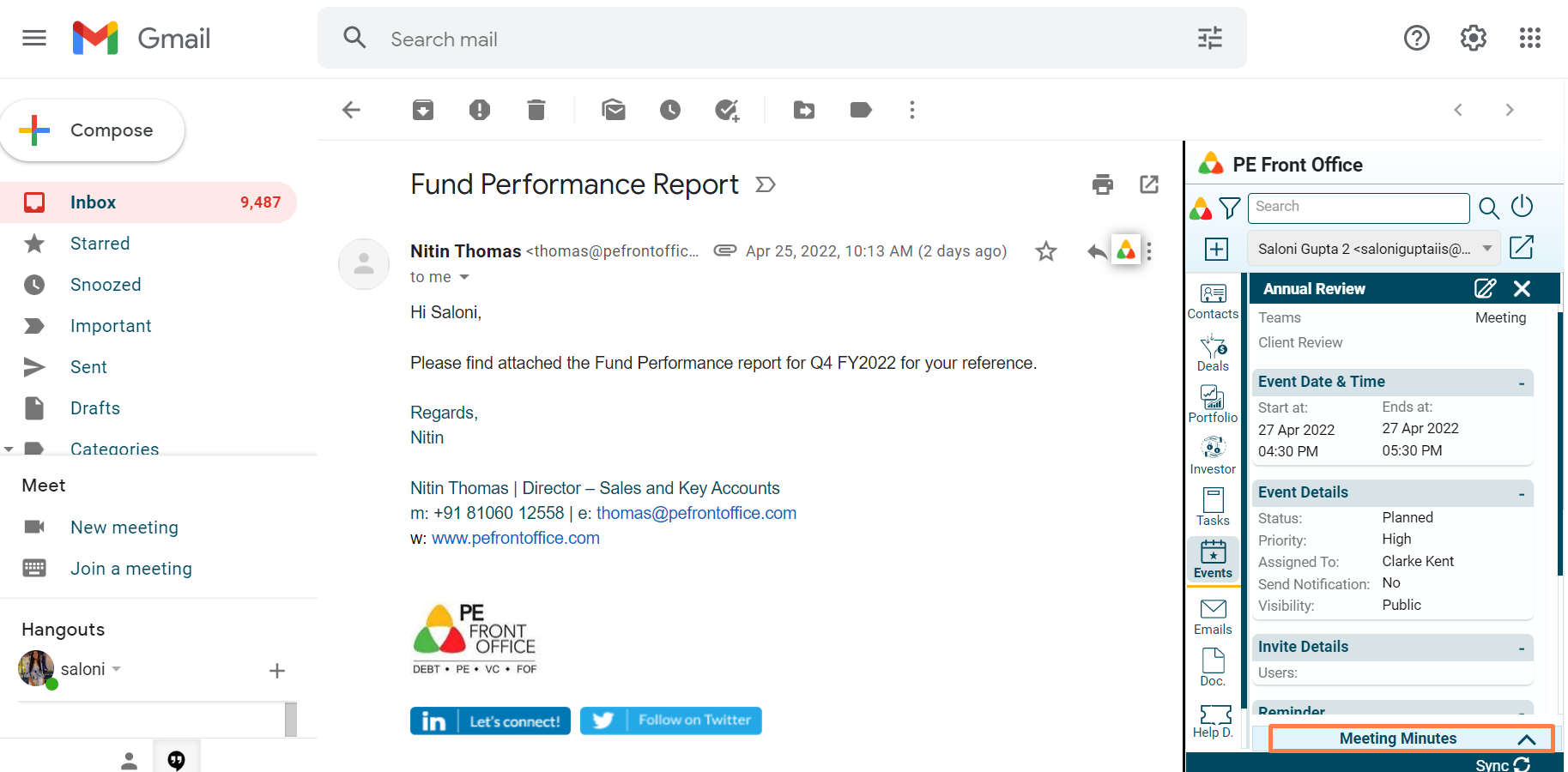
3. Click on Meeting Minutes button to capture any meeting notes.

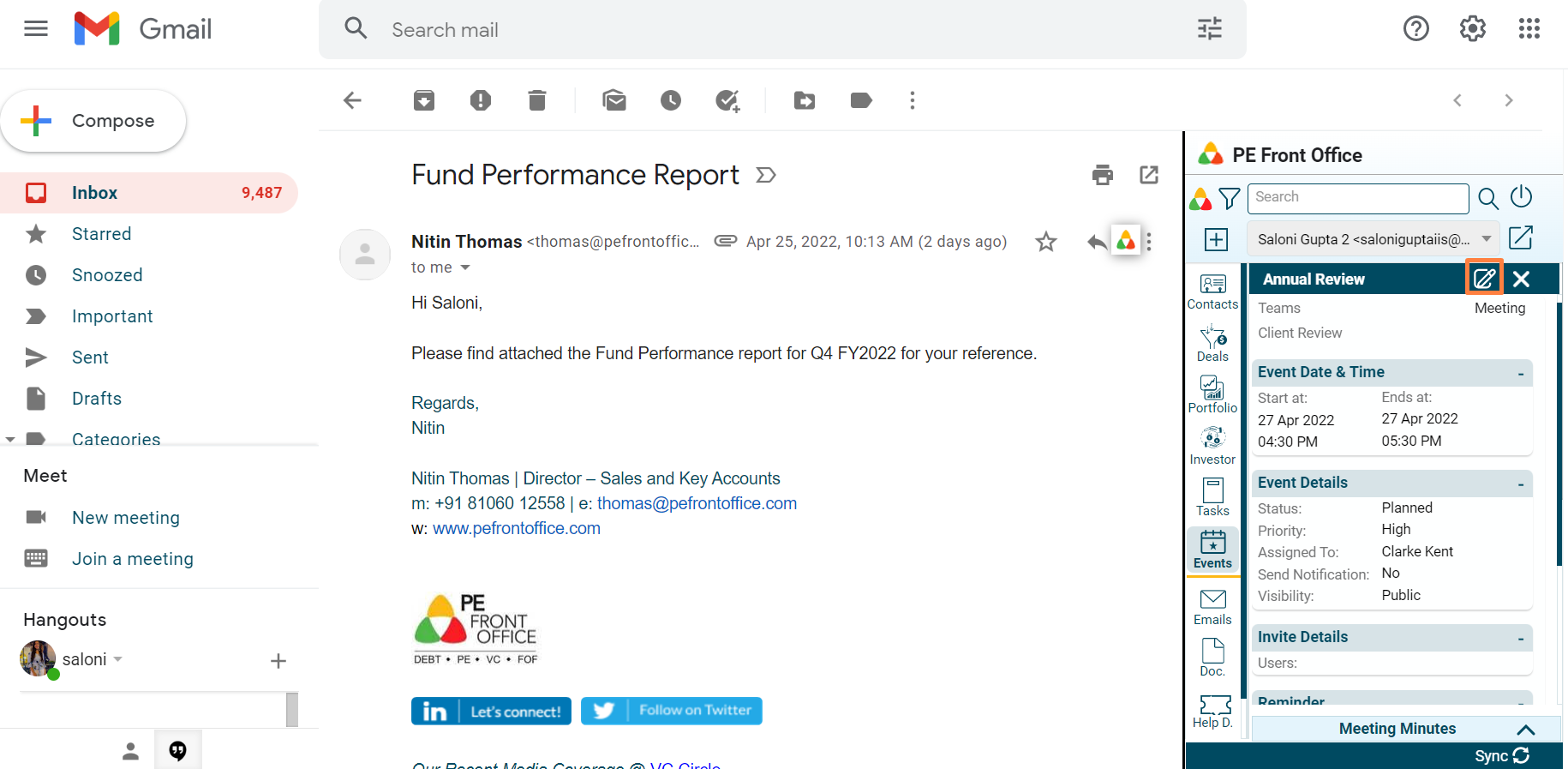
4. Click on Edit button to make any changes to the event.