Info Template
To bulk upload historical Funds data to PEFO, follow the below steps:
1. Click on Funds in the main menu.

2. Click on the three dot menu in the top right corner. Click on Generate Info Template. The Excel file will download.

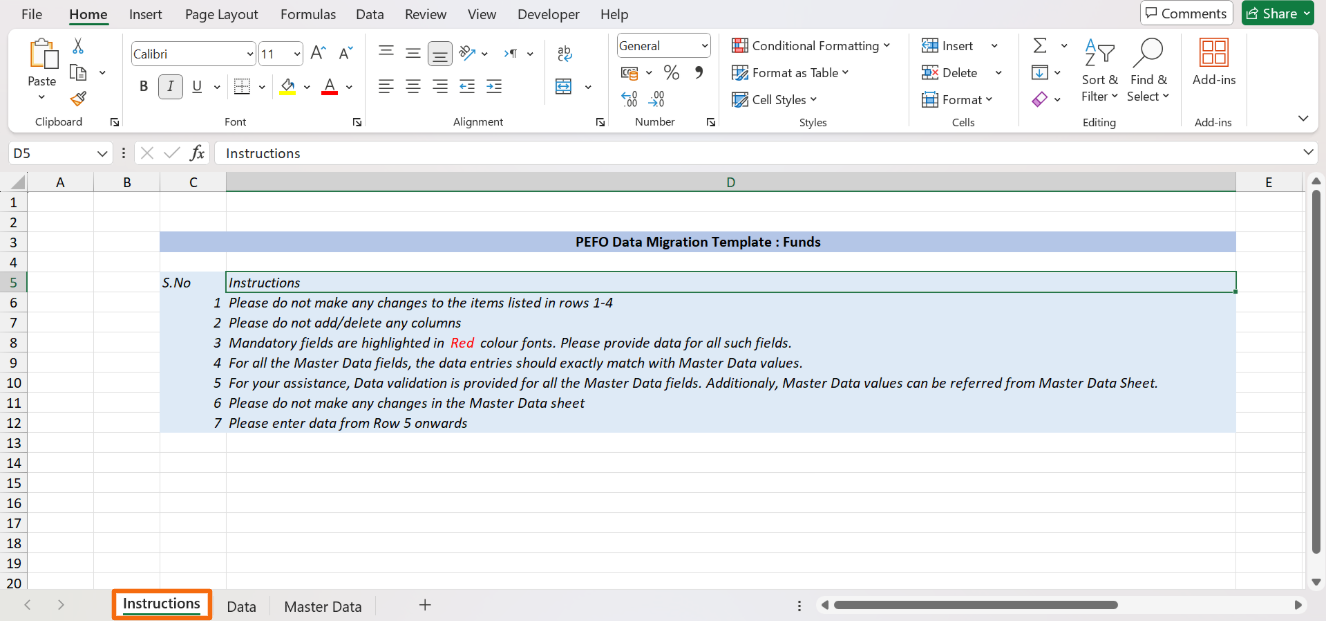
3. In the downloaded file, you can see three sheets- Instructions, Data, and Master Data. As the name suggests, the instructions sheet states all the related instructions.
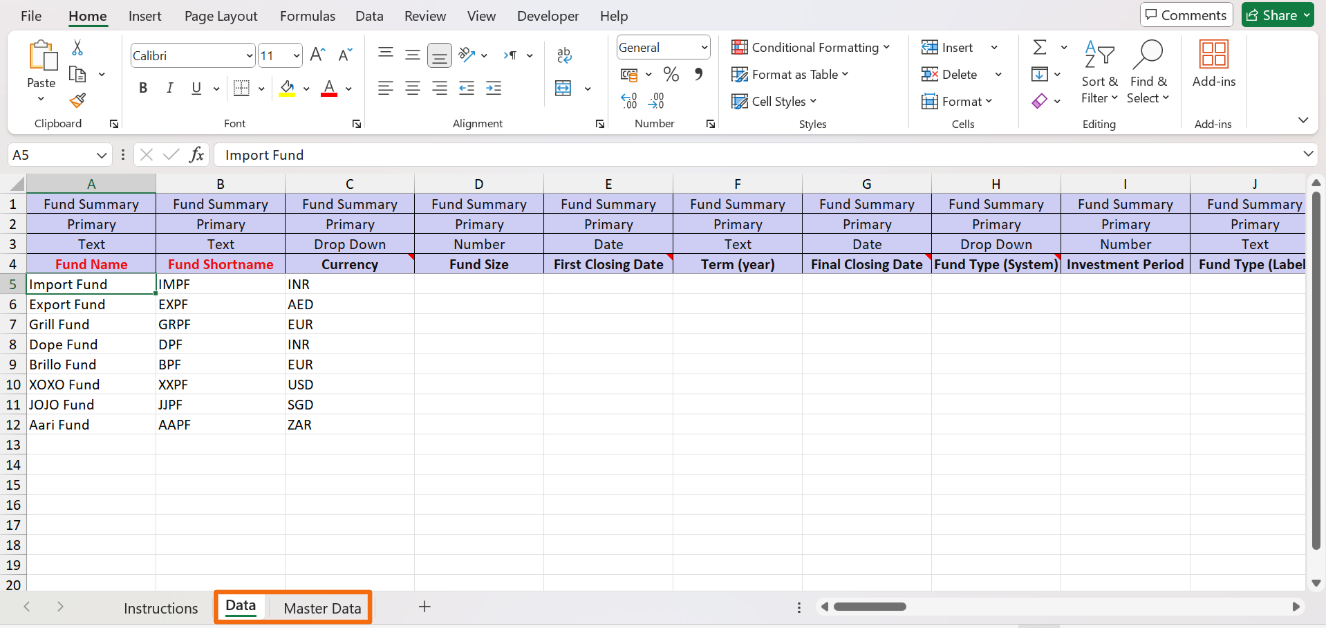
4. Input the historical data in the Data sheet. The data validation fields are linked to Master Data sheet. Input the data accordingly. Save it.
5. To import the file, click on the down arrow button beside Add Funds button. Click on Import from Excel.

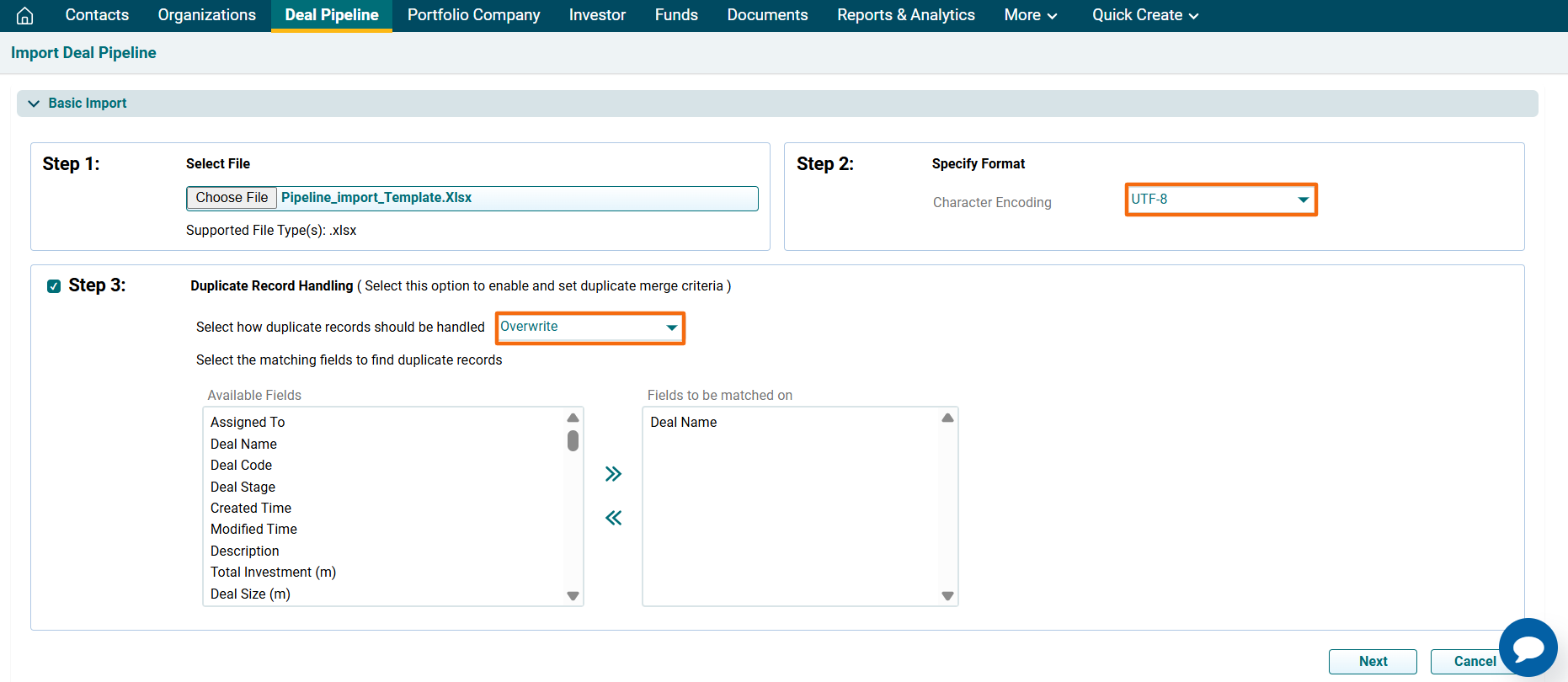
6. The Import Funds window is displayed. Click Choose File.
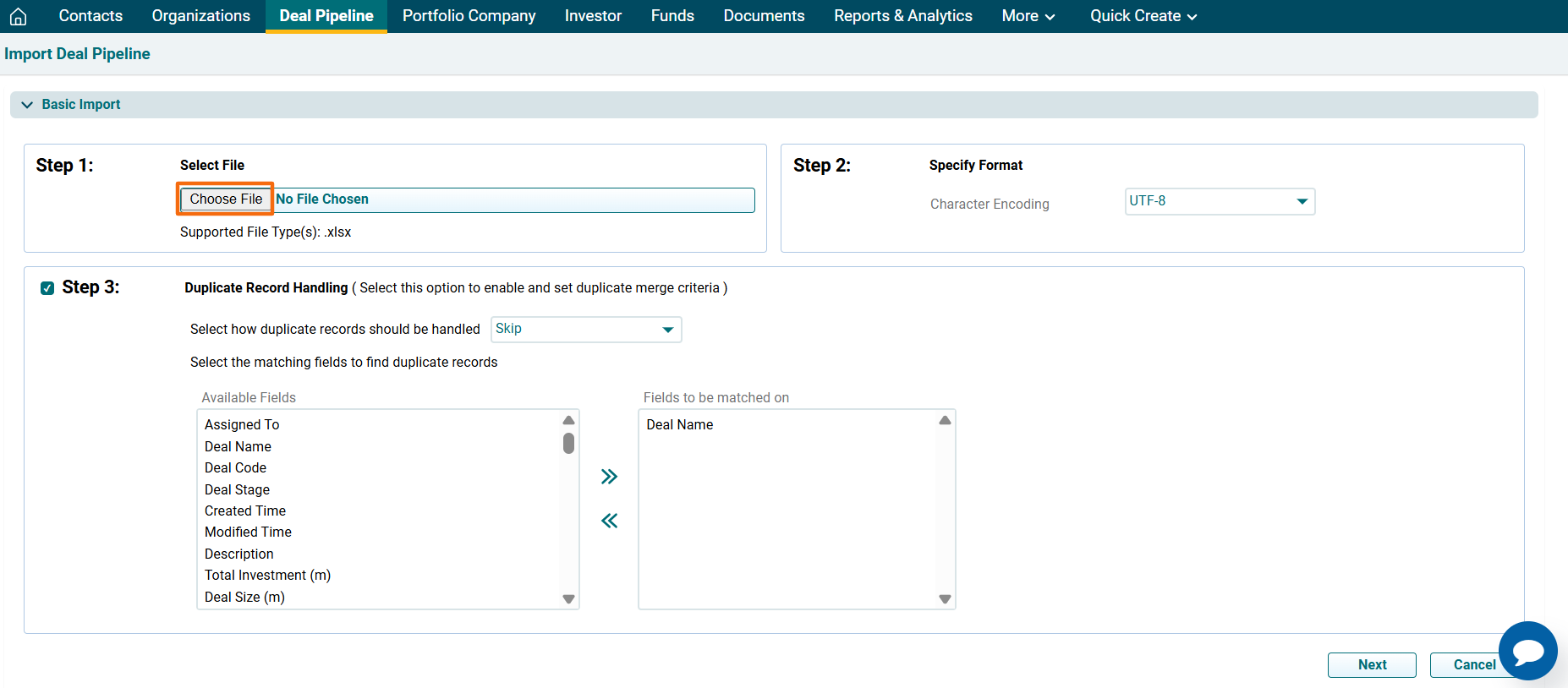
7. Specify the file type, if required. You can either specify how to deal with duplicate records from the dropdown list, i.e., Skip, Overwrite, or Merge.
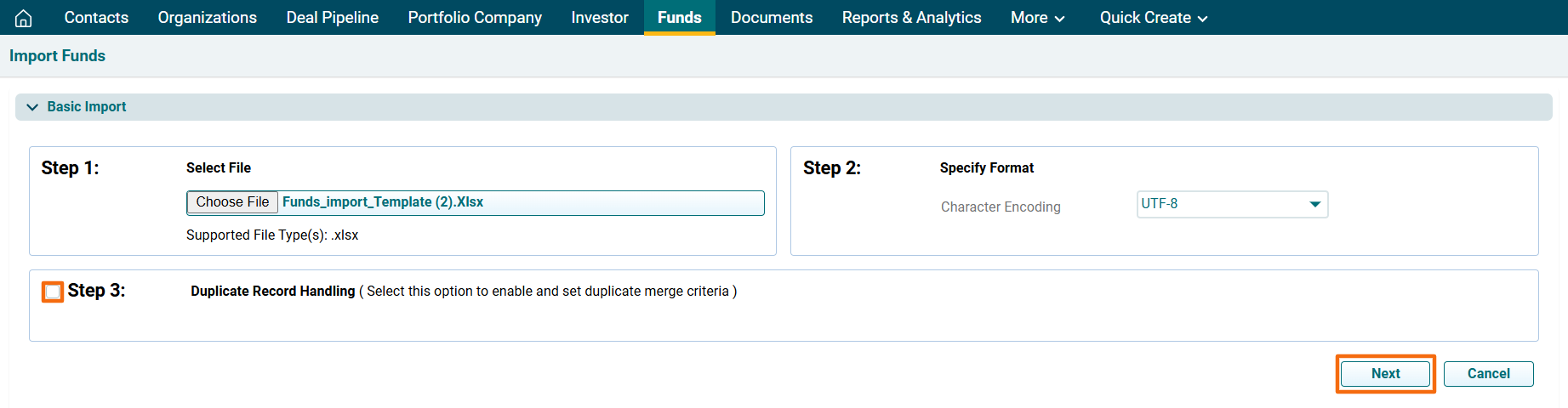
8. Click the checkbox to skip Duplicate Record Handling. Click Next.
9. Map the values.
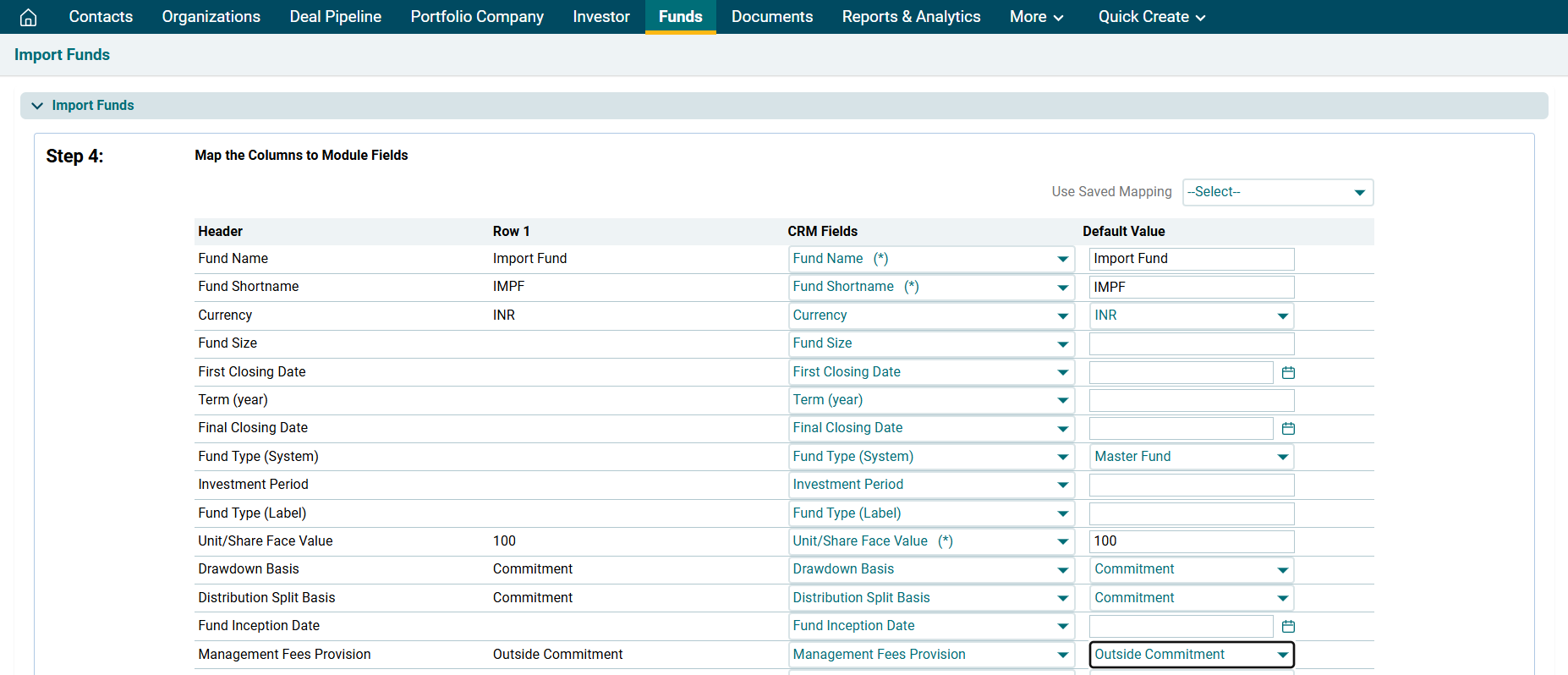
10. Click Import.

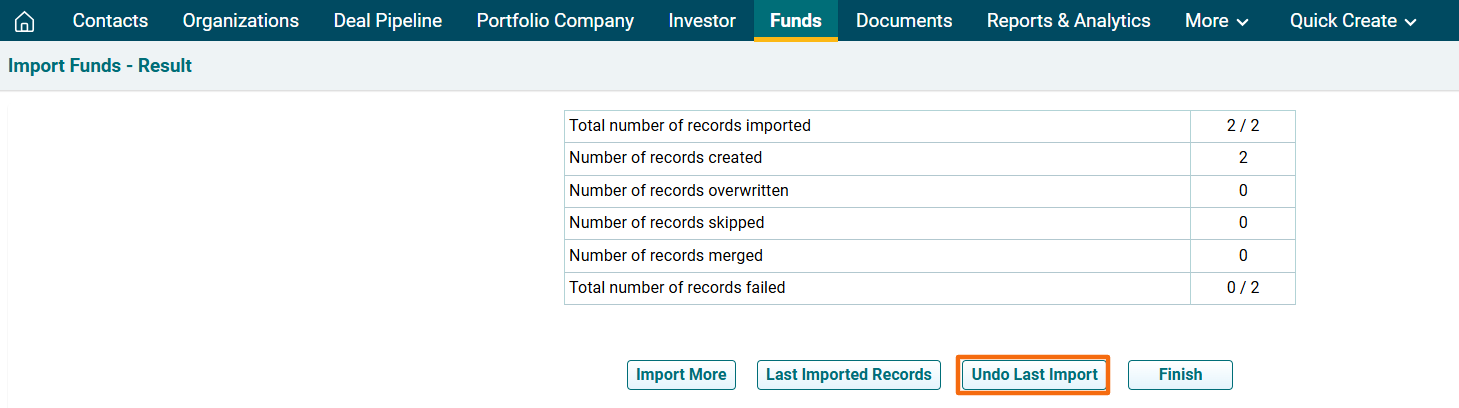
11. The Import Funds- Result window is displayed. To view last imported records, click on Last Imported Records. The excel file will download. Check the file for the highlighted errors and fix them before importing again.
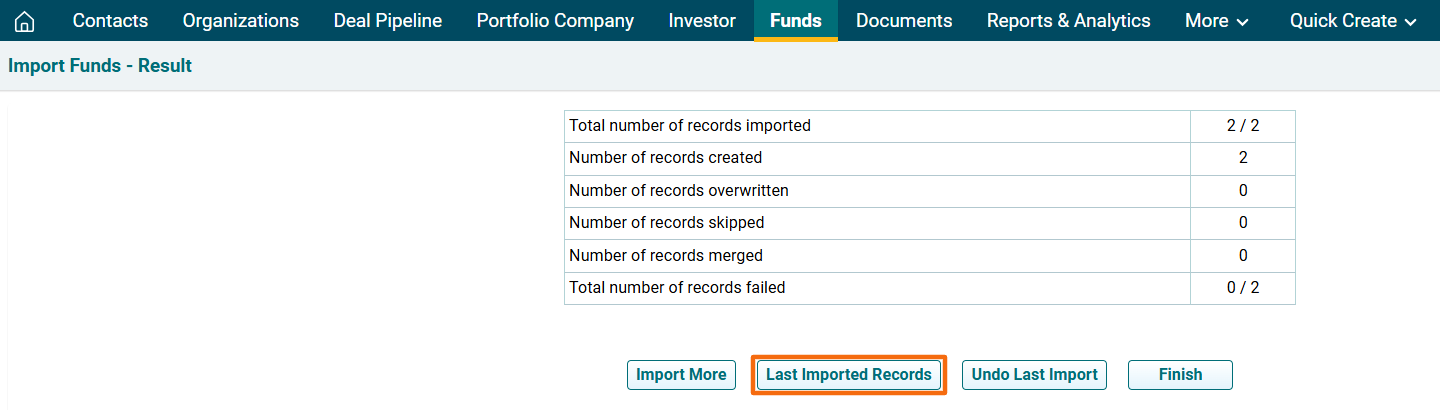
12. Click Finish.
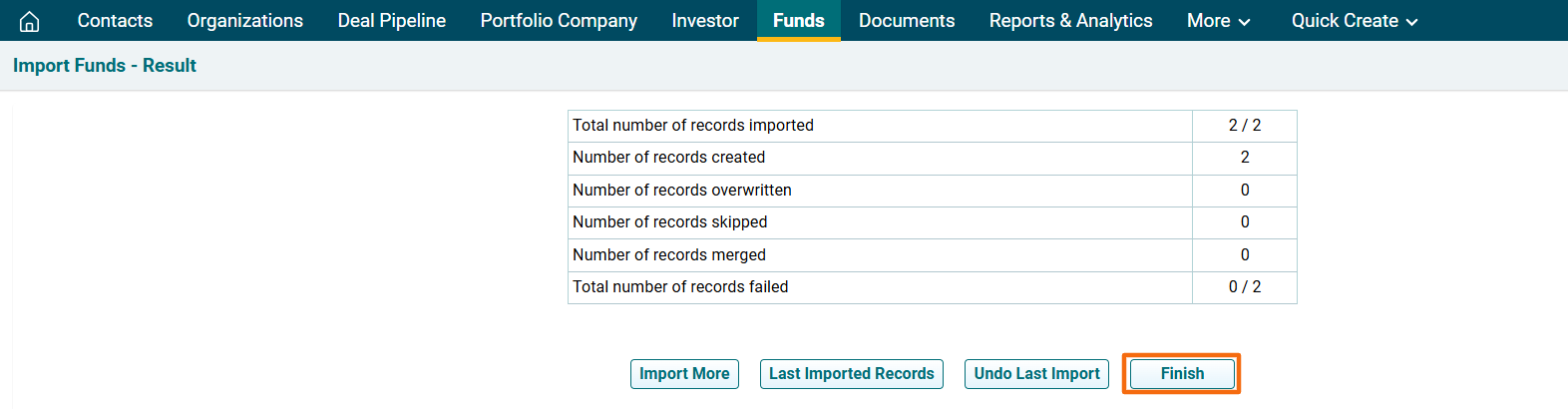
13. In case of a failed import, click on Undo Last Import.