
Cashflow Template-AS Template
This template allows you to bulk upload historical amortisation schedule cashflow data to PEFO.
To bulk upload cashflow data to PEFO, follow the below steps:
1. Click on Portfolio Company in the main menu.

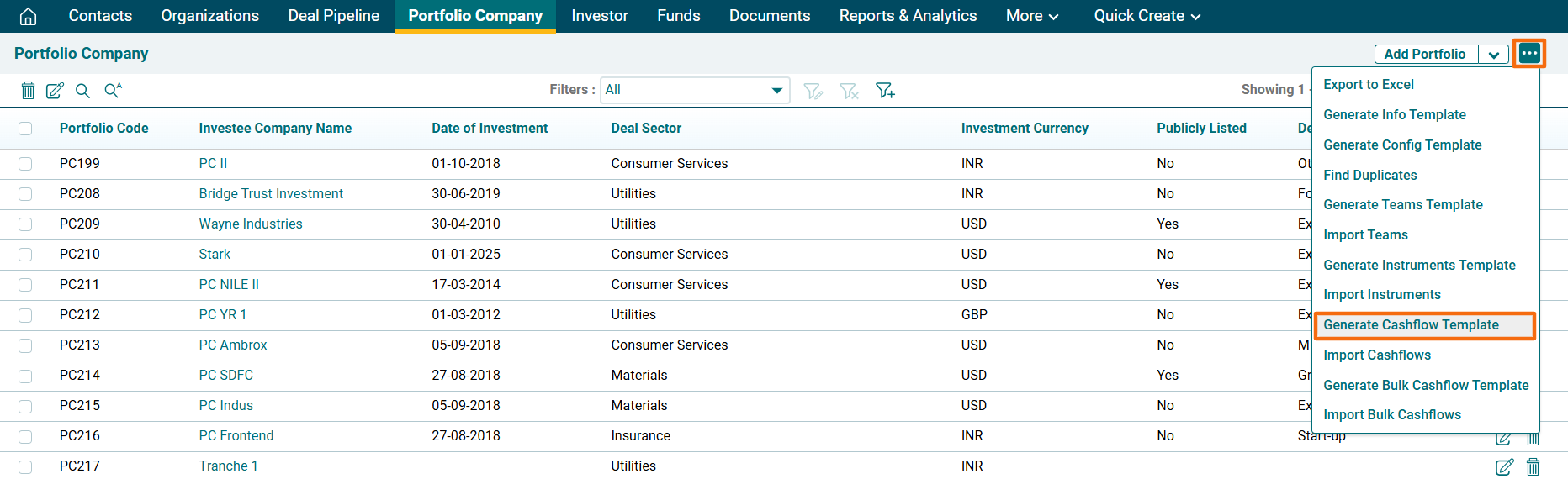
2. Click on the three dot menu in the top right corner. Click on Generate Cashflow Template.
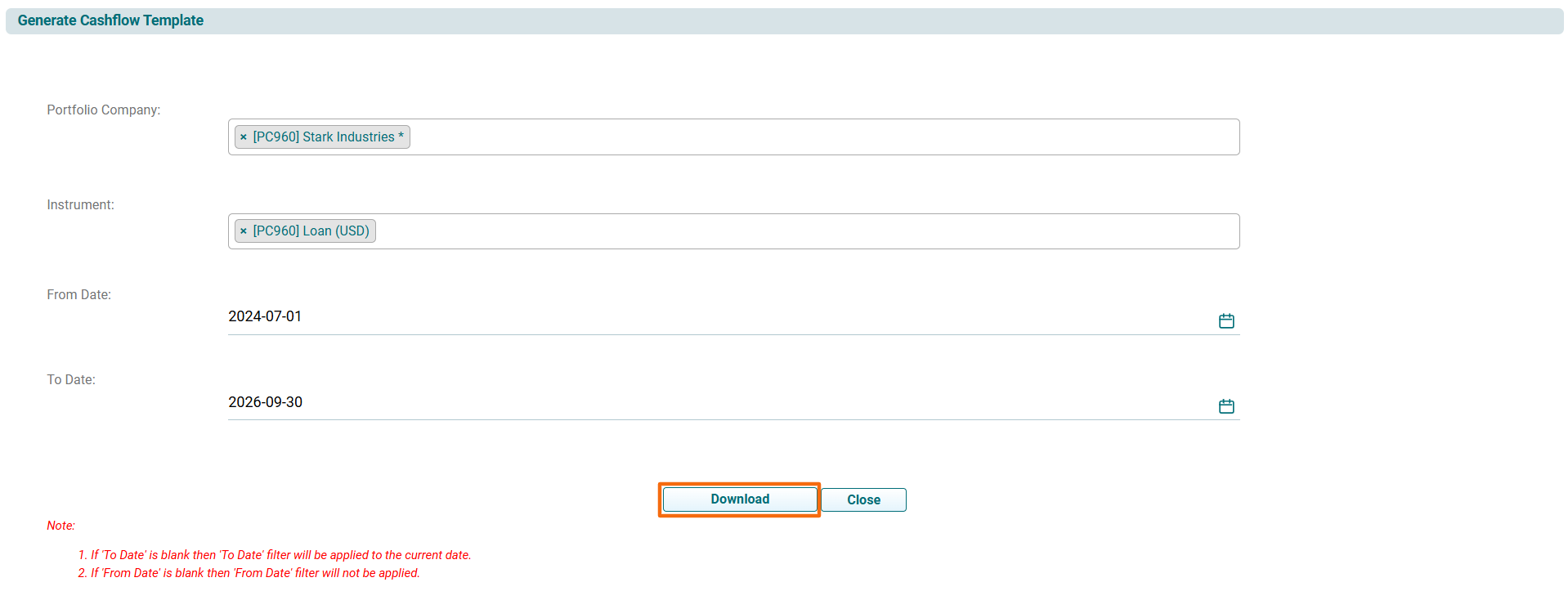
3. The Generate Cashflow Template window is displayed. Specify the following details:
- Portfolio Company: Name of the portfolio company.
- Instrument: Name of the instrument for which you wish to upload the data.
- From Date: Start date of the cashflow.
- End Date: End date of the cashflow.
4. Click Download.
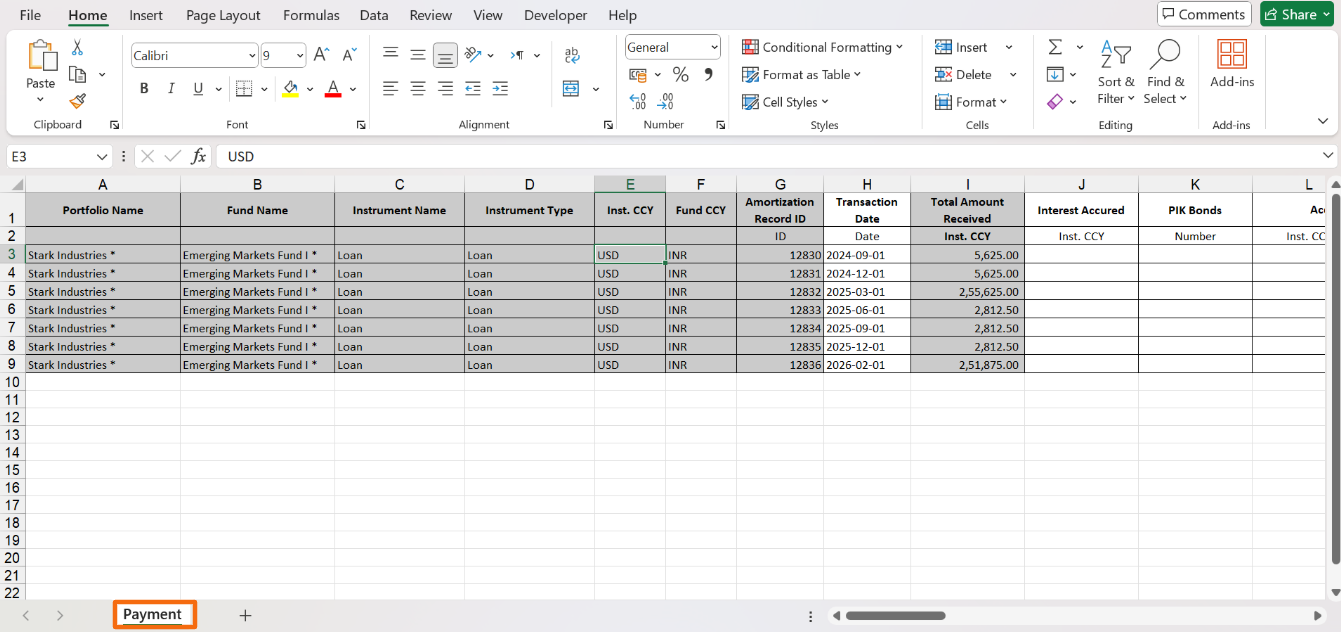
5. Make required changes and save the file.
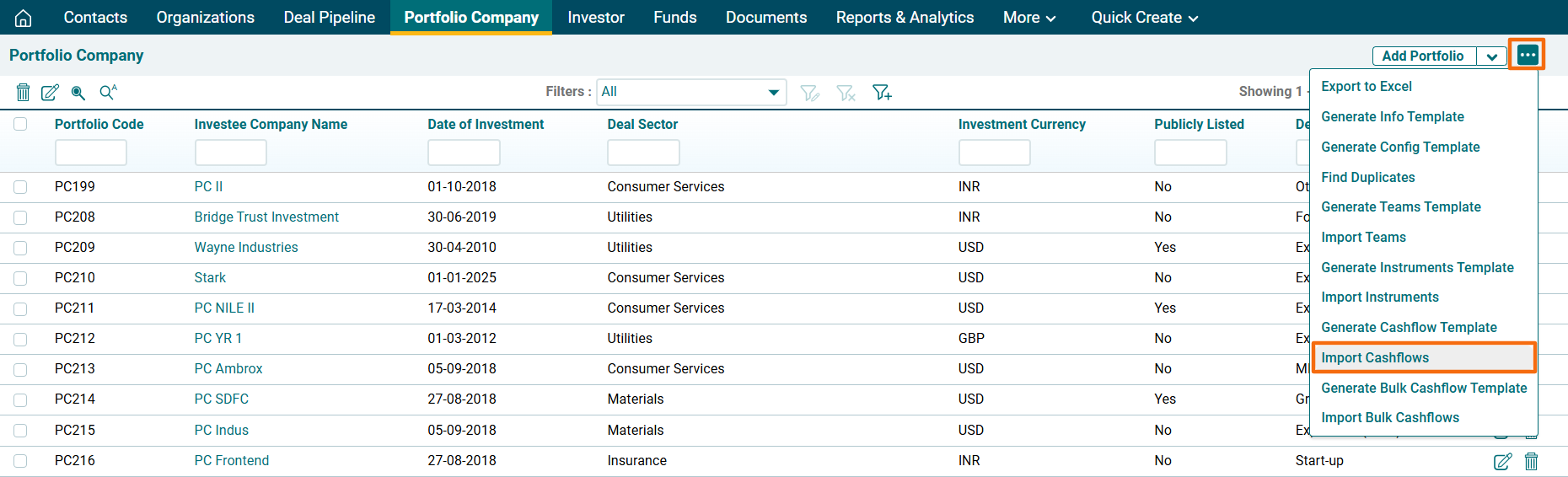
6. To import Cashflows data, click on the three dot menu in the top right corner. Click on Import Cashflows.
6. The Import Cashflows window is displayed. Click on Choose File.

7. Click Upload.

8. The Import Cashflows- Result window is displayed. To view last imported records, click on Last Imported Records. The excel file will download. Check the file for the highlighted errors and fix them before importing again.

