Responsibility & Oversight
This panel allows you to assign roles and responsibilities related to ESG operations.
To add a role, follow the below steps:
1. Navigate to Responsibility & Oversight panel.
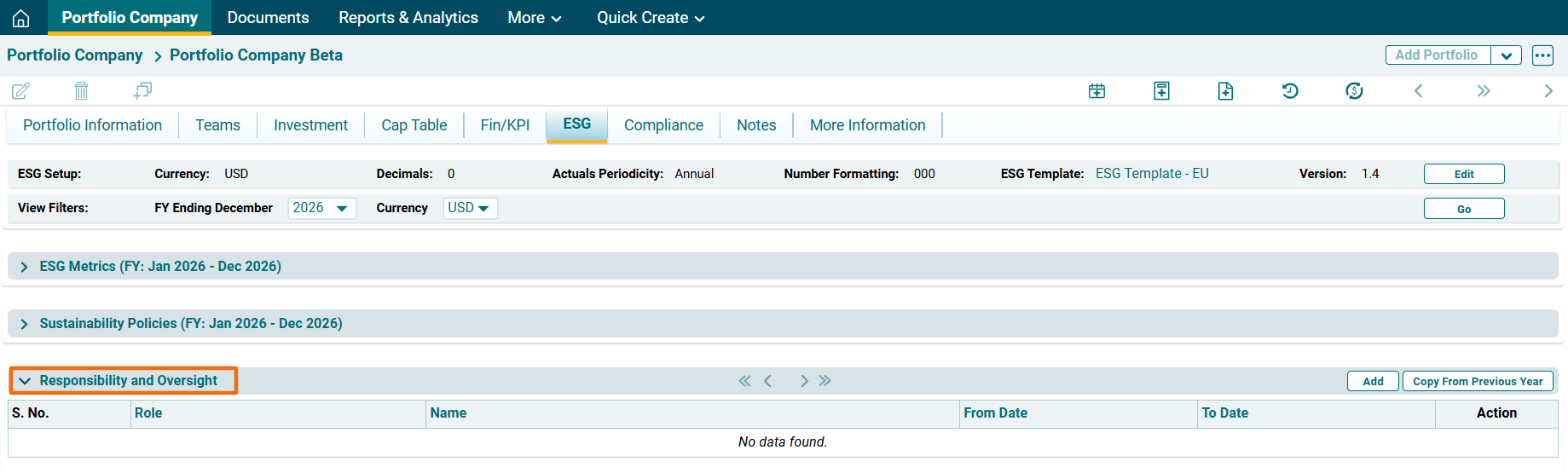
2. Click on Add ( ) button in the top right corner of the panel.
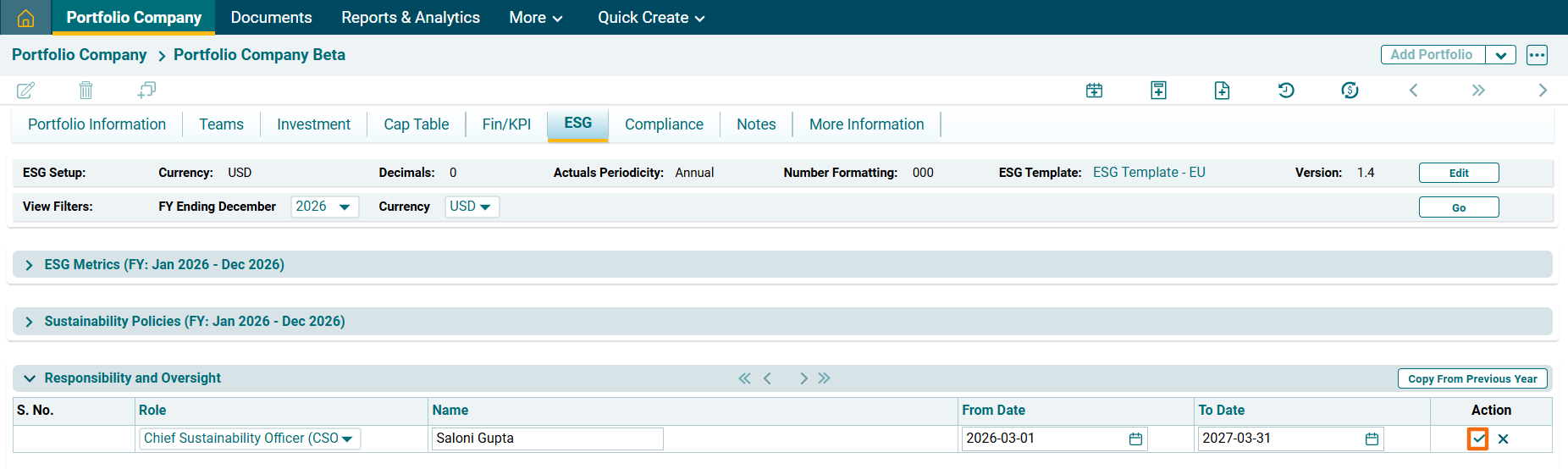
3. The fields will be activated. Enter the following details:
- Role: To specify the role of the executive.
- Name: To specify the name of the executive.
- From Date: To specify the start date of the term.
- To Date: To specify the end date of the term.
Click Check ( ) button to save the details.
Copy From Previous Year
To add Responsibility & Oversight Data from previous year, follow the below steps:
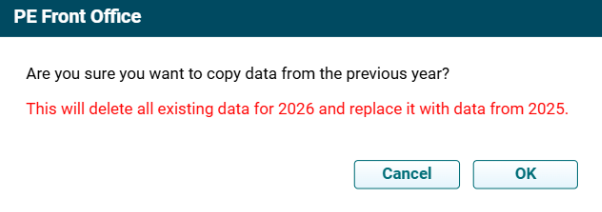
1. Click on Copy From Previous Year ( ) button in the top right corner of the panel to copy data from previous year. A pop up window is displayed. Click OK.