Sustainability Policies
This panel allows you to define various sustainability policies applicable to the portfolio company.
To add a policy, follow the steps below:
1. Navigate to the Sustainability Policies panel.
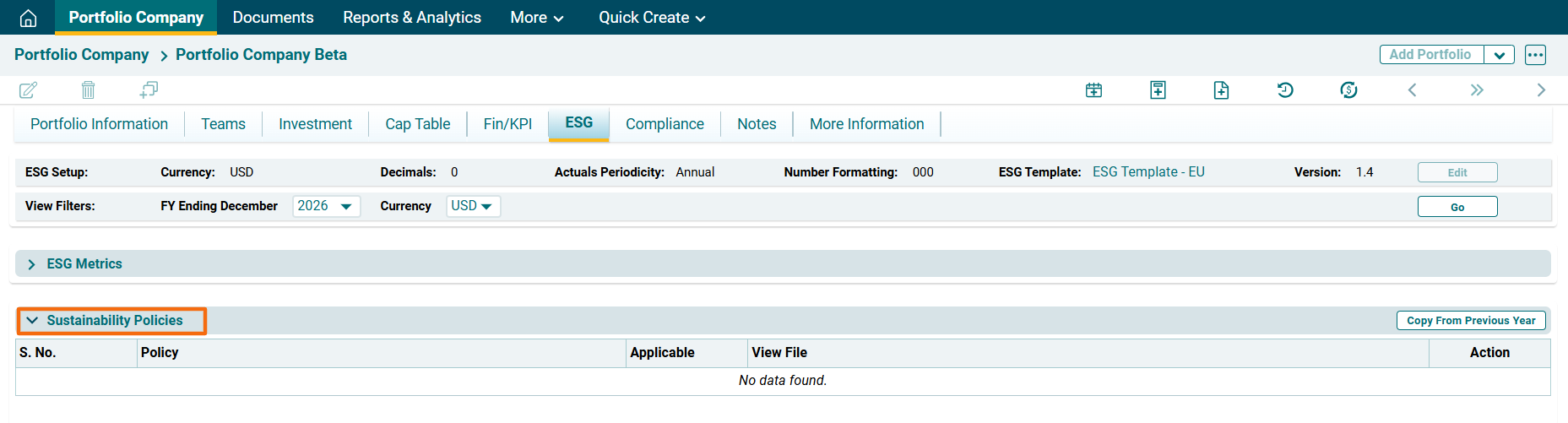
2. Click on Edit ( ) icon in the Action column.
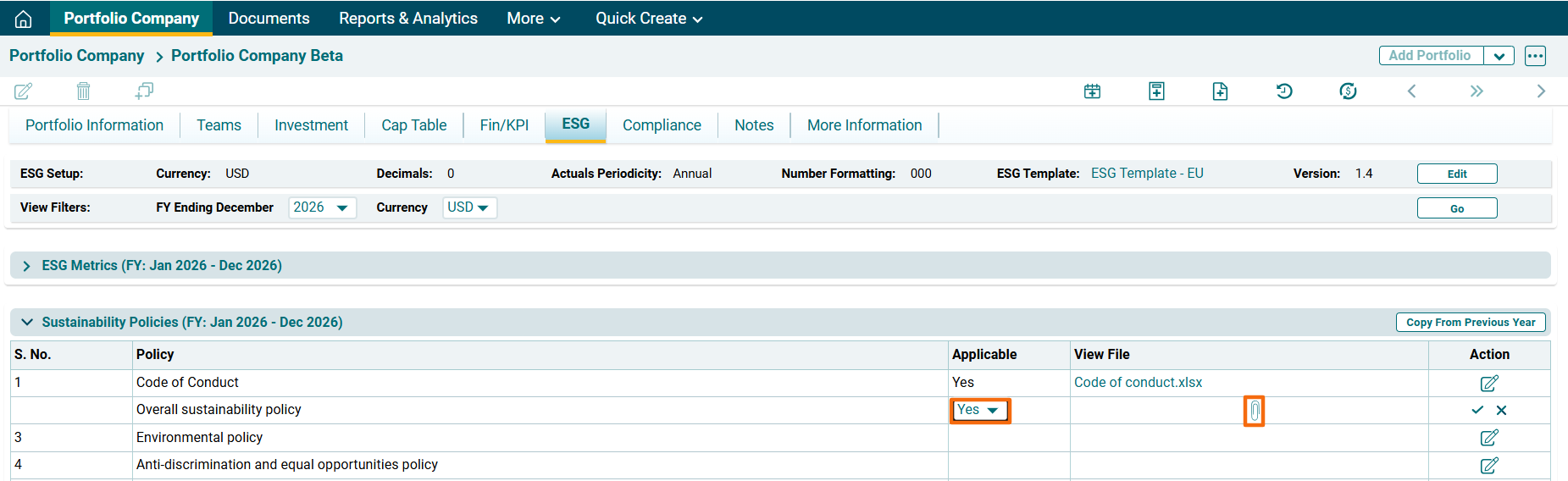
3. The field will be activated. Choose Yes or No from the dropdown to specify if it's applicable or not. Click on Attach File ( ) icon. Choose a file
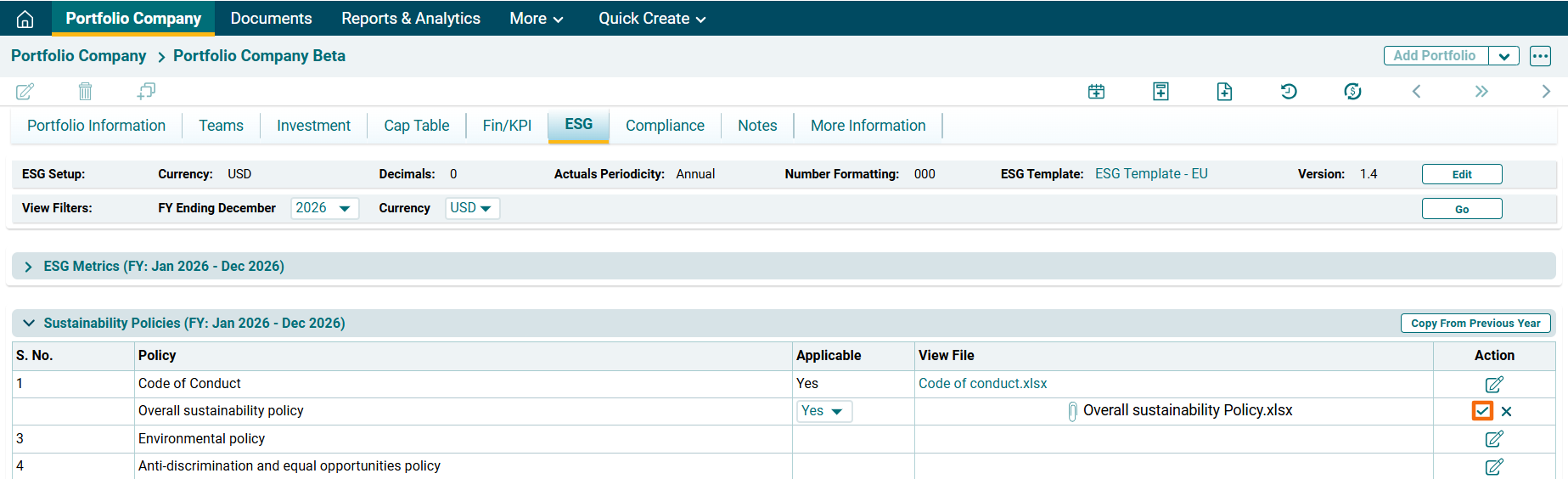
4. . Click Check ( ) button to save the details.
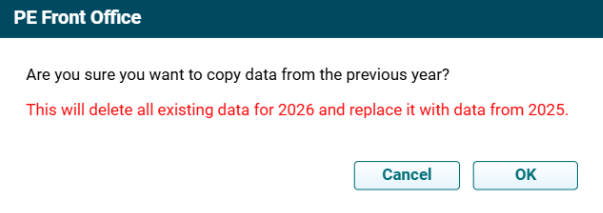
Copy From Previous Year
To copy a policy from previous year, follow the below steps:
1. Click on Copy From Previous Year ( ) button in the top right corner of the panel to copy data from previous year. A pop up window is displayed. Click OK.