
Investee Company Specific Fields
To view Investee Company Specific Fields, follow the below steps:
1. Navigate to Fin/KPI tab and click Edit. Fin/KPI Set-up Tab will be displayed.

Navigate to Investee Company Specific Fields panel.
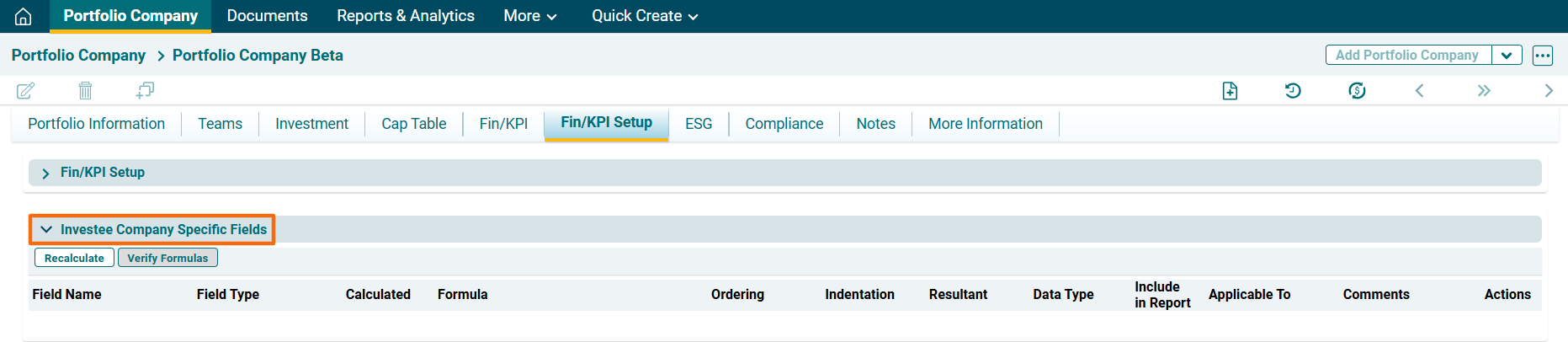
After you add a field or edit it by using a formula, click on Recalculate ( ) button in the top horizontal bar of the panel. It will recalculate the value of fields and display them in Financials Tab.
 ) in the top left corner of the panel.