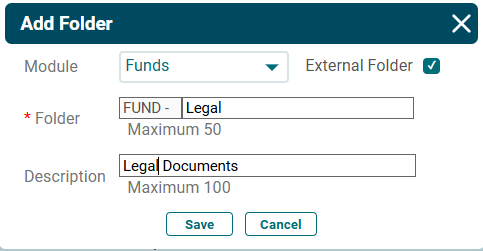
Folder Structure
Only admins can create folders.
To create a folder, follow the below steps:
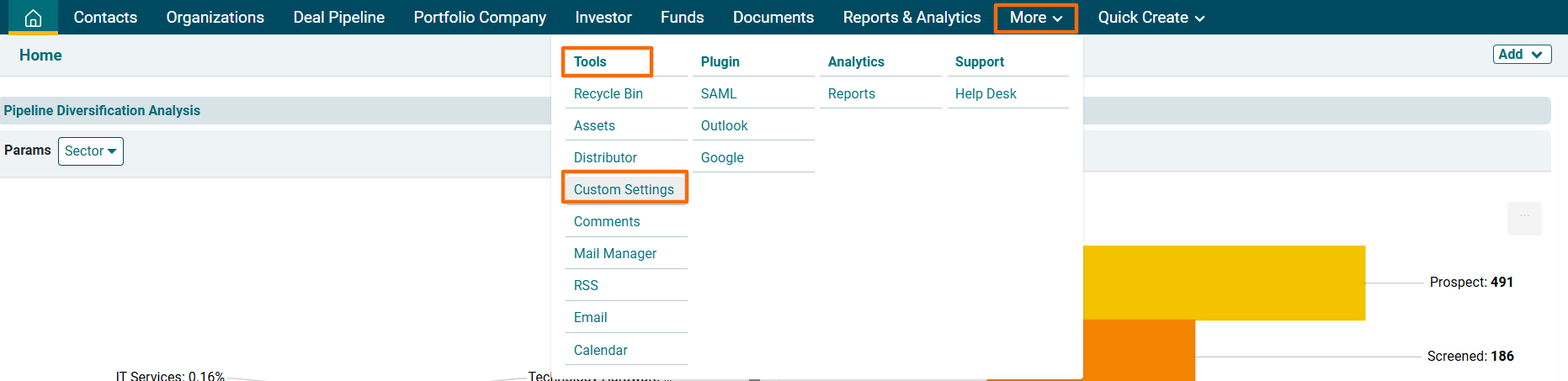
1. Click on More in the main menu. In dropdown menu, click on Custom Settings under Tools Column.
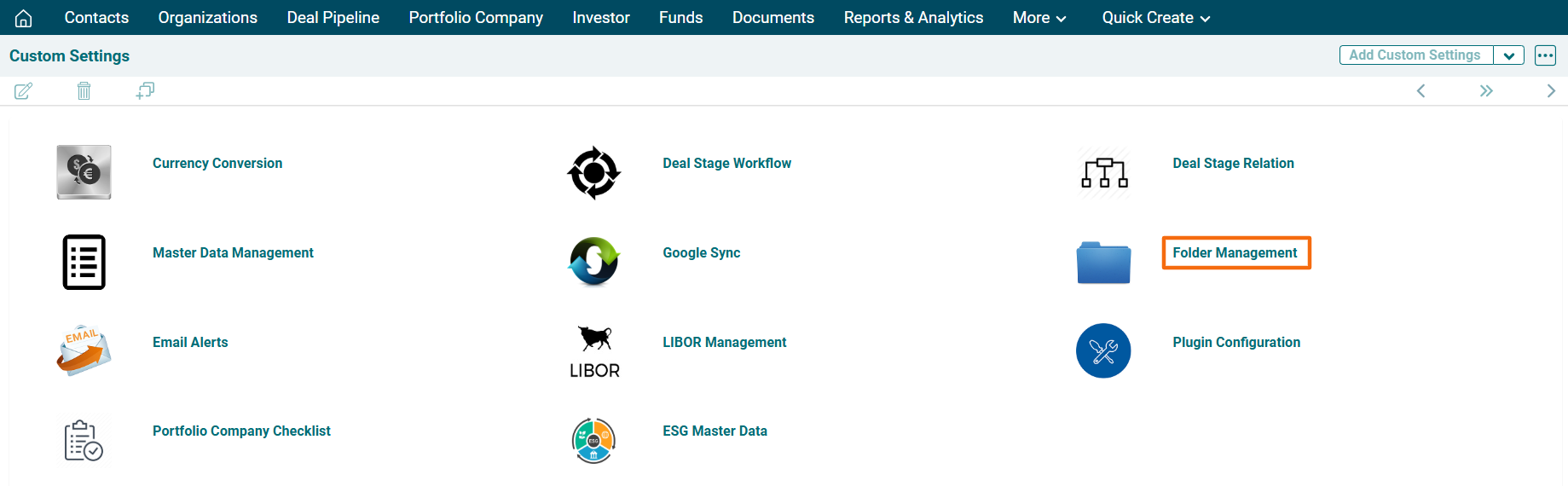
2. The Custom Settings window is displayed. Click on Folder Management.
3. Click on Add Folder button in the top right corner.

4.The Add Folder Window is displayed. Choose a module from the dropdown. Based on the module, the folder prefix is auto-populated, i.e., FUND for Funds. Enter the description. Click Save.
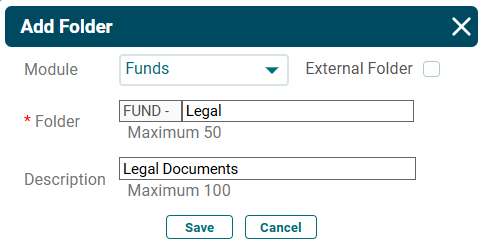
4. To create an external folder, i.e. a default folder which is not specific to any module, click the External Folder checkbox. An external folder is not visible in any module.