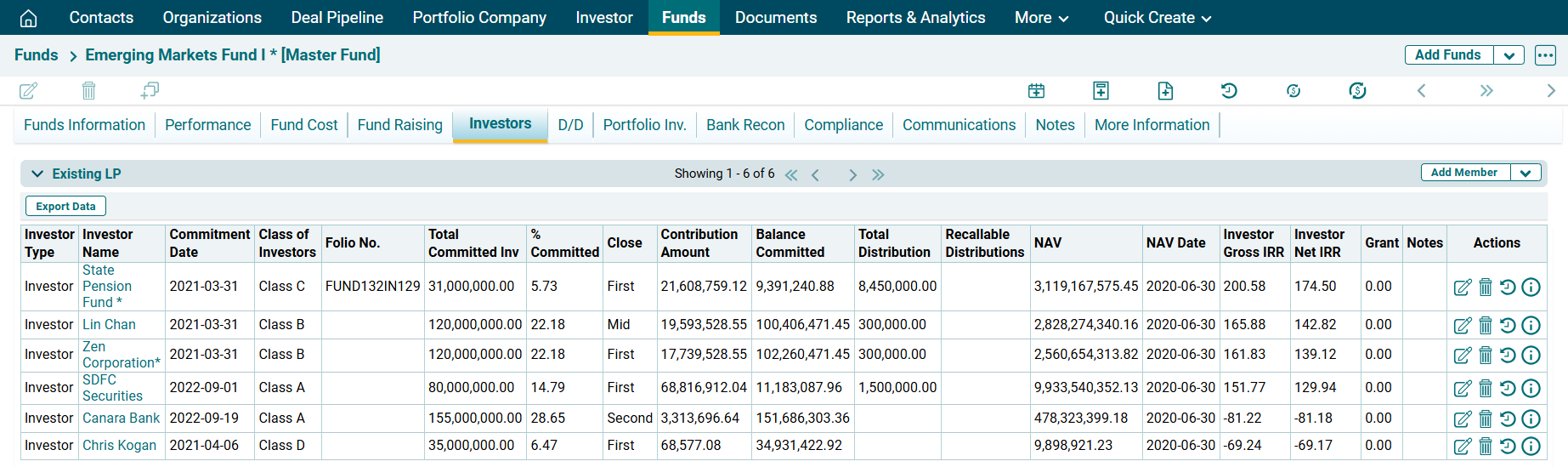
Link Funds and Investor
To link investors to a fund, follow the below steps:
1. Click on Funds in the main menu.

2. Choose the fund you want to link to an Investor.

3. Navigate to Investors tab. Click on the down arrow button next to Add member button. Click on Download Template.

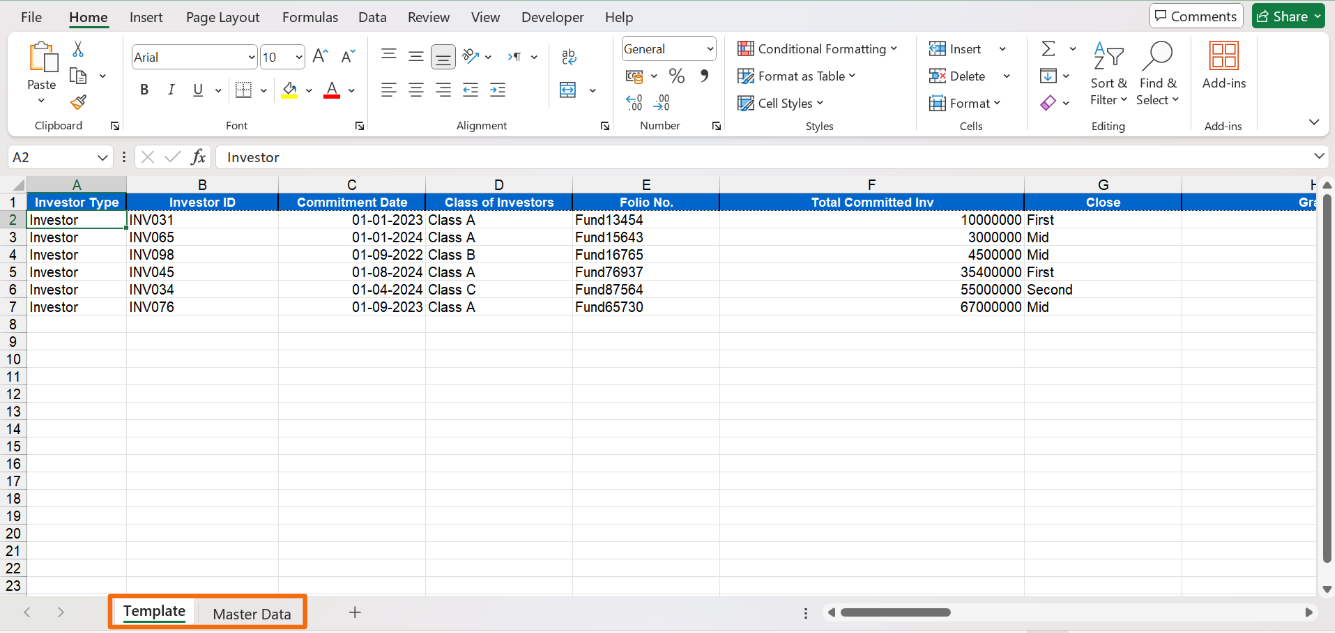
4. The excel file will download. You can see two sheets, i.e. Template and Master data. Input the historical data in the Template sheet. The data validation fields are linked to Master Data sheet. Input the data accordingly. Save it.
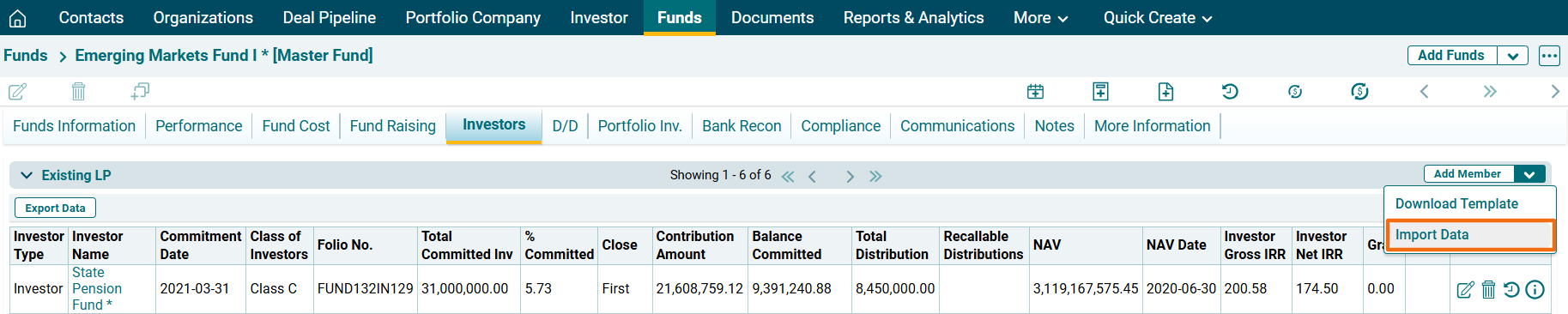
5. To import bulk LP details, click on the down arrow button next to Add Member button. Click on Import Data.
6. Click the Choose File button.

7. Choose the Existing LP template. Click Upload.

8. The Existing LP details will populate based on the uploaded template.