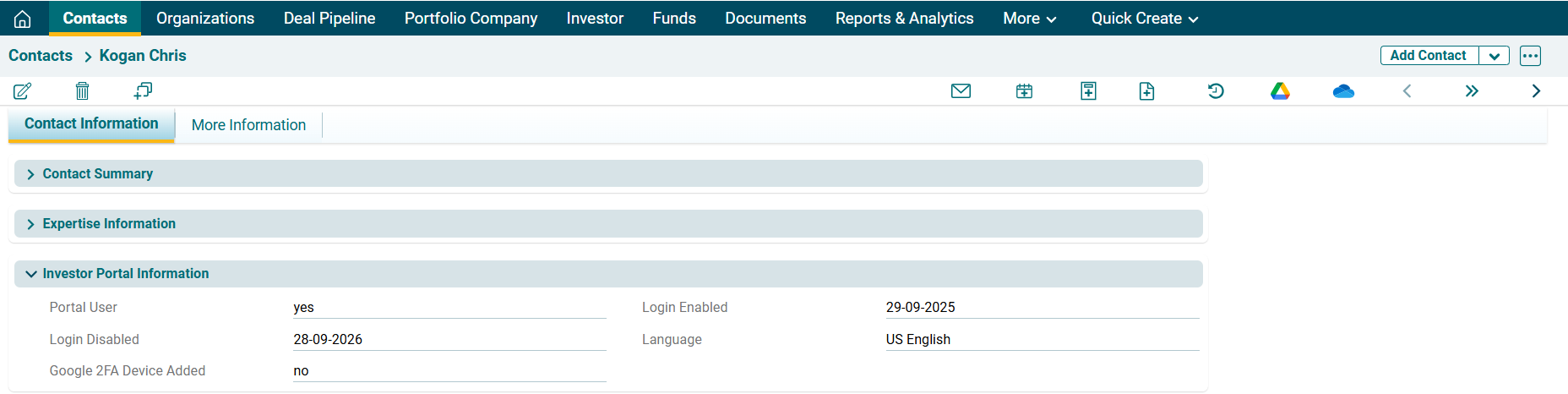
Investor Login
To grant Investor portal rights to an investor, follow the below steps:
1. Click on Contact to whom access rights are to be given.

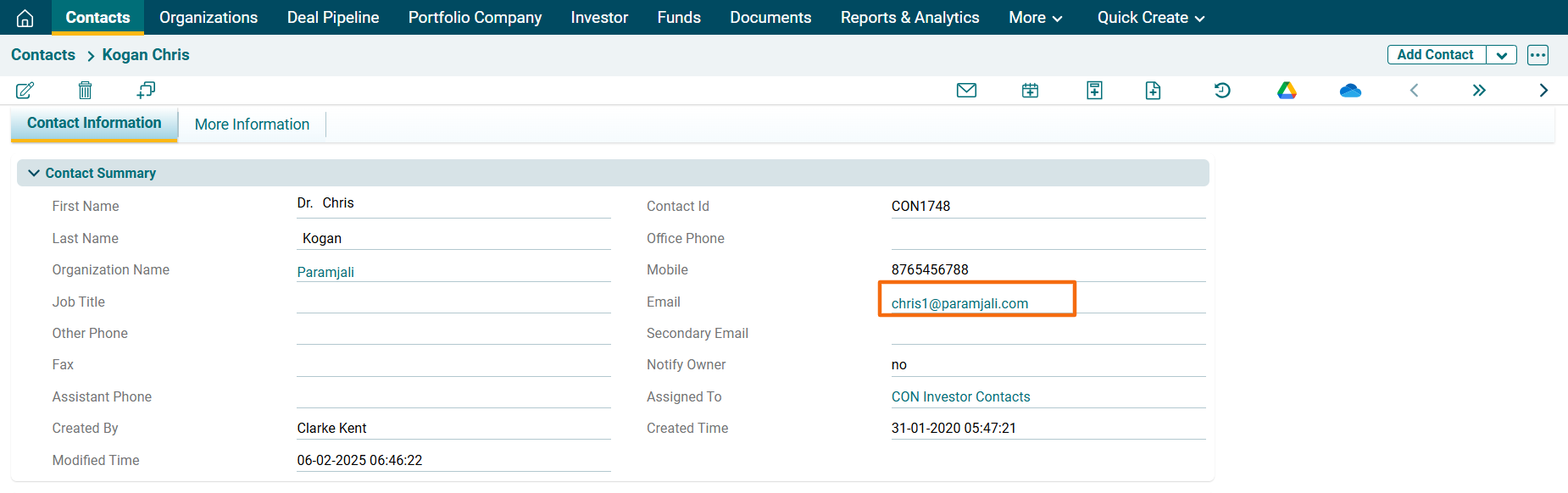
2. Ensure that the email ID of the contact is updated under Basic Information. The login credentials will be sent to this email.
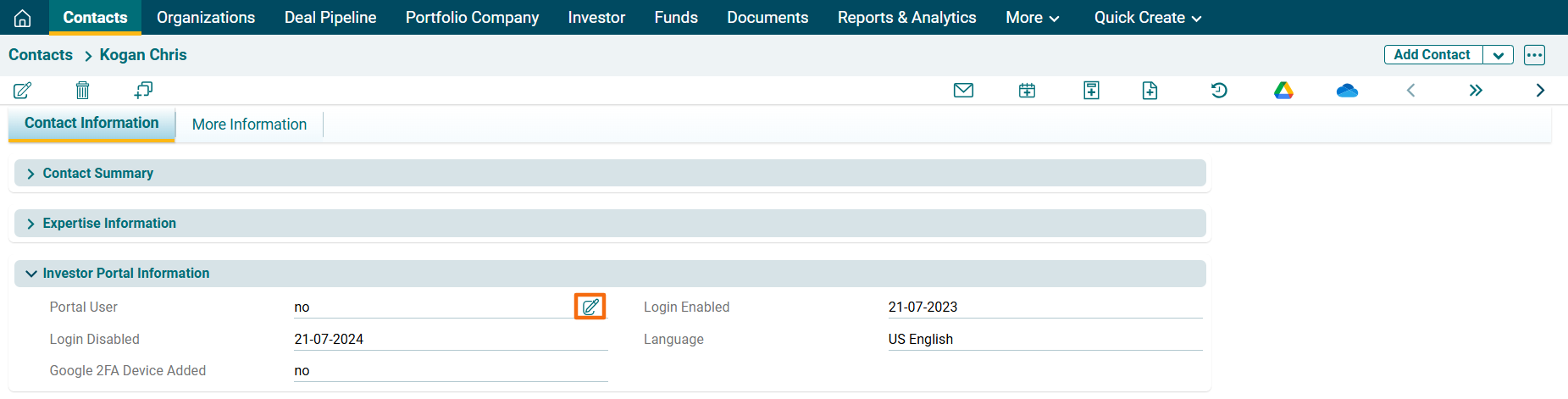
3. Navigate to Investor Portal Information panel. To edit Portal user, click Edit button ( ).
).
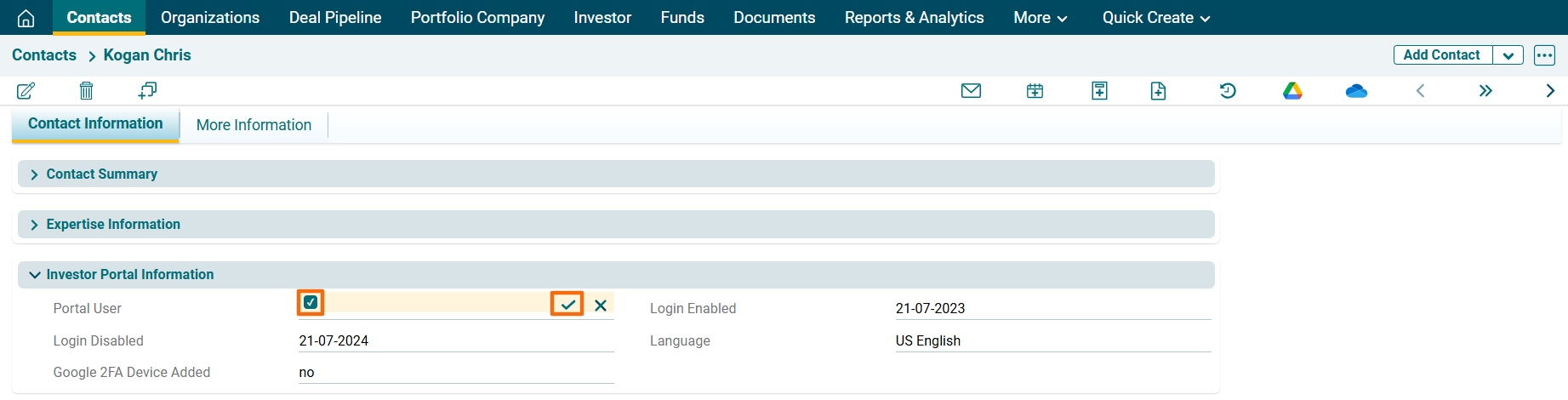
4. Click the checkbox. Click check button ( ) to save the changes.
5. As soon as you make the changes, the login credentials are shared with the user via email.
6. The login is valid for a year from the date of access granted. The Login enabled and login disabled are auto populated.