• HELP CENTER

  • Getting Started
  • CRM
  • Deal Pipeline
  • Portfolio Company
  • Investee Company Portal
  • Investors
  • Investor Portal
  • Funds
  • Investee Fund Portal
  • Reports and Analytics
  • Deal Data Room
  • Help Desk
  • Document Management
  • Excel Add-in Integration
  • Email Integration
  • Implementation
  • Custom Settings
  • System Administration

Help Desk

  • Create Ticket
    • Quickly Create a Ticket
    • Help Desk
      • Add a Ticket
      • Edit a Ticket
      • Delete a Ticket
      • Duplicate a Ticket
    • Import from Excel
    • Export to Excel
    • Contacts
    • Organization
    • Investor
    • Fund
  • Ticket Summary
    • Contacts
      • Help Desk Information
      • Comments
    • Organization
      • Help Desk Information
      • Comments
    • Investor
      • Help Desk Information
      • Comments
    • Fund
      • Help Desk Information
      • Comments
  • Tasks
    • Task
    • Event
  • Documents
    • Add a Document
    • Add Existing Document
    • Edit/Delete a Document
    • Download a Document
  • Ticket History
  • Email
Help Center /

Delete A Ticket

To delete a ticket in Record View, follow the below steps:

1. Navigate to Help Desk list view.
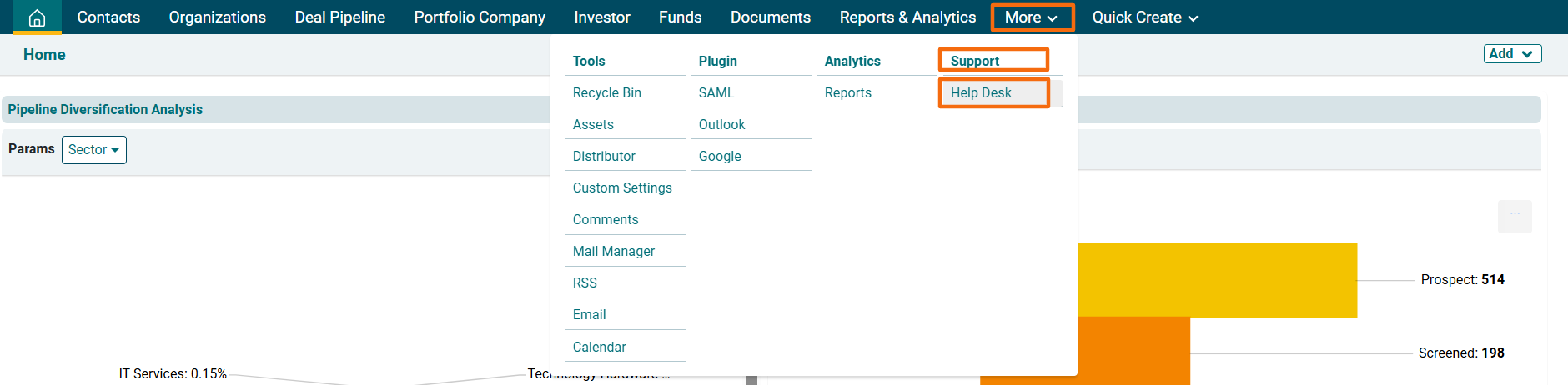

2. Click on the Ticket.


3. Click on the Delete icon in the top left corner.
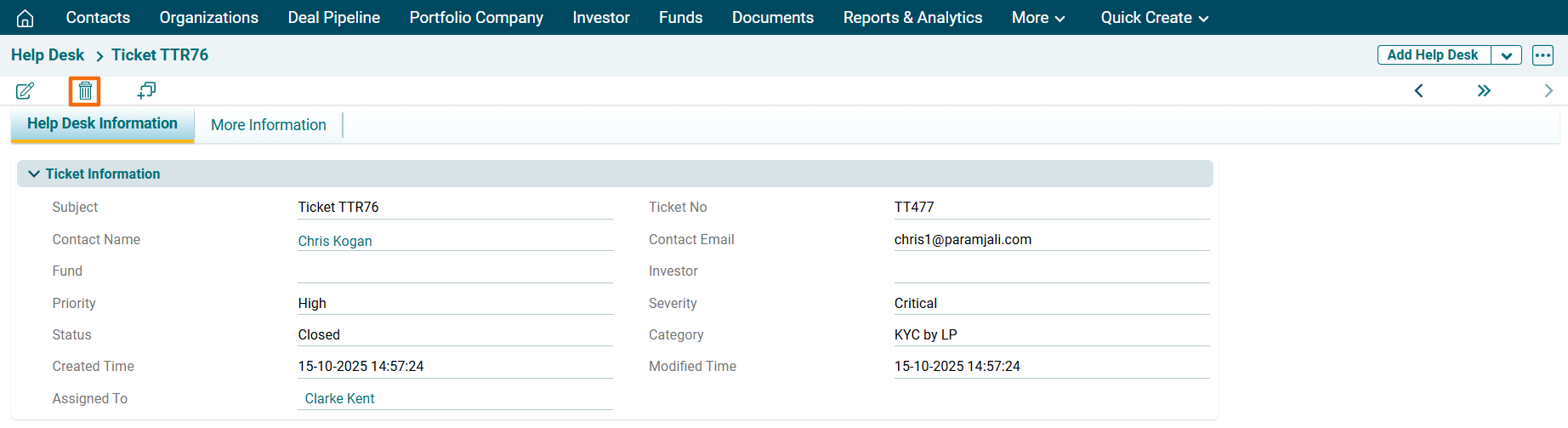

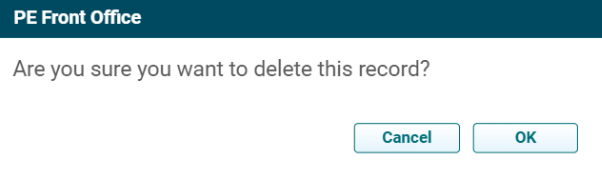
4. The delete popup is displayed. Click OK to delete the entire record.