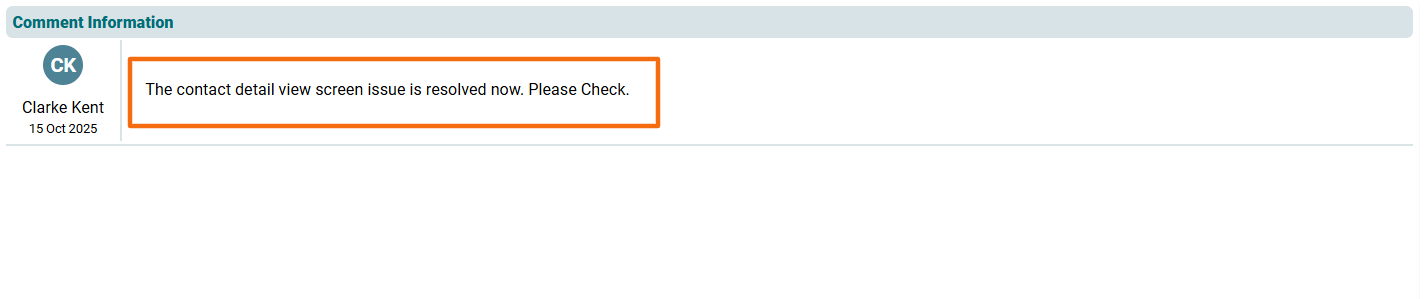
Comments
This panel allows you to add any ticket-related comments which can be viewed by the team members at any given time.
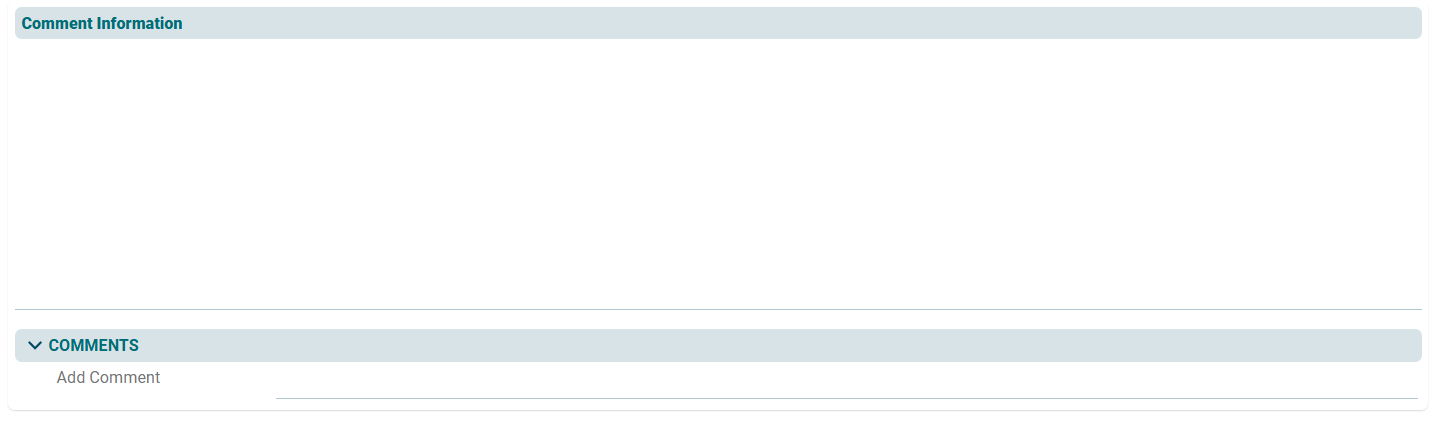
To add a comment, follow the steps below:
1. Click on the Edit button in the Comments panel.

2. Add comment and click on Check ( ) button to save.

Once you have added a comment, it cannot be deleted. It is always displayed in the Comments section. You can also apply the Show filter to see relevant comments.