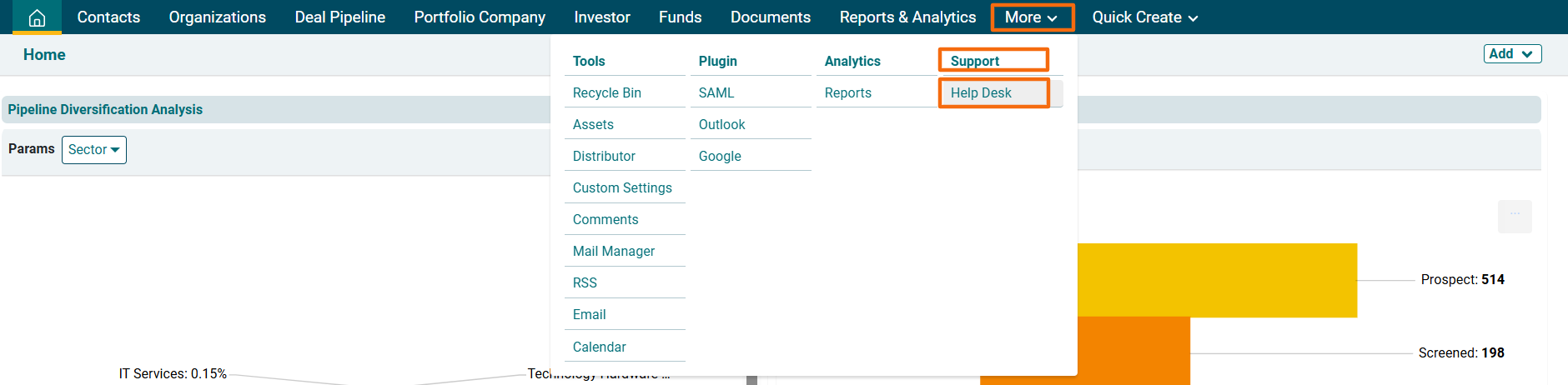
1. Navigate to Help Desk list view.
2. Click on the Ticket.

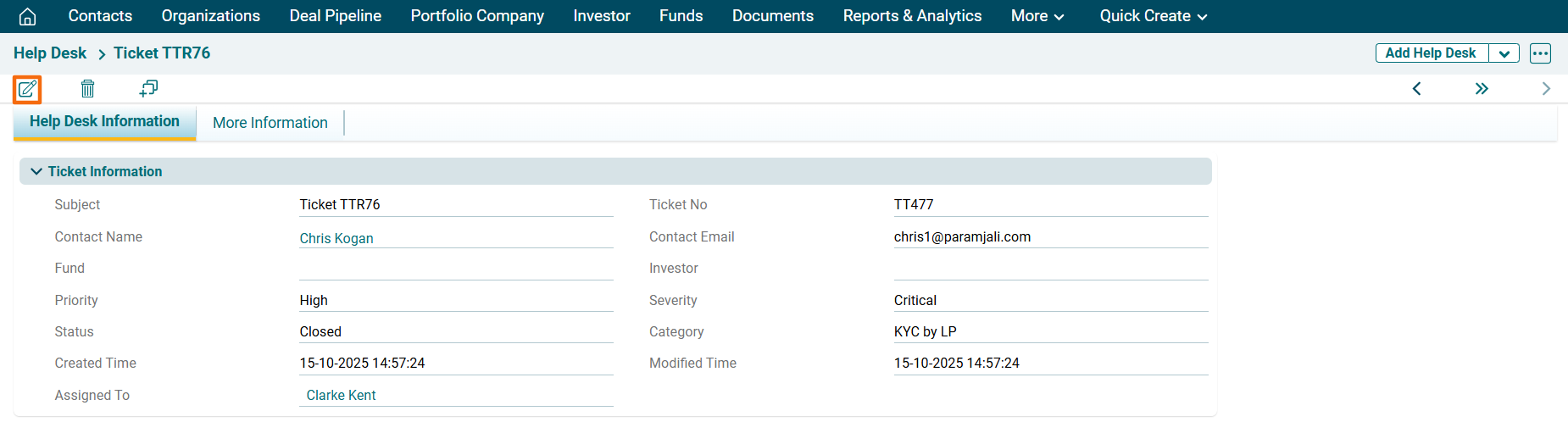
3. Click on the Edit icon in the top left corner.
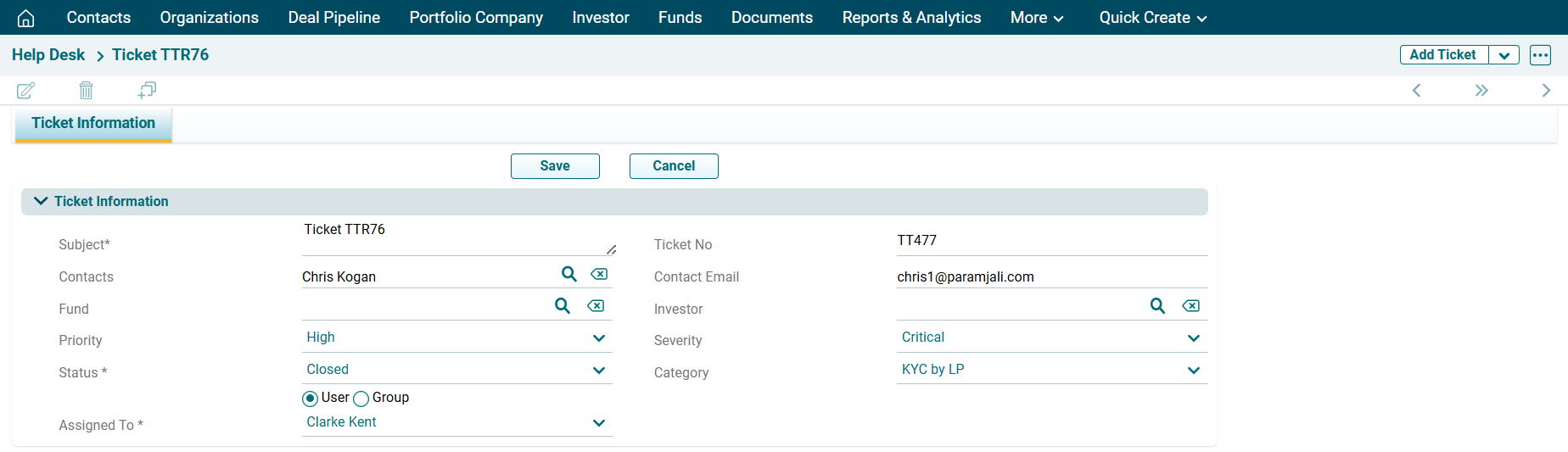
4. Update the details and click Save.

To edit a ticket in Record View, follow the below steps:
1. Navigate to Help Desk list view.
2. Click on the Ticket.
3. Click on the Edit icon in the top left corner.
4. Update the details and click Save.