
Comments
This panel allows you to add any ticket-related comments which can be viewed by the team members at any given time.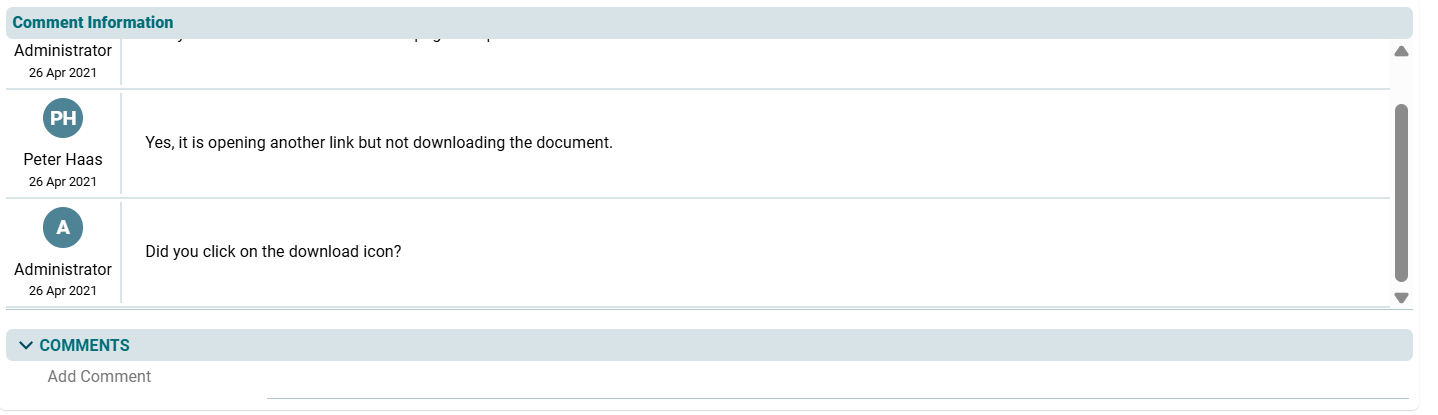
1. Click on the Edit button in the Comments panel.
2. Add comment and click on Check ( ) button to save.
Once you have added a comment, it cannot be deleted. It is always displayed in the Comments section. You can also apply the Show filter to see relevant comments.