Create A Deal Through Web Form
To create a deal through web form, follow the below steps:
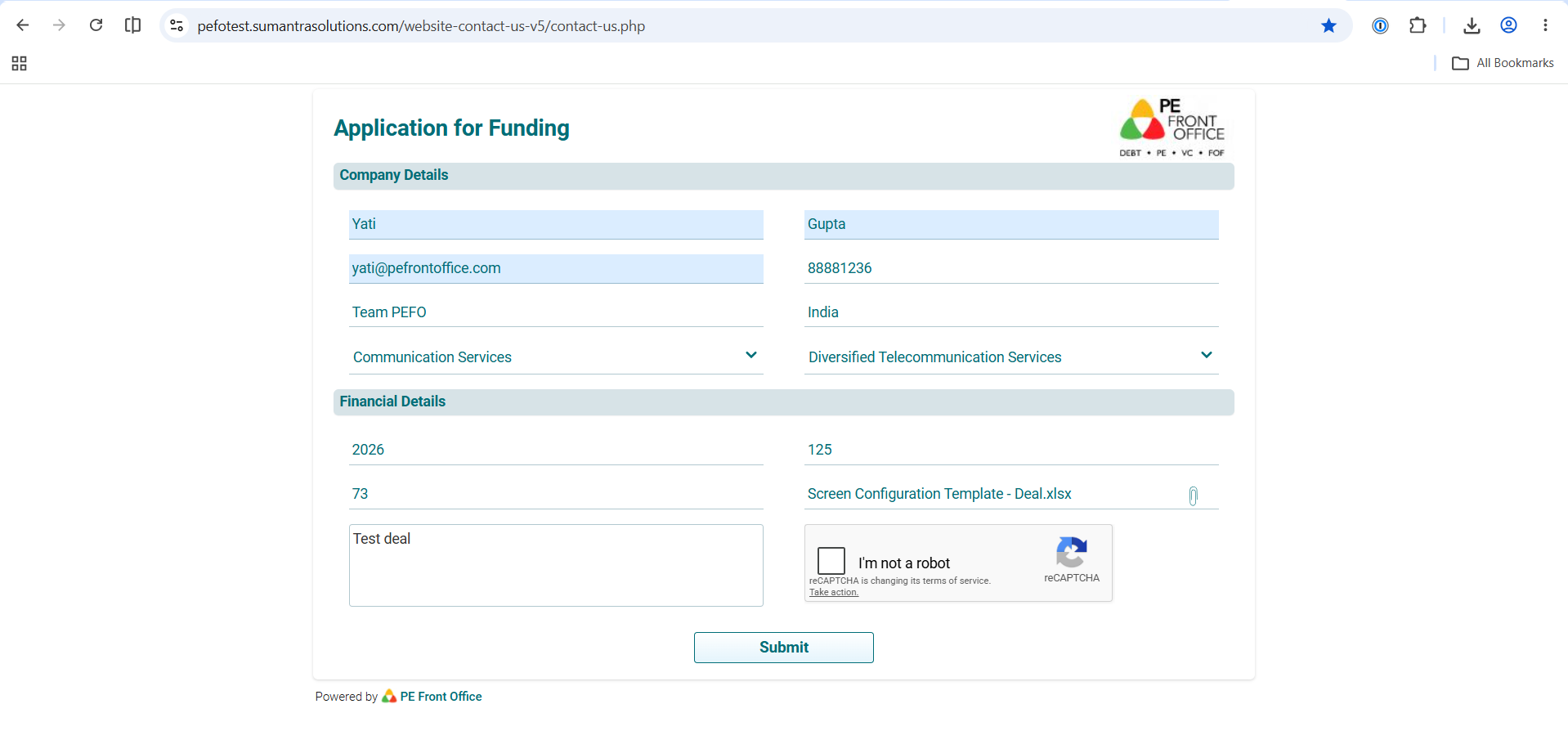
1. Click on the link - https://pefotest.sumantrasolutions.com/website-contact-us-v5/contact-us.php
2. The Contact Information window is displayed. The details included are:
- First Name: Specify the first name.
- Last Name: Specify the last name.
- Email Address: Specify the email address.
- Contact Number: Specify the contact number.
- Organization Name: Specify the organization name.
- Project Name: Specify the project name.
- Deal Sector: Specify the Deal Sector.
- Deal Sub-sector: Specify the deal sub-sector.
3. Click Submit.
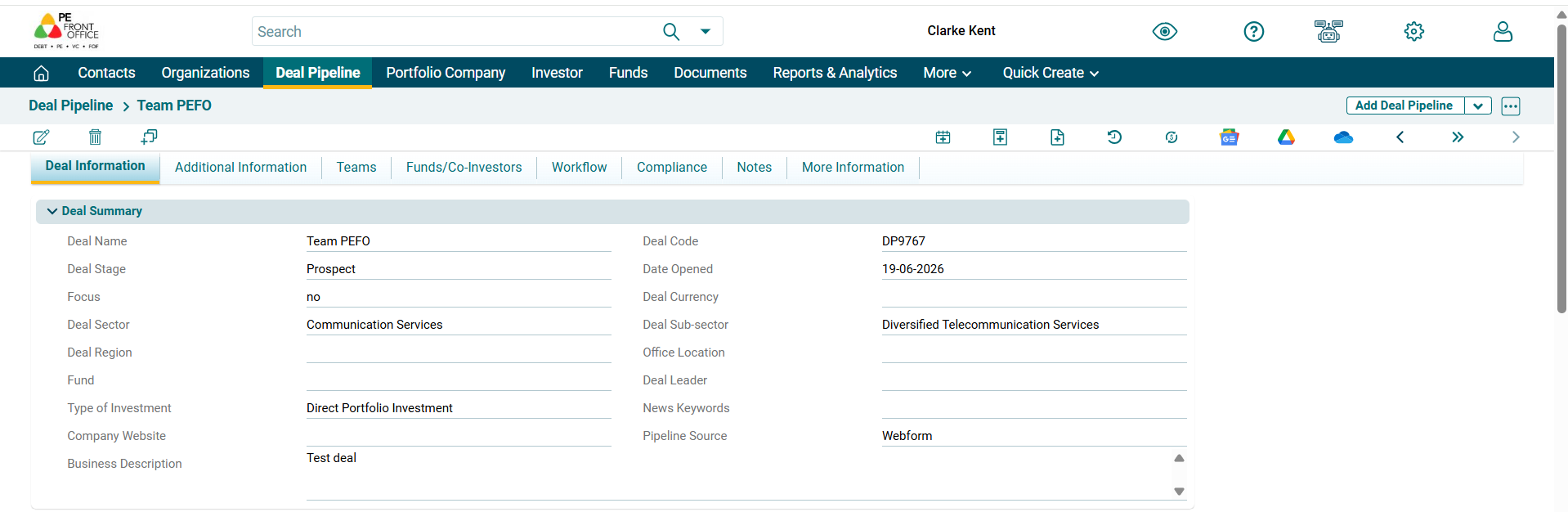
4. Once the contact information has been submitted, your deal gets created in the PEFO system.