• HELP CENTER

  • Getting Started
  • CRM
  • Deal Pipeline
  • Portfolio Company
  • Investee Company Portal
  • Investors
  • Investor Portal
  • Funds
  • Investee Fund Portal
  • Reports and Analytics
  • Deal Data Room
  • Help Desk
  • Document Management
  • Excel Add-in Integration
  • Email Integration
  • Implementation
  • Custom Settings
  • System Administration

Deal Pipeline

  • Deal Pipeline View
    • Kanban View
    • List View
  • Deal Setup
    • Quickly Create a Deal
    • Create/Edit a Deal
      • Create a Deal
      • Edit a Deal
      • Delete a Deal
      • Duplicate a Deal
    • Create a Deal by Email
    • Create a Deal from Mobile App
    • Create a Deal from Outlook Plugin
    • Create a Deal from PitchDeck
    • Create a Deal through Web Form
    • Import from Excel
    • Export to Excel
  • Prospect
    • Preliminary Screening
    • Detailed Application Form (DAF)
    • LICHFL AMC Input
  • Deal Summary
    • Summary Panels
    • Comments
  • Deal Stage History
  • Team
    • Investment Team
    • External Team
  • Funds/Co-Investors
    • Funds
    • Co-investors
  • Workflow
  • Notes
    • Work Plan
    • Work Done
  • Tasks
    • Task
    • Event
  • Email
  • Documents
    • Add a Document
    • Add Existing Document
    • Edit/Delete a Document
    • Download a Document
  • External Documents
    • One Drive
  • Reports & Analytics
    • Deal Details (Word)
    • Meeting Report
    • Investment Preferences
    • Pipeline Diversification Analysis
    • Pipeline Stage vs Sector Analysis
    • Deal Resourcing Report
    • Deal Funnel Report
    • Weekly Tracker Report
    • Quarterly Snapshot Report
    • Deal Summary Report
    • Dropped Deal Analysis
  • Excel Add-in


        Help Center /

        One Drive Documents

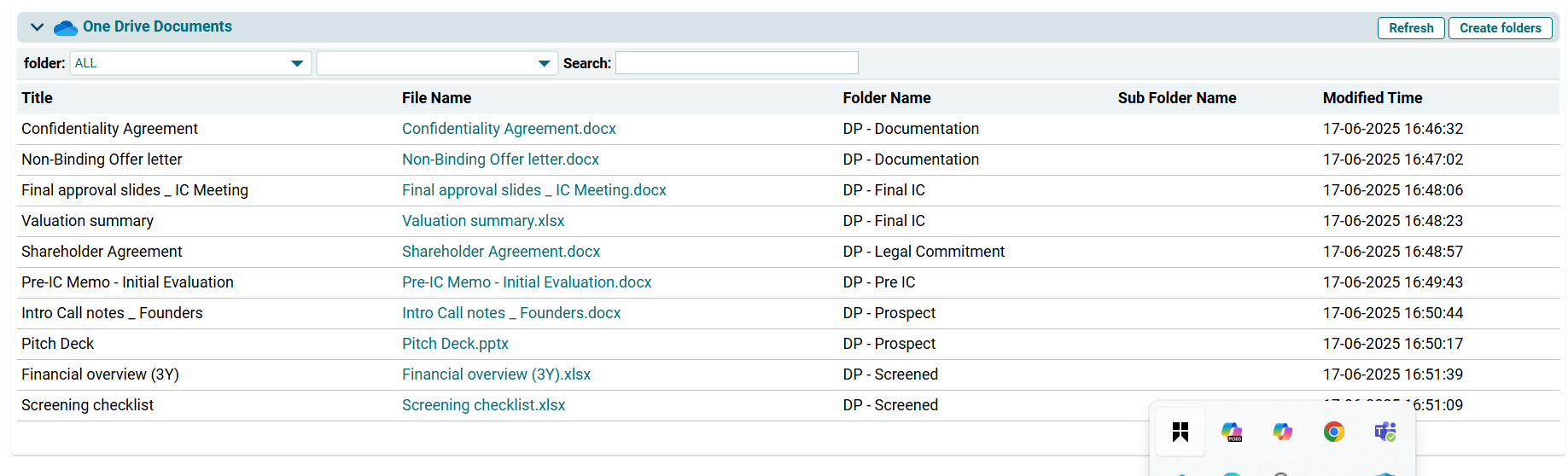
        This panel allows you to import all deal-related document folders from your One Drive given your Outlook account is synced.

        To create a folder, follow the below steps:

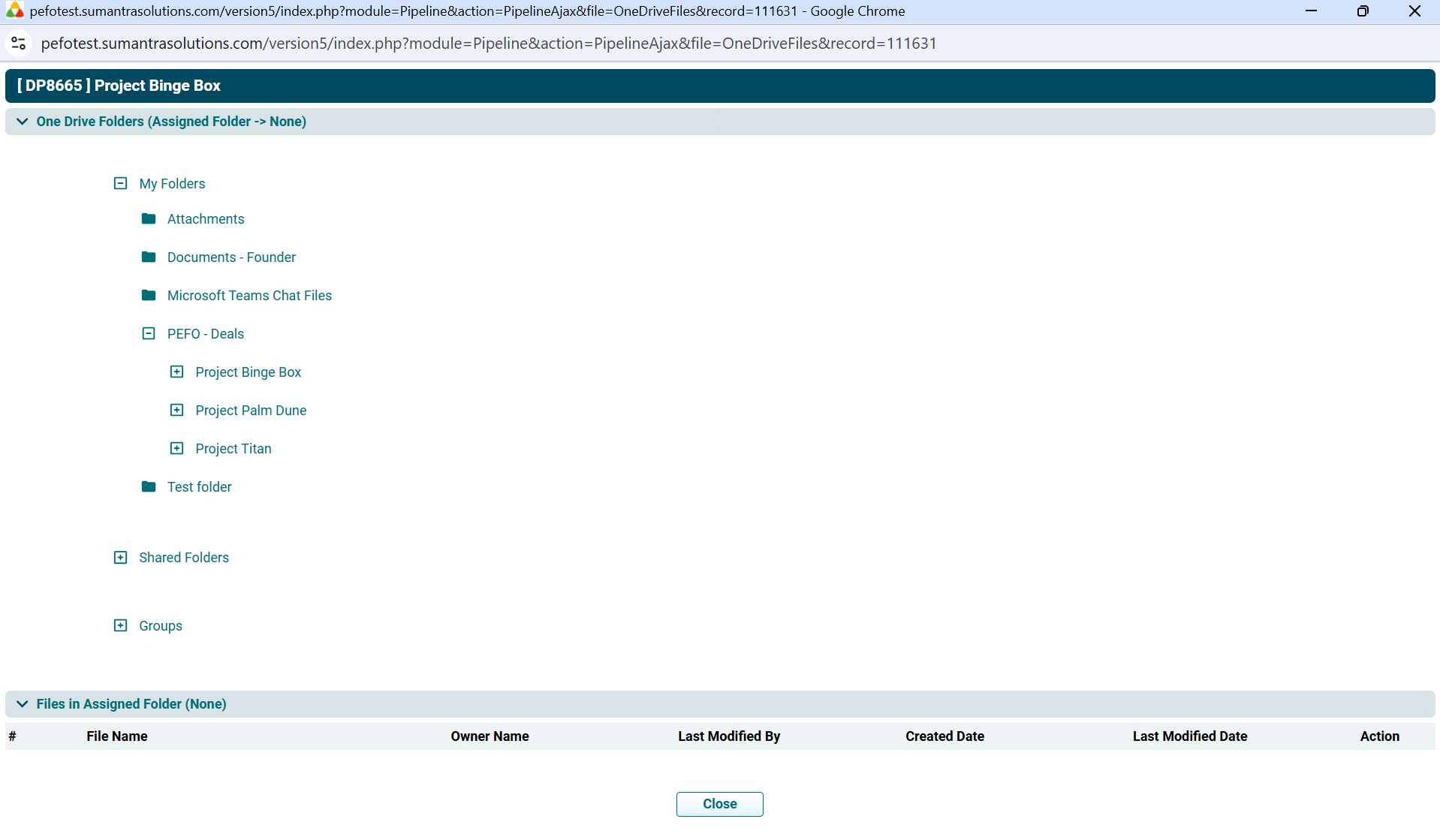
        1. Click on the Create Folder button in the top right corner of the panel.


        2. Select the folder.
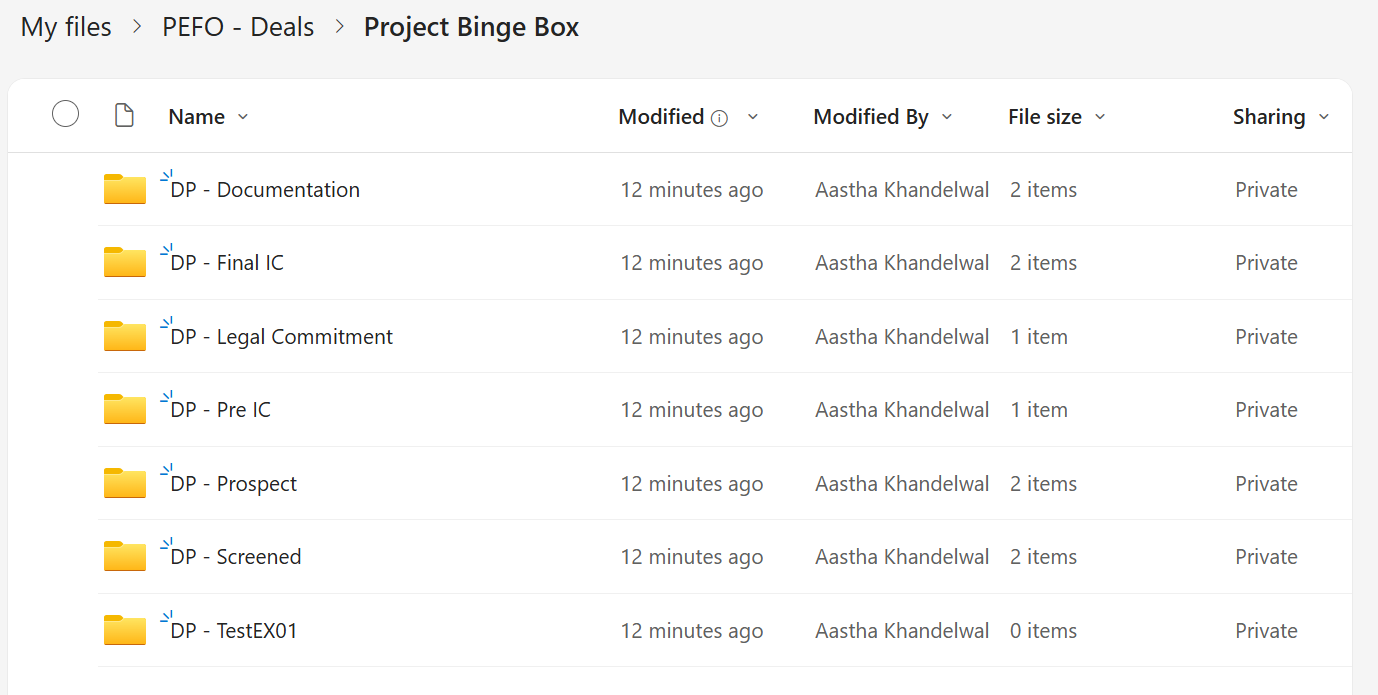

        3. The folders are created. 

        4. The One Drive Documents are populated in the panel.