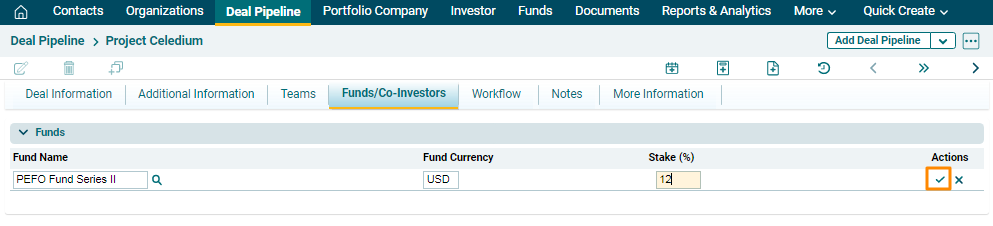
Funds
The Funds panel contains the details of the fund related to that deal.
- Name: Name of the Fund.
- Fund Currency- The currency of the Fund. It will automatically populate.
- Stake: Percentage stake in the deal.
To modify a Fund, follow the below steps:
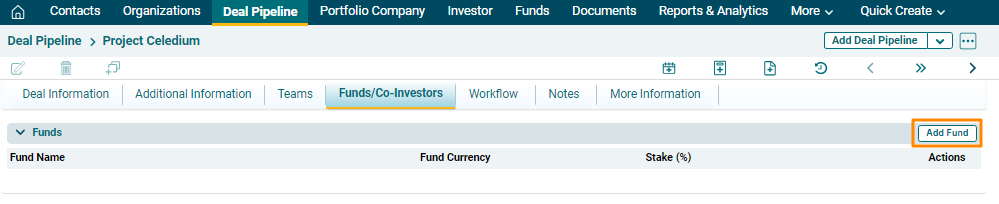
1. Click on
the Add Fund button in the top right
corner of the panel.
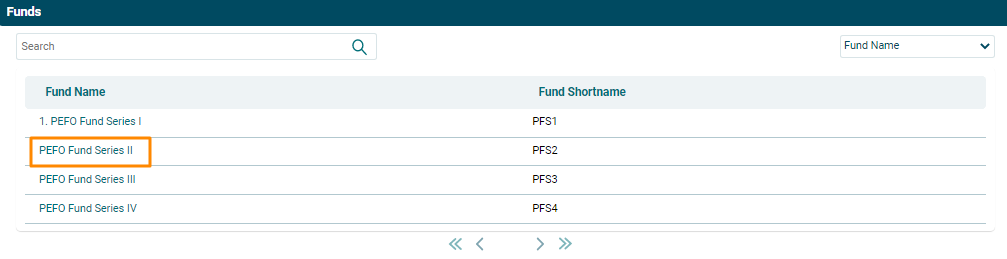
2. Click on Name
field. A new window will be displayed with list of funds. Click on the Fund Name.
3. Fill the Stake field.
Click the Check button to save
the details.