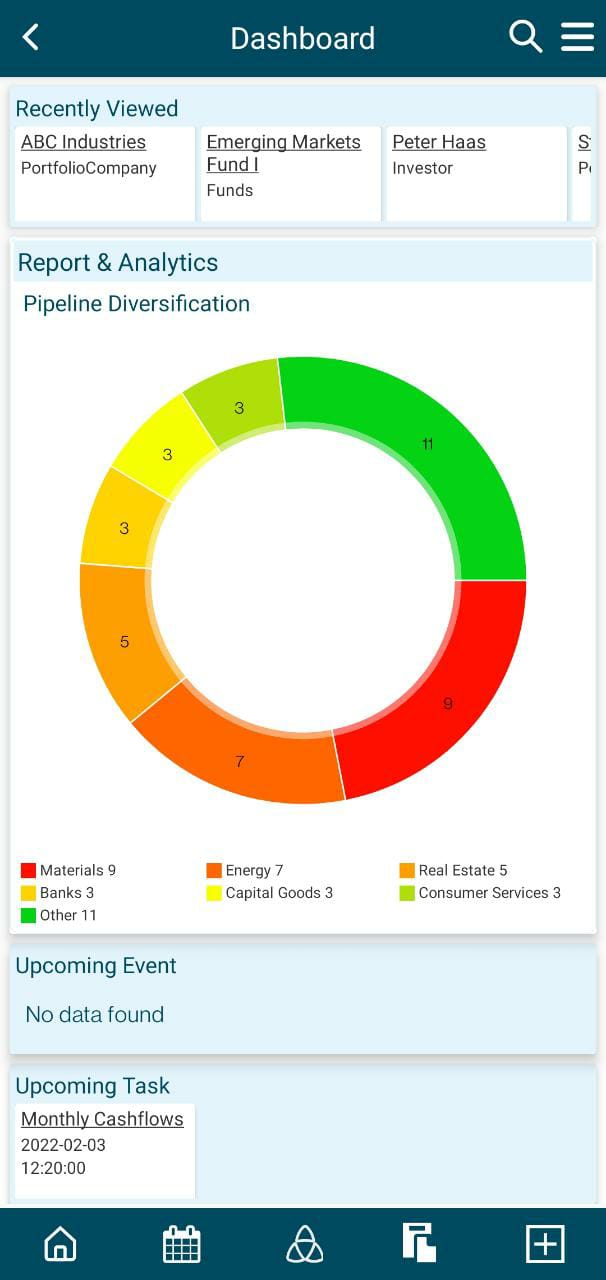
1. As you log in, you see the dashboard.
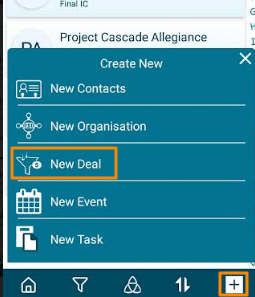
2. Click on the Add sign in the bottom right corner. Click on New Deal.
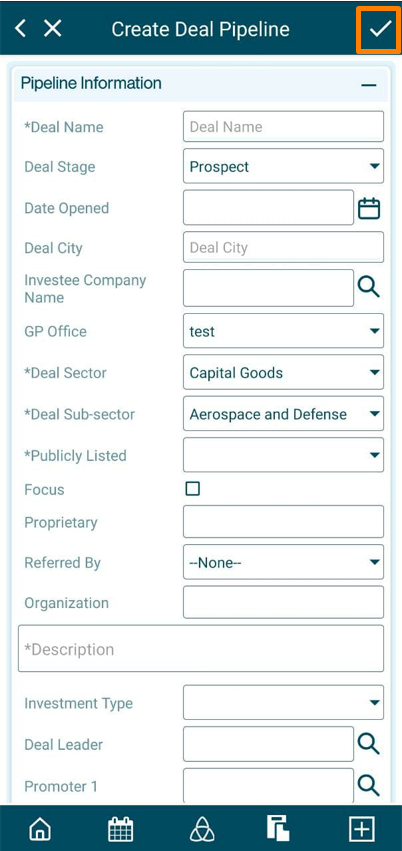
3. Update the mandatory details marked with an asterisk and click on the Tick in the top right corner.
4. Once the deal has been created, you also can view other tabs on the app.
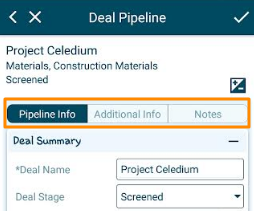
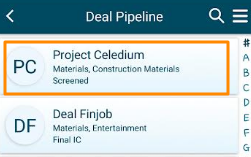
5. The created deal
can be accessed from the Deal Pipeline
menu. The deal is visible on the Deal
Pipeline List View page.