
Quick Create A Deal
To quickly create a deal, follow the below steps:
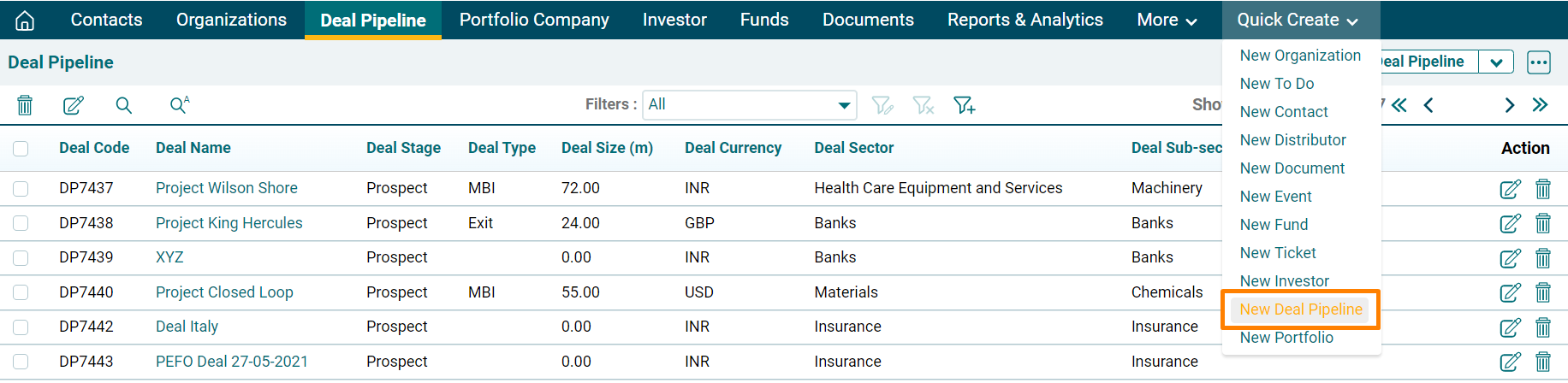
1. In Quick Create
Menu on the top bar,
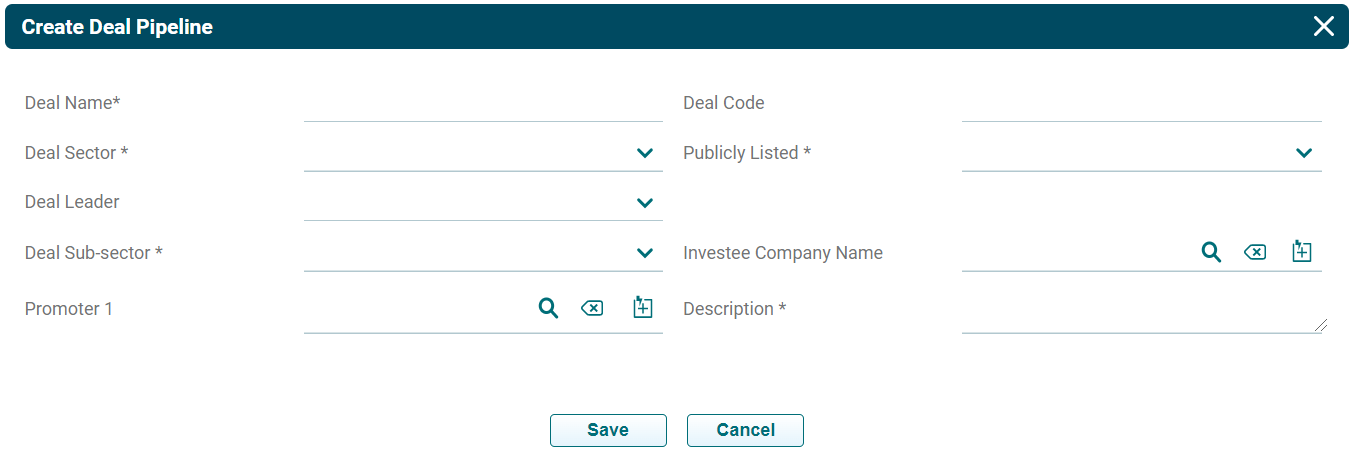
2. The Create Deal Pipeline pop-up will be displayed. Update all the mandatory details marked with an asterisk and click Save.
3. The deal is visible on the Deal Pipeline List View page.
