
Edit A Fund
To edit a Fund in Record View, follow the below
steps:
1. Click on Funds in the main menu.

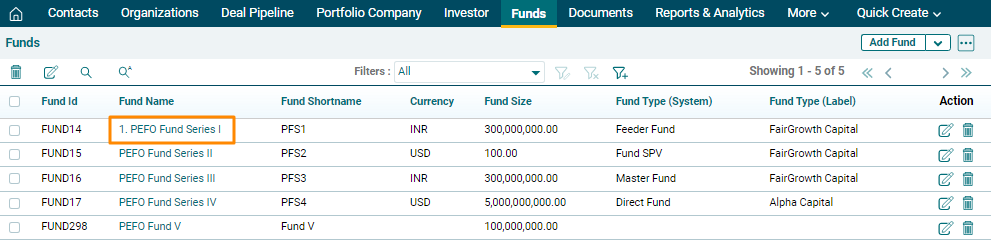
2. Click on Fund
Name.
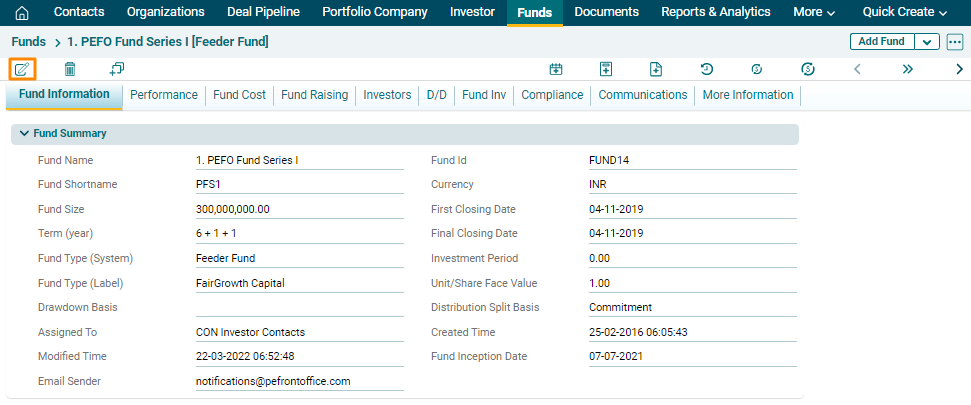
3. Click on the Edit icon in top left corner.
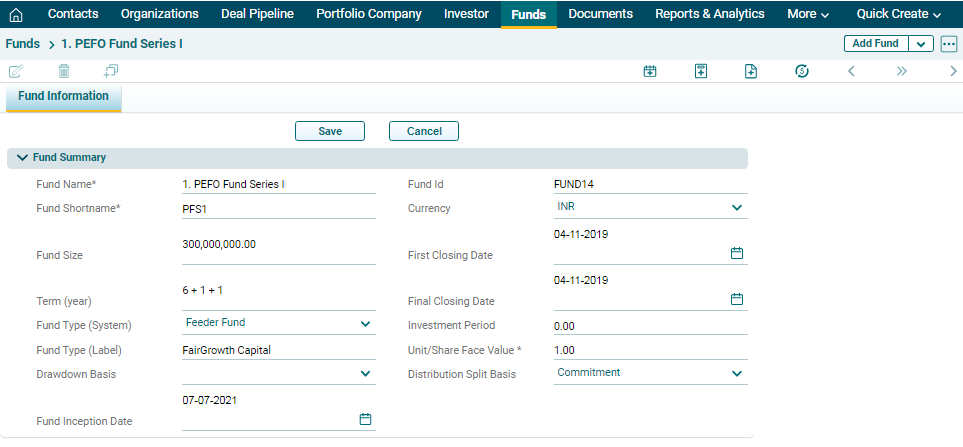
4. Update the details and click Save.
To edit a Fund in Record View, follow the below
steps:
1. Click on Funds in the main menu.
2. Click on Fund
Name.
3. Click on the Edit icon in top left corner.
4. Update the details and click Save.