Investor Documents
This panel allows you to view investor-related documents.
To modify an investor-related document, follow the below steps:
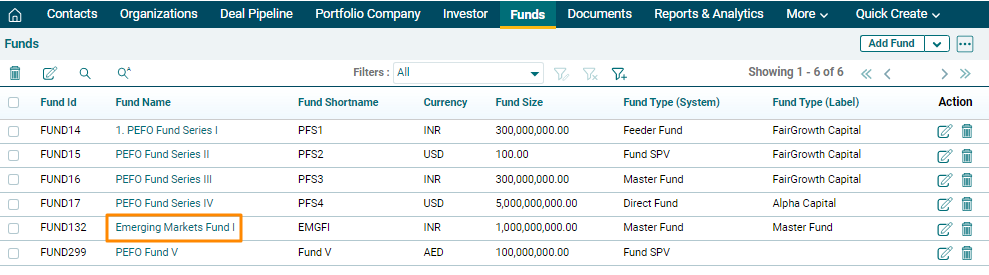
1. Click on Fund Name for which documents are to be uploaded.
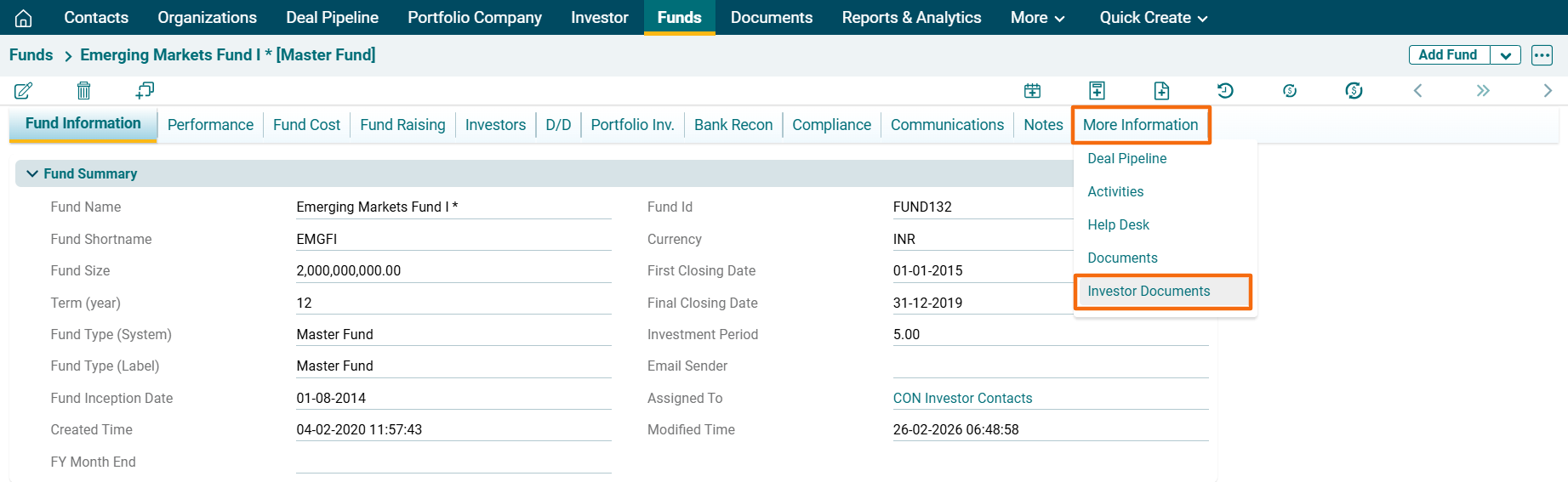
2. Navigate to the More Information Tab and Click on Investor Documents.
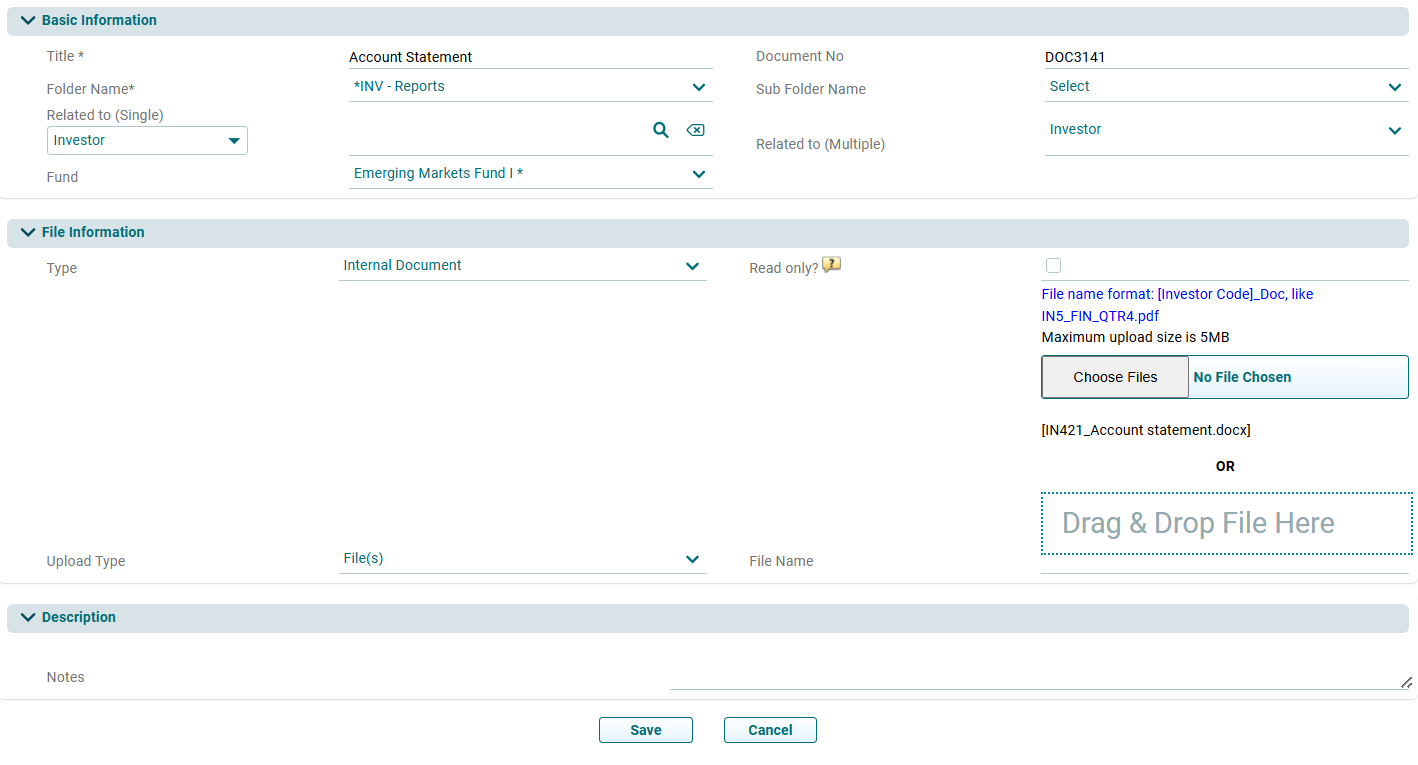
3. Click on Edit icon ( ) in the Actions column. The Document Information window is displayed. Update the details and click Save.
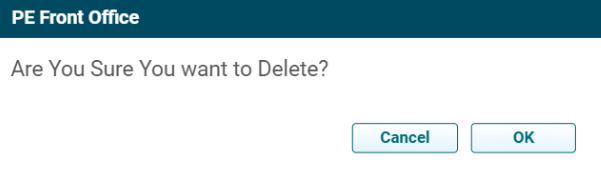
4. To delete a document, click on the Delete icon ( ) in the Actions column. The delete window is displayed. Click OK to delete the member details.