External Team
This panel forms part of Teams tab which is part of Direct Fund only.
External Team panel captures details of external
members associated with the deal. The details included are:
- Name: Name of the member from the Contacts Module.
- Organization Name: Name of the organization will automatically
populate from Contacts Module.
- Role: Role of the member which includes Directors, Bankers, Auditors, Advisors, and Others.
To add an external
team member, follow the below steps:
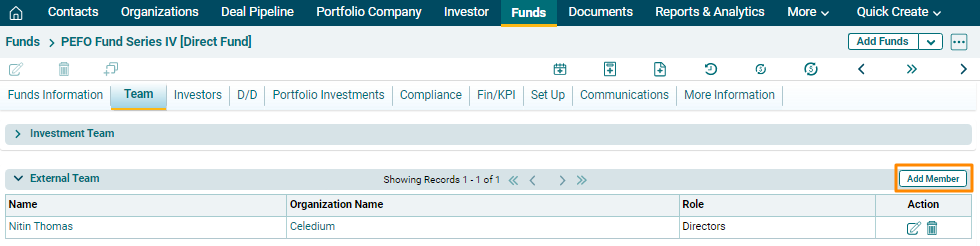
1. Click on the Add
Team Member button in the top right corner.
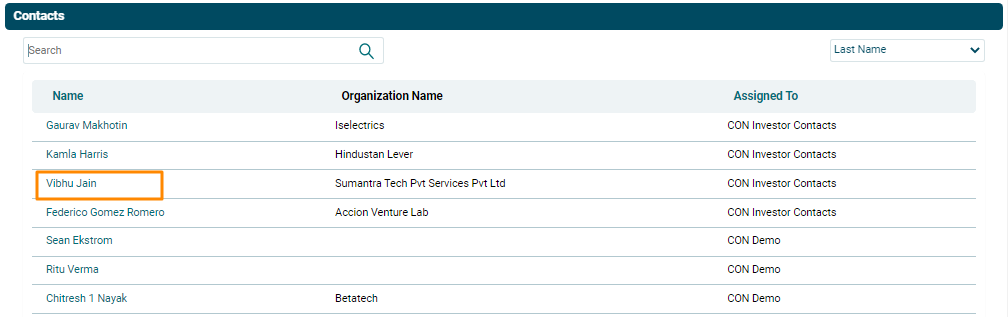
2. Click
on the Name field. A new window will pop up with all
contact details from CRM. Select the contact associated with the deal.
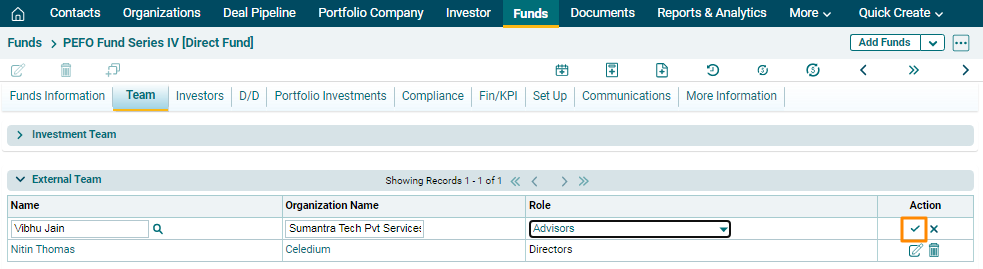
3.  ) button from Actions
column to save.
) button from Actions
column to save.
4. To edit a team
member’s details, click on the Edit icon ( ) in the Actions
column. After making the changes, click on Check (
) in the Actions
column. After making the changes, click on Check ( )
button to save.
)
button to save.
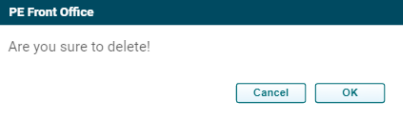
5. To delete a team
member’s details, click on the Delete icon ( ) in the Actions column. The delete
window is displayed. Click OK to delete the member details.
) in the Actions column. The delete
window is displayed. Click OK to delete the member details.