Financial Covenants - Covenant Rules
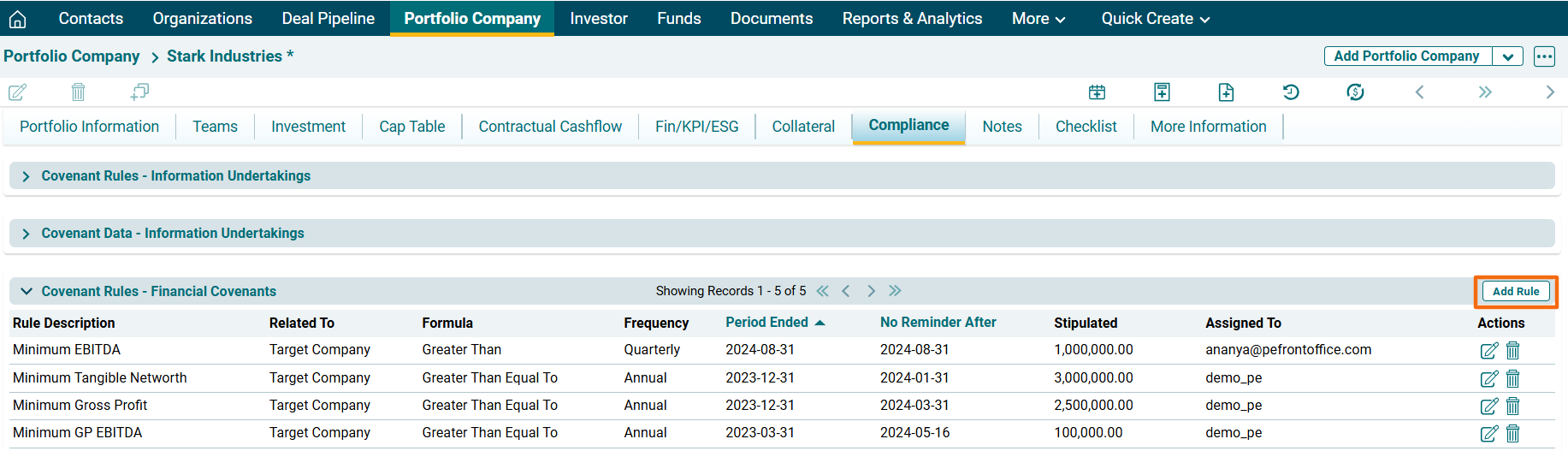
Covenant Rules panel allows you to define rules based on financial parameters to identify risks and set up alerts. You can receive alerts about potential issues, based on the defined threshold values, and generate automatic updates on actual vs. threshold values. The details included are:
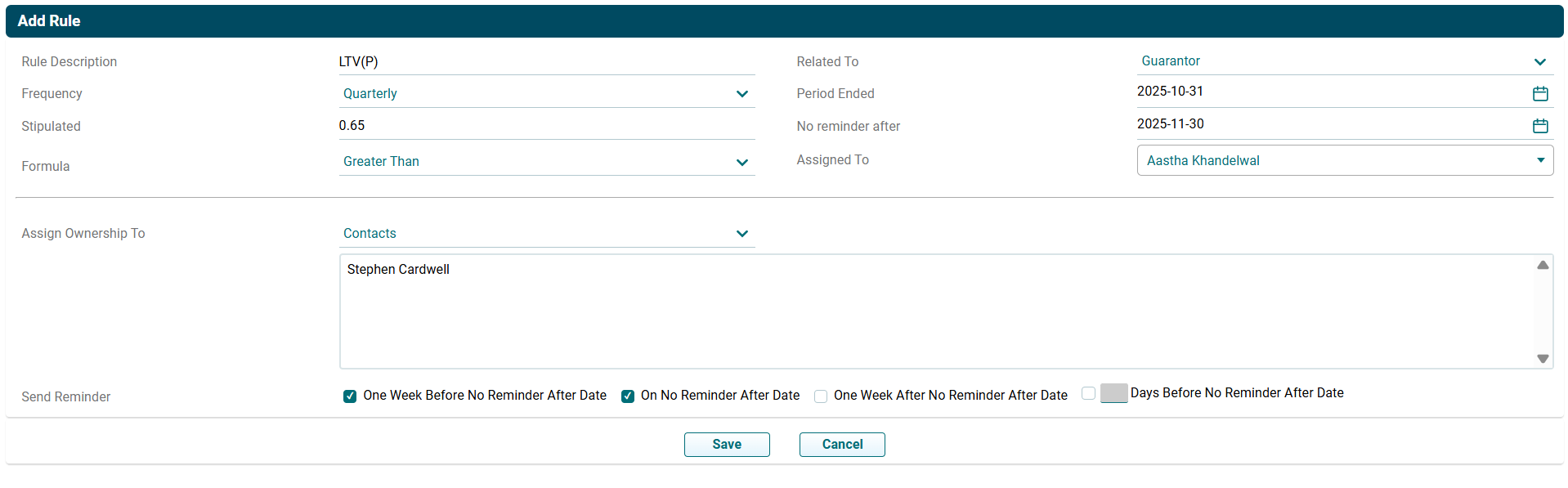
- Rule Description: Displays the item for which you are adding the rule.
- Related To: Displays the party concerned, i.e., Borrower, Guarantor, or Target Company.
- Formula: Displays the formula for financial covenants, i.e., Greater Than, Less Than, Greater Than Equal To, or Less Than Equal To. Formulas are to be defined to calculate Actual values.
- Frequency: Displays the rule frequency, i.e., Annual, Semi-annual, Quarterly, or Monthly.
- Period Ended: Displays the period when the rule ends for an item.
- No Reminder After: Displays the date after which no reminder is to be sent for that rule.
- Stipulated: Displays the Stipulated Value against which the financials shall be measured.
- Assigned To: Displays the member names the rule is assigned to.
To modify a rule, follow the below steps:
1. Click on Add Rule button in the top right corner of the panel.
2. The field is activated. Update the details. Click Save.
3. To edit a rule, click on Edit ( )icon in the Action Column.
Update the details and click Check (
)icon in the Action Column.
Update the details and click Check ( ) button to save.
4. To delete a rule,
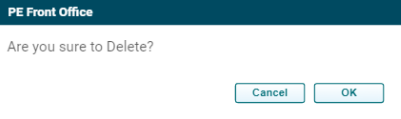
click on Delete ( ) icon in the Action Column. The delete window is displayed.
Click OK to delete the rule.
) icon in the Action Column. The delete window is displayed.
Click OK to delete the rule.