Overdue Report
To view and download reports, follow the below steps:
1. Click on Reports & Analytics in the main menu.

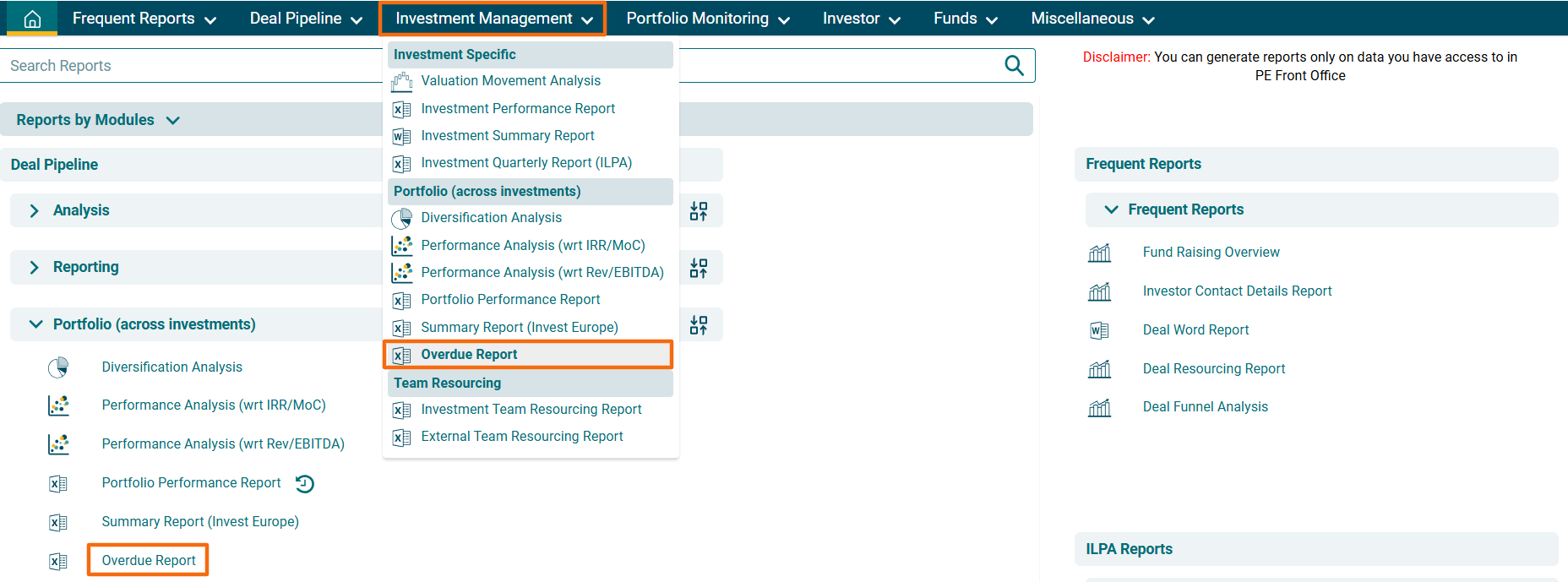
2. You can access the report from the dashboard by clicking Overdue Report in the Investment Management panel or from the Investment Management drop-down menu in the blue vertical bar.
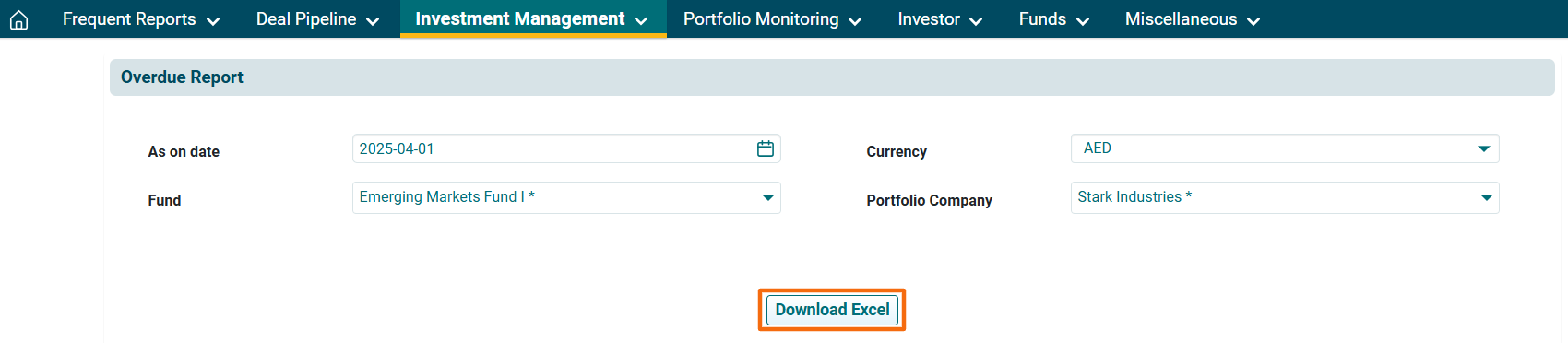
3. 3. The Overdue Report window is displayed. Apply the following filters-
- As on Date: Choose the date until which time you wish to see the report.
- Currency: Choose the currency from the dropdown list.
- Fund: Choose the fund from the dropdown list.
- Portfolio Company: Choose the portfolio company from the dropdown list.
4. Click on Download Excel button. The Excel file will download.