
Investee Level Field
This panel allows you to create ordering for a specific portfolio.
To create a portfolio level ordering, follow the below steps:
1. Navigate to Portfolio Level Field Setup.
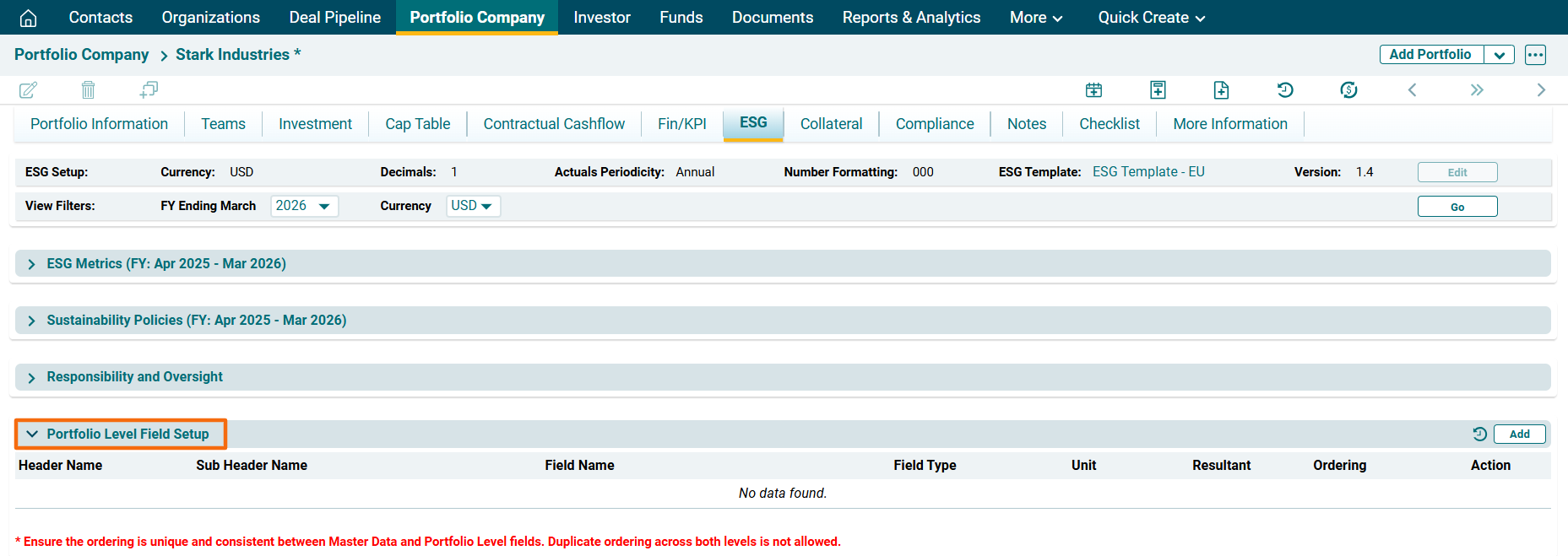
2. Click on Add button in the top right corner of the panel.
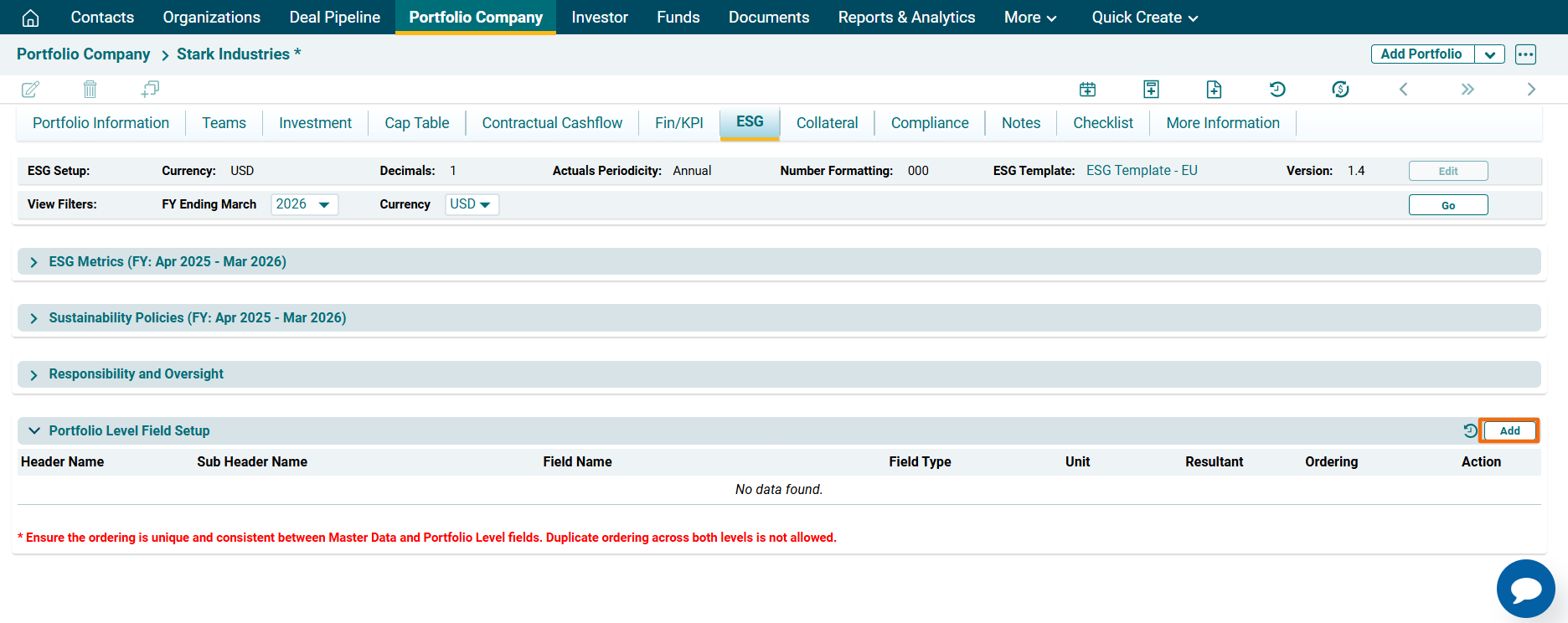
3. The field will be activated. Enter the following details-
- Header name: To specify the header name.
- Sub Header name: To specify the sub header name.
- Field Name: To specify name of the field.
- Field Type: To specify the field type, i.e. Dropdown, Text, Multi-select, Percentage, Currency, or Numeric.
- Unit: This is an auto-populated field.
- Resultant: To specify the operation, i.e. First Value, Last value, Avg, or Sum.
- Ordering: To specify the ordering.
4. Click Check ( ) button to save the details.
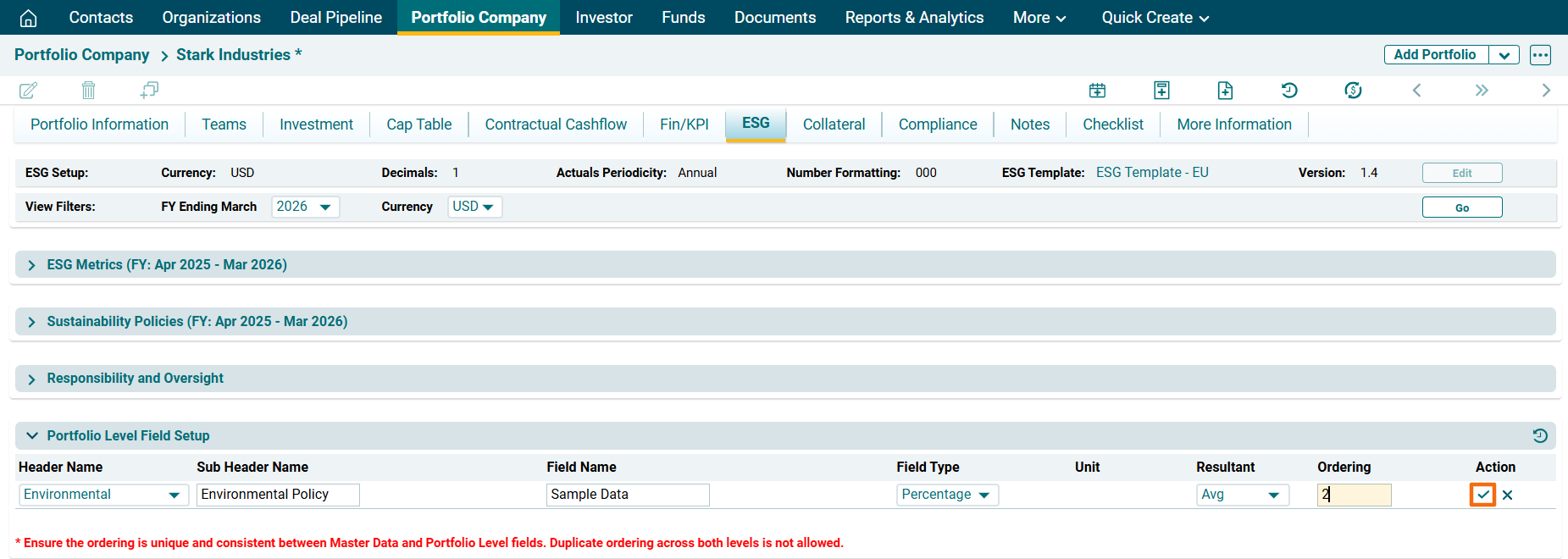
5. To edit a field, click on Edit ( ) icon in the Actions column. Edit the details and click on Check (
 ) button to save.
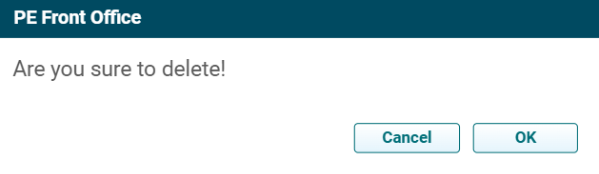
6. To delete a field, click on Delete ( ) icon in the Actions column. The delete window is displayed. Click OK to delete the field.
7. To view history of portfolio level ESG Master data, click on the View History ( ) icon in the top right corner of the panel. ESG Master data window is displayed.
) icon in the top right corner of the panel. ESG Master data window is displayed. 