Portfolio Company Information

This tab contains the primary details pertaining to a portfolio company at the time of creation. It has thirteen panels which have been described below with their fields.

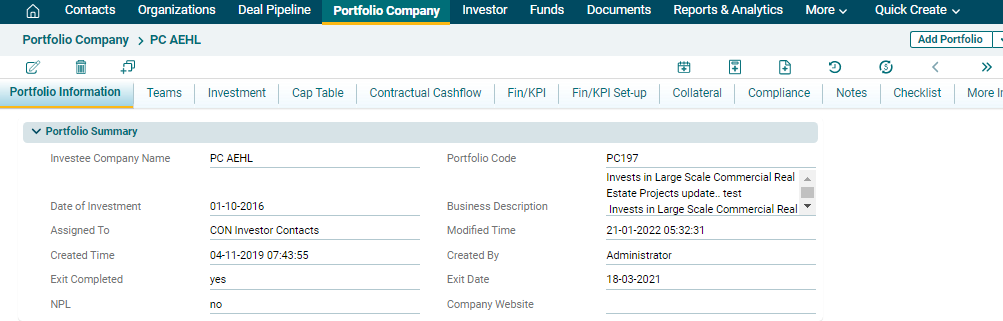
Portfolio Information

This panel allows you to capture the basic details of a Portfolio company. 


In the above panel, the following are system-generated fields:

  • Portfolio Code
  • Assigned To
  • Created Time
  • Created By
  • Modified Time

The system will auto-fill these details based on your login details and the time.

Deal Information

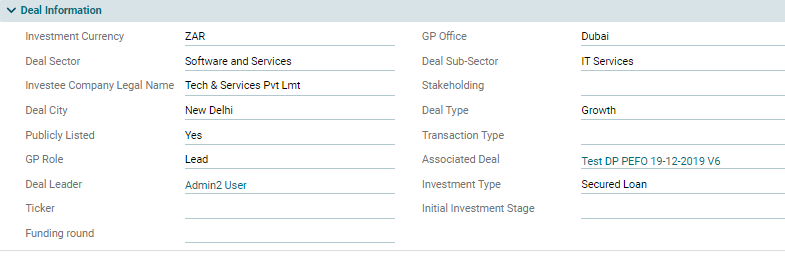
This panel allows you to add details of the Deal which has been converted to Portfolio Company. You can enter the field values manually, or you can fetch the details from the Deal Pipeline module.
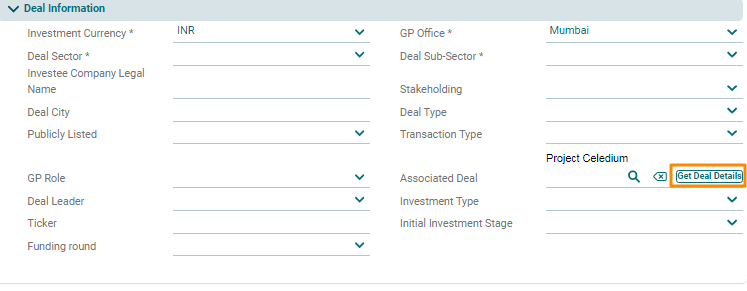
To import deal details, click on the Search icon beside Associated Deal. The Deal Pipeline window is displayed. Click on the Deal Name.  Click on get Deal details button and the fields will be auto-populated. After saving the details, you will see the Deal Information panel as follows:

Investment Entry Valuation and Financials

This panel allows you to define the financial parameters related to the portfolio company at the time of investment.


Exit Financials

This panel allows you to define financial parameters related to the portfolio company at the time of exit.


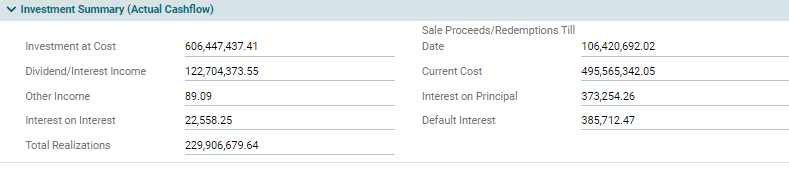
Investment Summary (Actual Cashflow)

This is an auto-populated panel that is flowing from Investment Tab based on the underlying actual cashflows.


Investment Summary (Expected Future Cashflow)

This is an auto-populated panel.  The information is flowing from the Investment Tab based on the underlying expected cashflows.


Valuation

This panel shows the Current Valuation and the methodology used to calculate it. This is an auto-populated panel that is flowing from Investment Tab based on the underlying valuations.


IRR & MoC

This panel allows you to add IC case IRR and MoC while all the other IRRs and MoCs are auto-calculated by the system based on the cashflows and valuations entered in Investment Tab.


Financials/KPI Set up

This panel allows you to set up financials and KPIs parameters.


Note: Once the periodicity (i.e. frequency) of different cases has been defined and numbers have been uploaded then it is not allowed to change the periodicity.

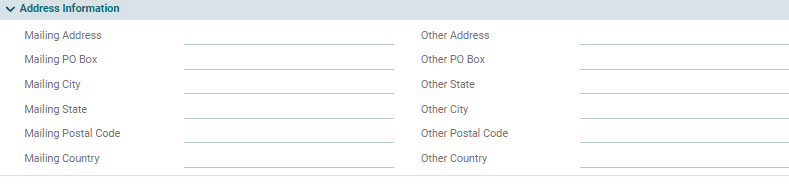
Address Information
This panel allows you to enter primary mailing address as well as alternate address of the portfolio company.


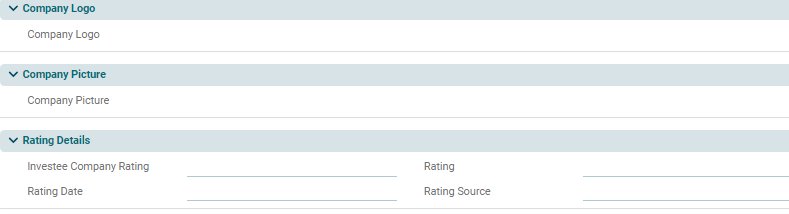
Company Logo: Upload Portfolio Company's logo.

Company Picture: Upload Portfolio Company's Picture.

Rating Details: Add rating details pertaining to a portfolio.