Delete a Portfolio Company
To delete
a Portfolio Company in Record View,
follow the below steps:
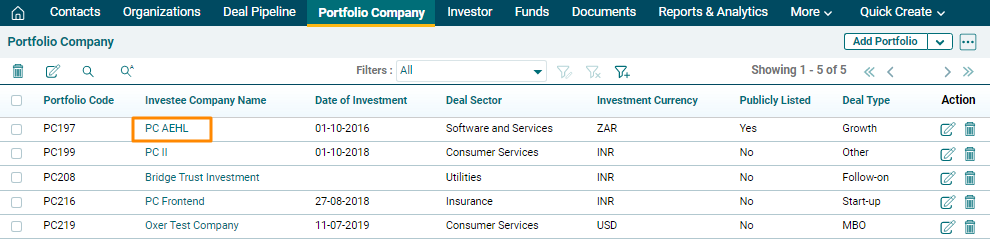
1. Click on Portfolio Company in the main menu.

2. Click on the Portfolio Company Name.
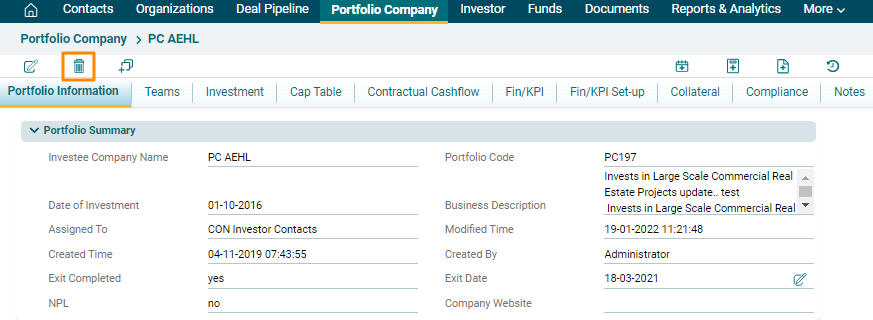
2. Click on the Delete icon
in the top left corner.
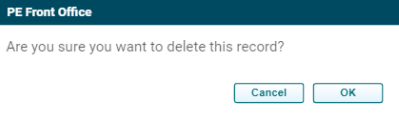
3. The Delete pop up is displayed. Click Ok to delete the entire record.