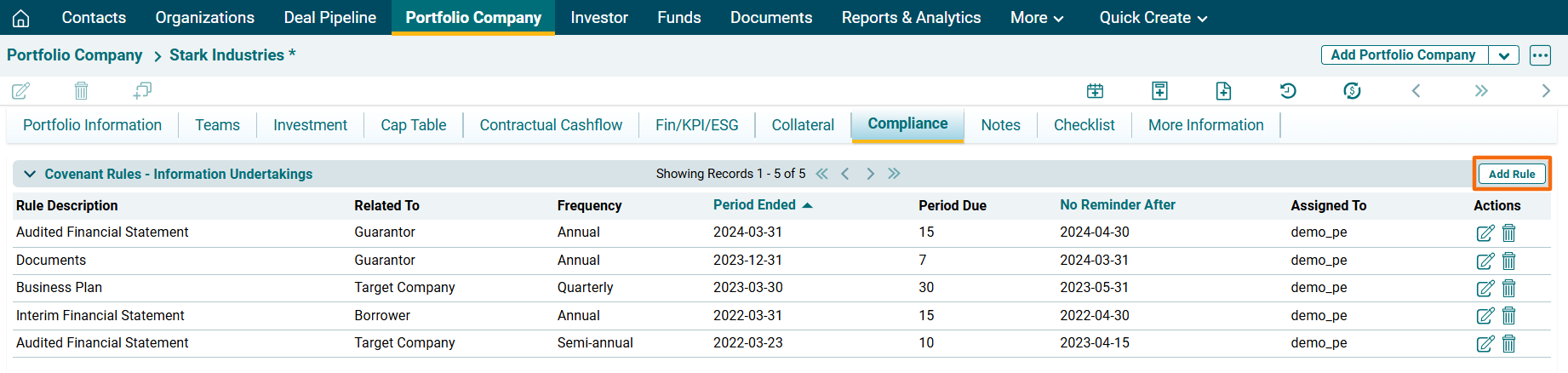
Covenant Rules panel allows you to define rule-based compliance checklists and send alerts to the associated party. You can access the extensive, configurable checklists along with alerts, notifications, and document management. The details included are:
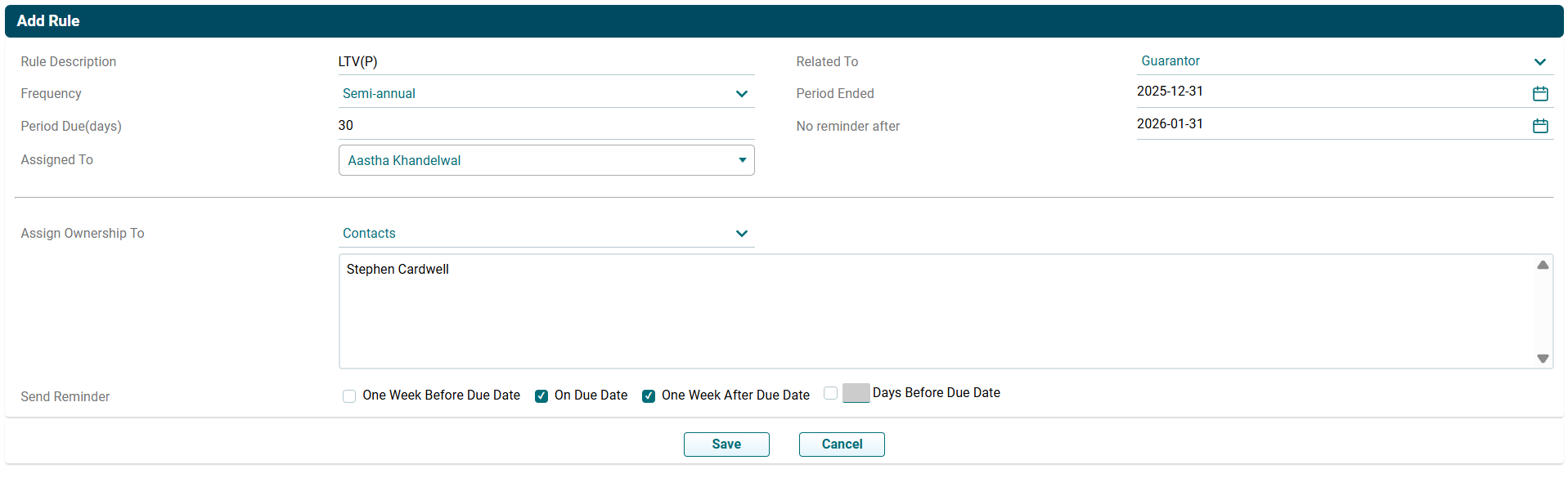
- Rule Description: Displays the item for which you are adding the rule.
- Related To: Displays the party concerned, i.e. Borrower, Guarantor, and Target Company.
- Frequency: Displays the frequency, i.e. Monthly, Quarterly, Half-Yearly, and Annual.
- Period Ended: Displays the period when the rule ends for an item.
- Period Due: Displays the due days.
- No Reminder Date: Displays the date after which no reminder is to be sent for that rule.
- Assigned To: Displays the member names the rule is assigned to.
To modify a rule, follow the below steps:
1. Click on Add Rule button in the top right corner of the panel.
2. The field is activated. Update the details. Click Save.
3. To edit a rule, click on Edit ( ) icon in the Action Column.
Update the details and click Check (
) icon in the Action Column.
Update the details and click Check ( ) button to save.
4. To delete a rule,
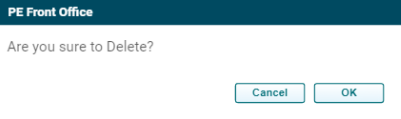
click on Delete ( ) icon in the Action Column. The delete window is displayed.
Click OK to delete the rule.
) icon in the Action Column. The delete window is displayed.
Click OK to delete the rule.