Detailed Application Form
To create detailed Application form, follow the below steps:
1. Click on Generate Template button in the top right corner of the panel. The excel file will download.

2. Fill in the details. Save the file.
3. To upload the application, Click on Import Excel button in the top right corner of the panel.

4. The Import Detailed Application Data window is displayed. Click the Choose File button.

5. Click Upload.

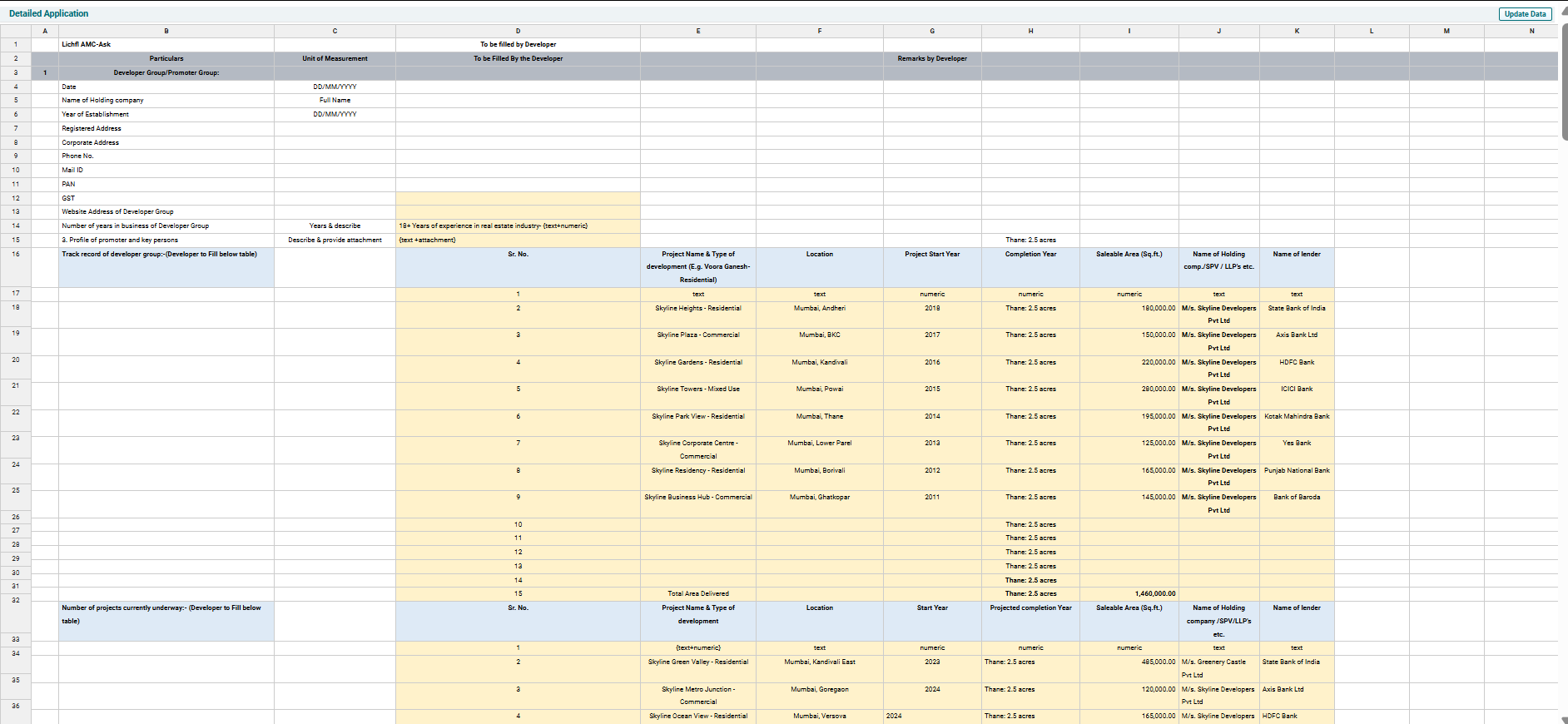
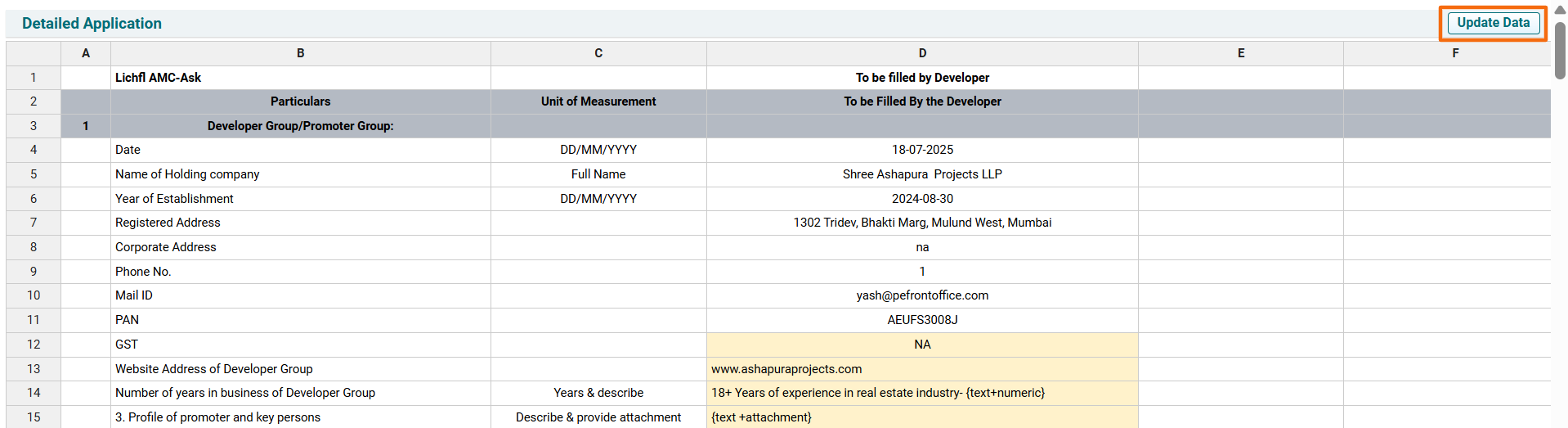
6. To view the uploaded application, click View & Update Detailed Application button in the top right corner of the panel. The Detailed Application window is displayed.

7. To update the form, make the required changes and click on Update data button in the top right corner.
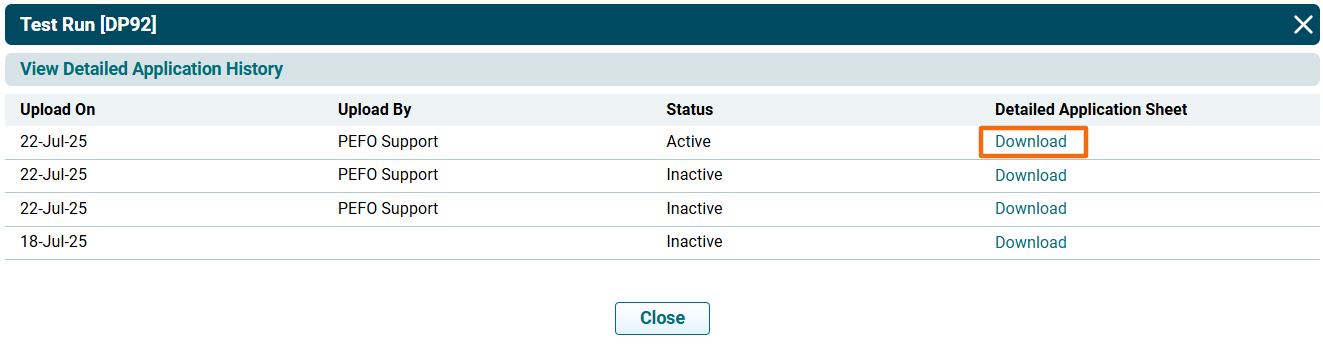
8. To view application history, click on the View History button in the top right corner of the panel.

9. The View Detailed Application History window is displayed. To download the application form, click Download.