
Class of Investors
This panel allows you to create classes of investors and allow tagging multiple classes to a certain investor. To add class of investors, follow the below steps:
1. Click on Add button in the top right corner of the panel.

2. The fields will be activated. Update the details and click check button ( ) from Action column to save the details.
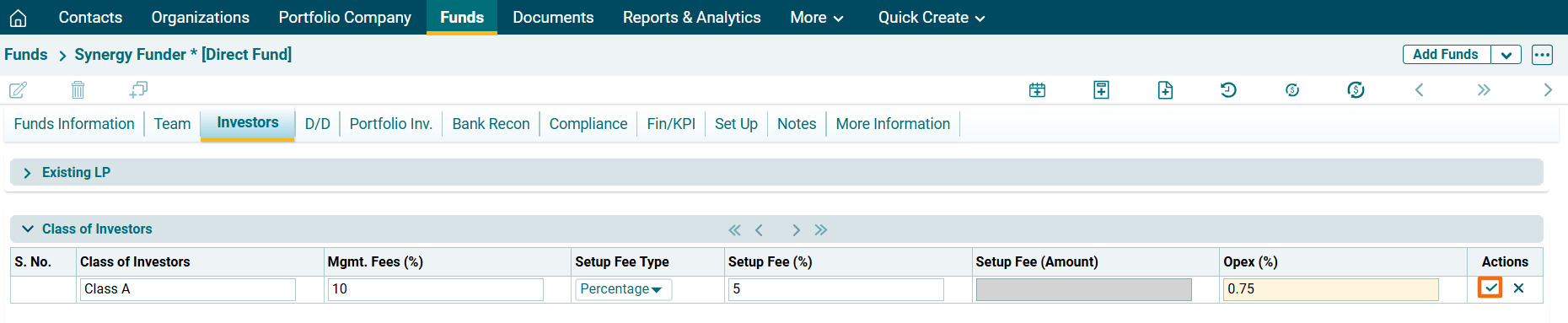
3. To edit class of investor details, click on the Edit icon ( ) in the Actions column. After making the changes, click on Check (
 ) button from Action column to save.
4. To view class of investors history, click on History button ( ) in the Actions column. The Class of Investors History window is displayed which shows the latest changes to classes of investors.
