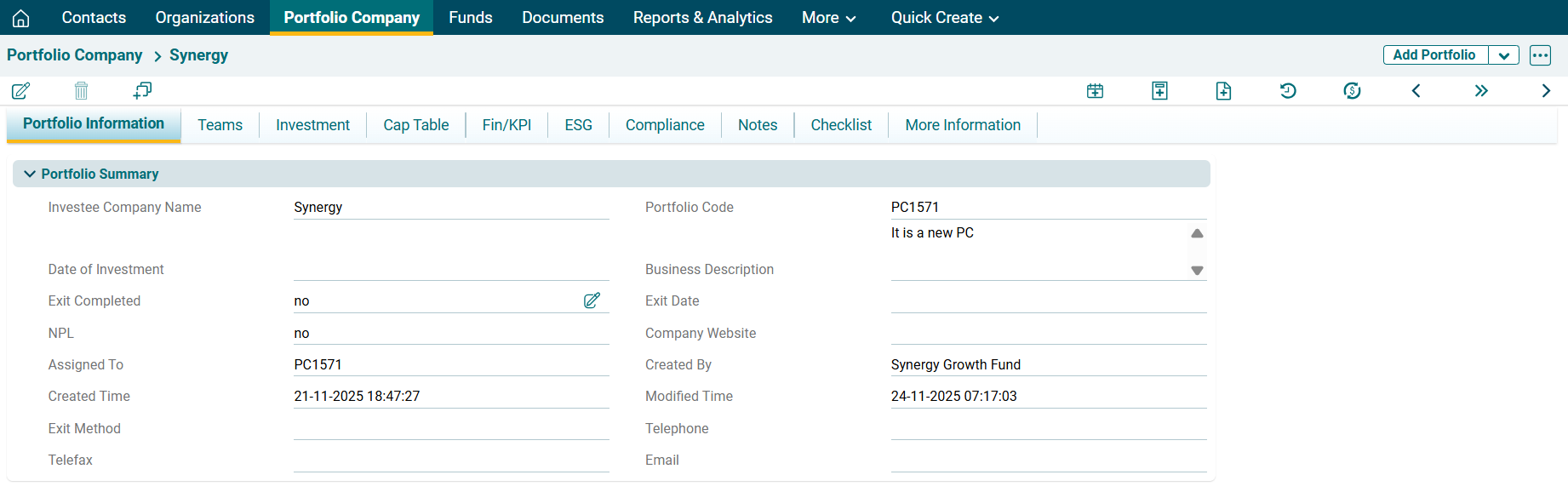
In the above panel, the following are system-generated fields:
- Portfolio Code
- Assigned To
- Created Time
- Created By
- Modified Time
The system will auto-fill these details based on your login details and the time.
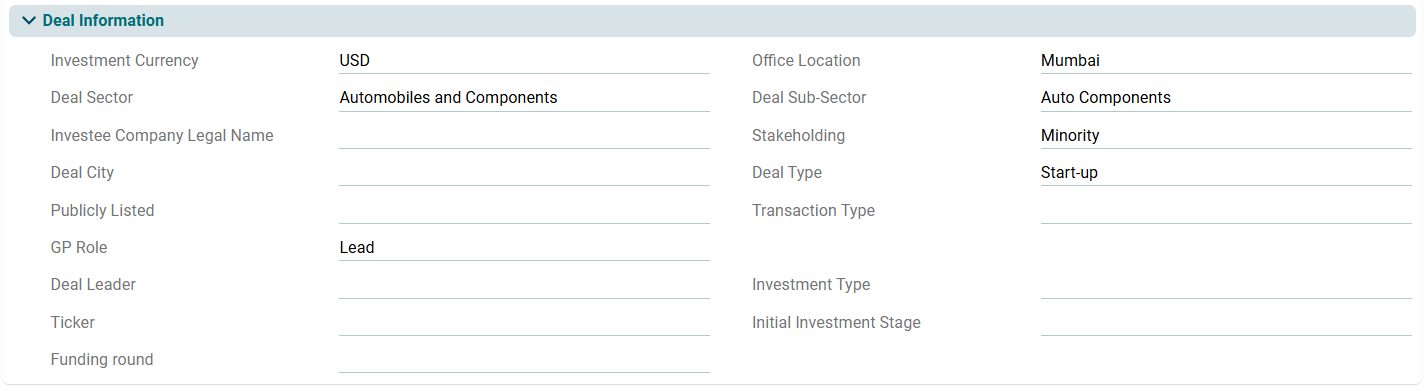
Deal Information
This panel allows you to add details of the Deal which has been converted to Portfolio Company. You can enter the field values manually, or you can fetch the details from the Deal Pipeline module.To import deal details, click on the Search icon beside Associated Deal. The Deal Pipeline window is displayed. Click on the Deal Name. Click on get Deal details button and the fields will be auto-populated. After saving the details, you will see the Deal Information panel as follows:
Investment Entry Valuation and Financials
This panel allows you to define the financial parameters related to the portfolio company at the time of investment.