
Invoicing
This panel allows you to generate payment invoice for pending cashflows and expected cashflows due within 45 days.
To generate a payment invoice, follow the below steps:
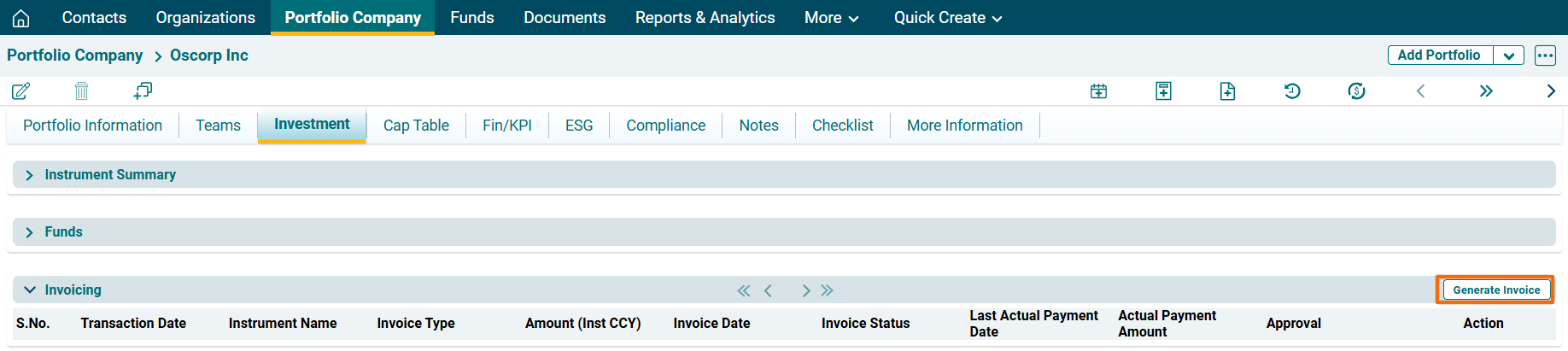
1. Click on Generate Invoice button in the top right corner of the panel.
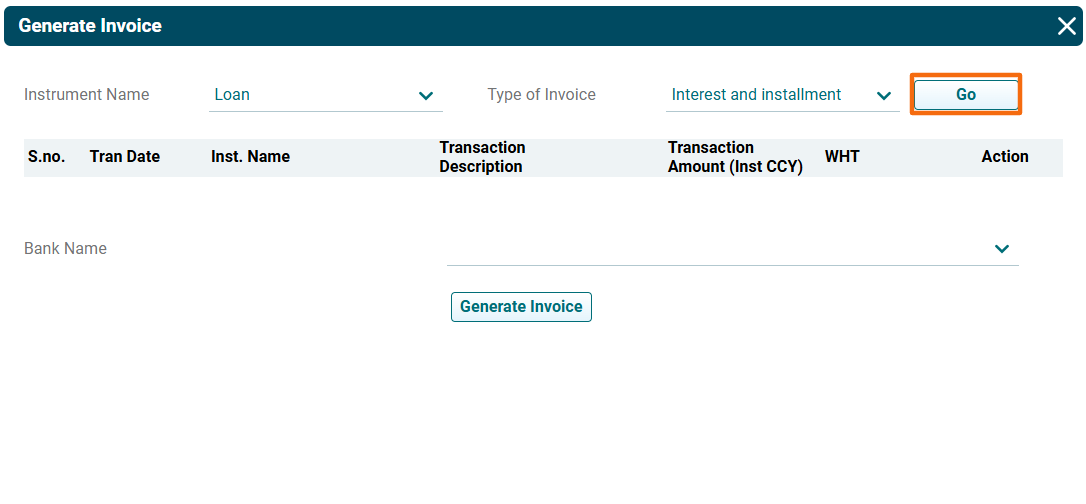
2. The Generate Invoice window is displayed. Select Instrument name and Type of Invoice. Click Go.
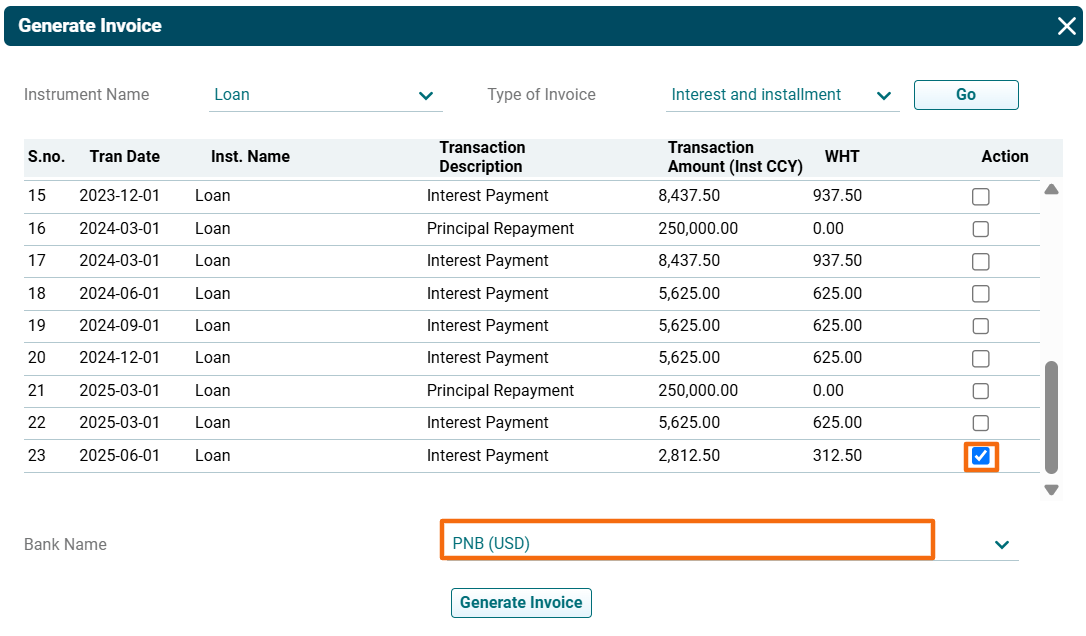
3. The cashflows will be displayed. Select the Cashflow for which invoice is to be generated. Select the Bank Name.
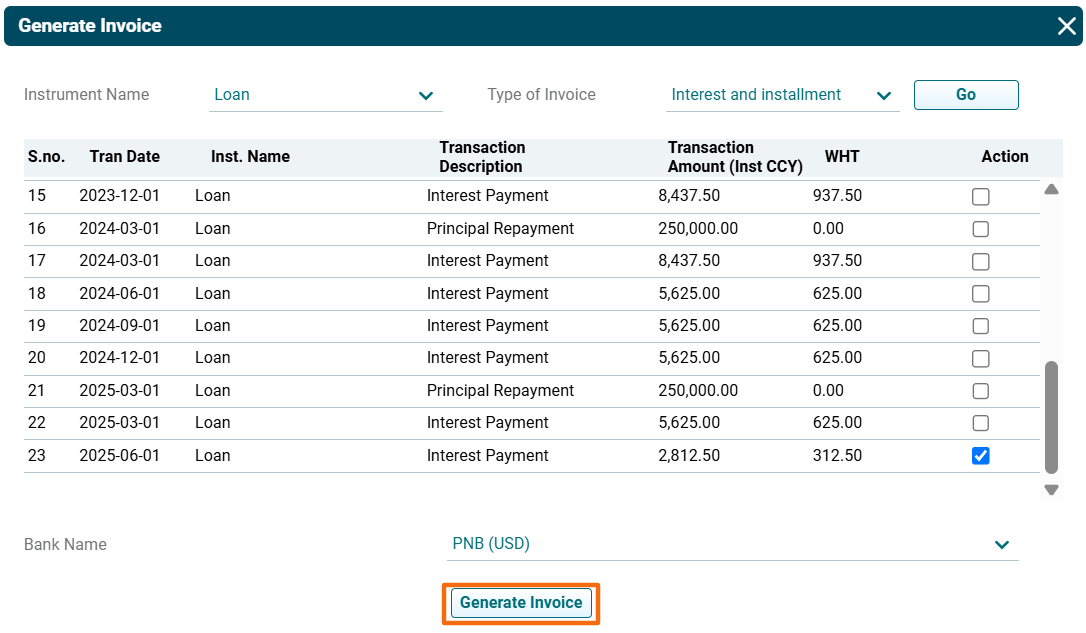
4. Click Generate Invoice.
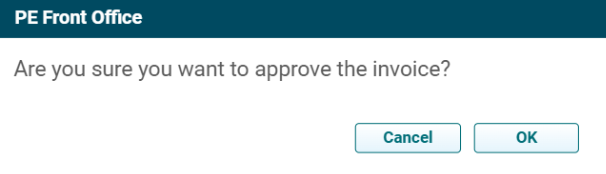
5. Select Approval check box to approve the invoice. A new window is displayed. Click OK to approve the invoice.
6. Click on Send Invoice ( ) icon in the Actions column to send the invoice to investors.
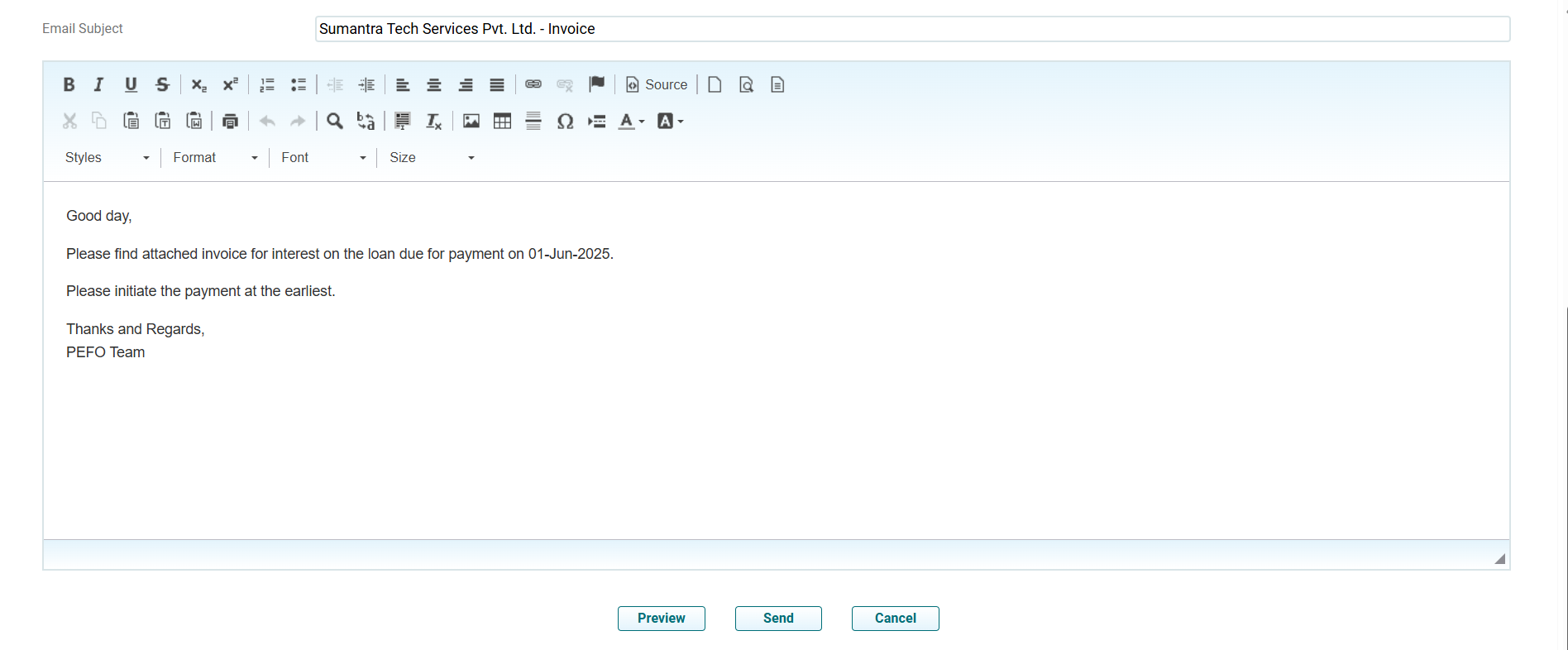
7. The Send Invoice window is displayed. Update the Details. Click Send.
8. To cancel a payment invoice, click on Cancel ( ) icon in the Actions column. The line item will grey out.

9. If you generate a new invoice for the same line item, a new line item will be generated. The greyed out item will be removed.

 ) icon in the Actions column. The PDF file will download.
 ) icon in the Actions column.