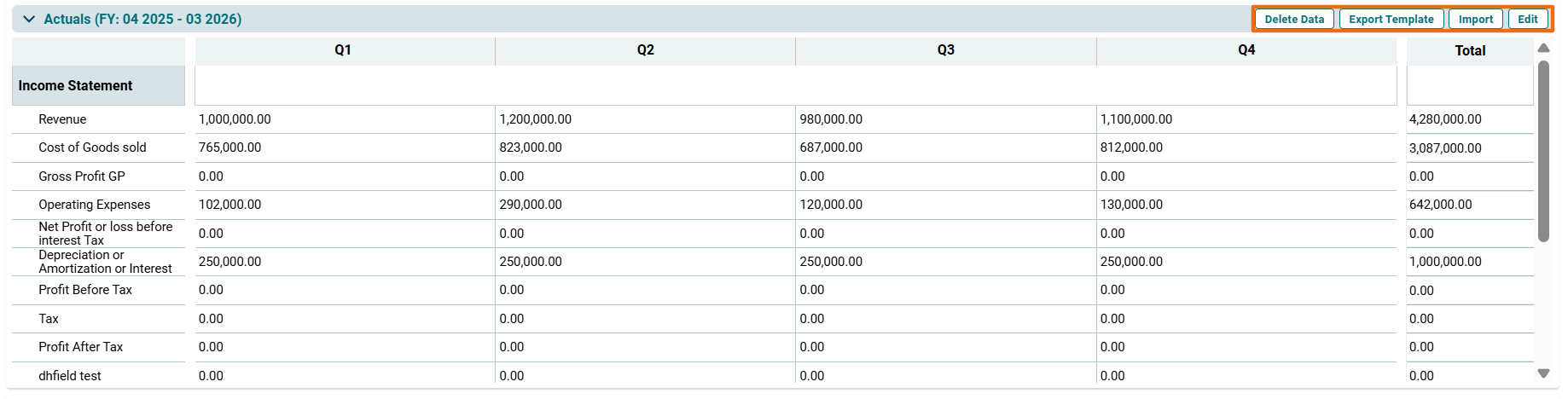
You can capture three cases of Financials/KPI - Actual, Budget, and Audited.
To modify the data, click on the following buttons on the top right corner of the panel:
- Delete Data: To delete data.
- Export Template: To export the template in Excel sheet format.
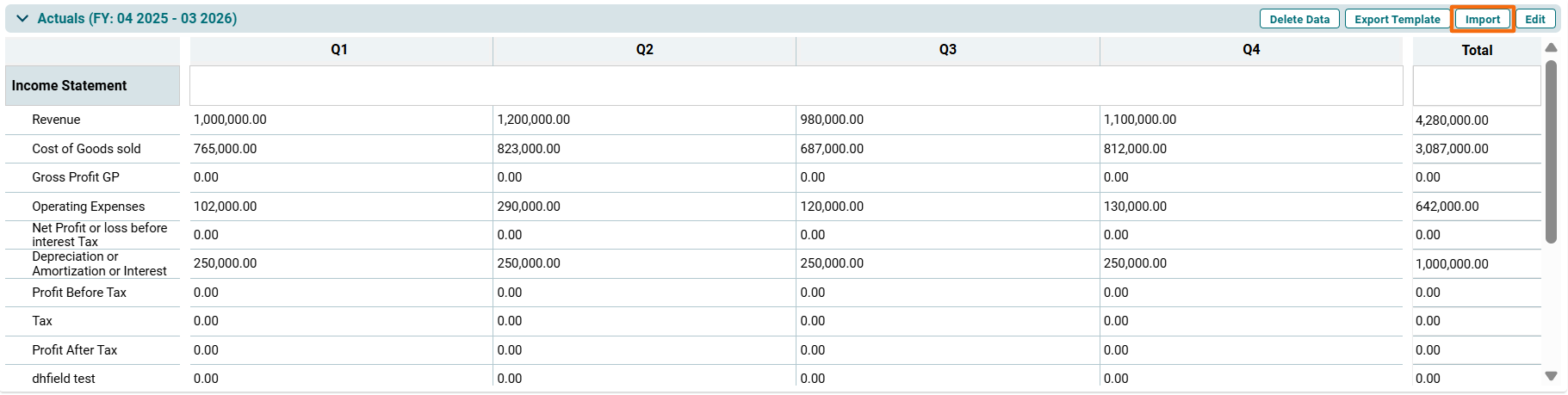
- Import: To import data to the fields.
- Edit: To manually add data in the fields.
Edit Financial/KPIs Data
To edit Fin/KPI data, follow the below steps:
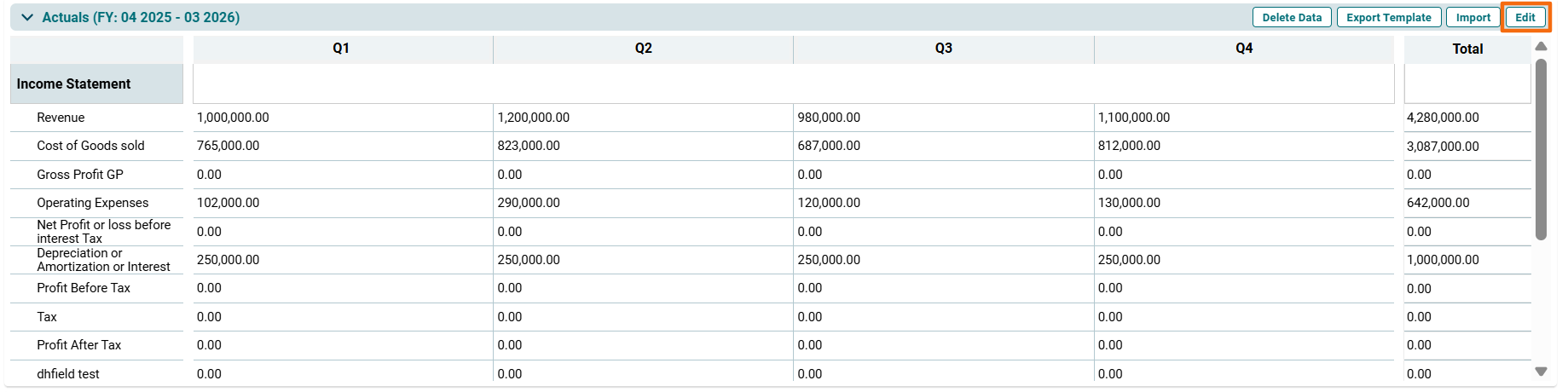
1. Click on Edit ( ) button on the top right corner of the respective panel.
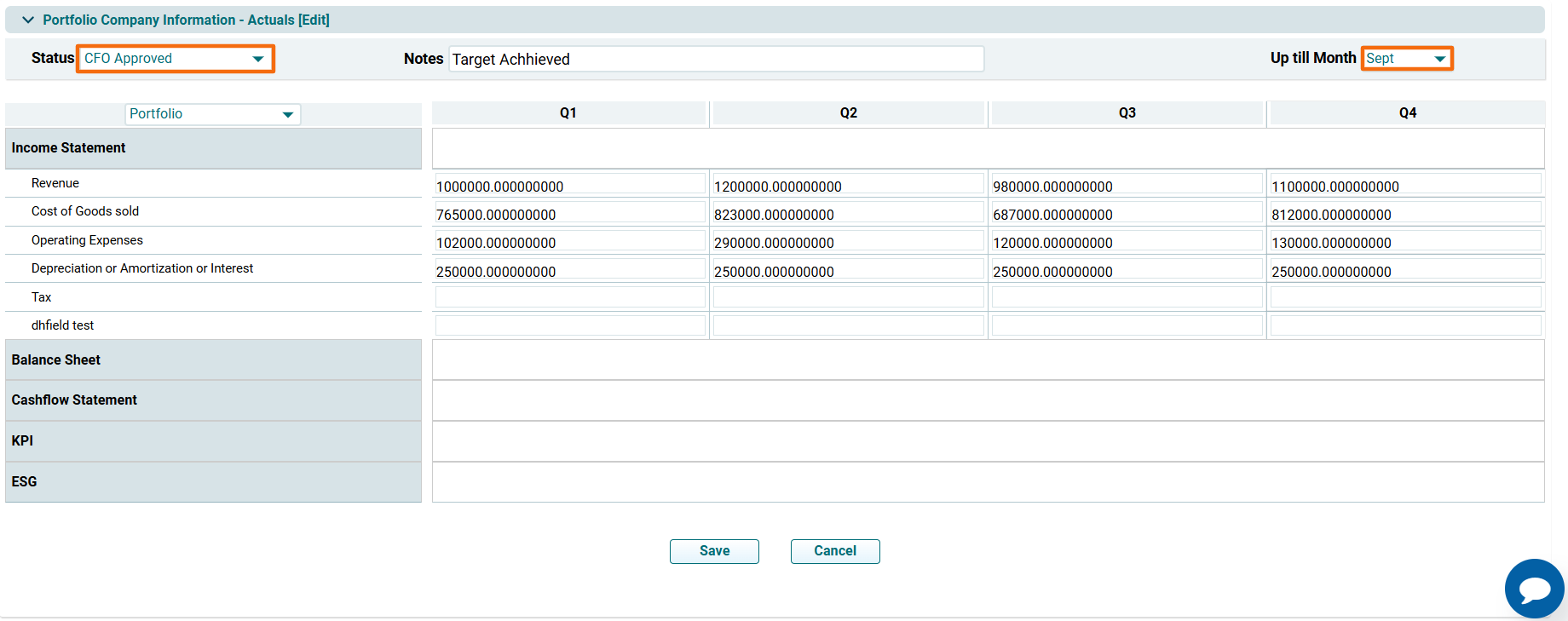
2. The Portfolio Company Information- [Panel Name] Edit window is displayed. Select the Status and change the month. Update the details and click Save.
Import Fin/KPI Data
To import Fin/KPI data, follow the below steps:
1. Click on Import ( ) button on the top right corner of the respective panel.
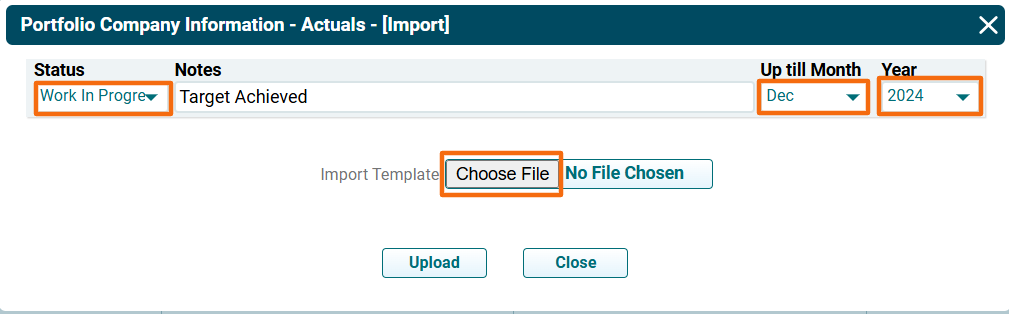
2. The Portfolio Company Information- [Panel Name] [Import] pop-up is displayed. Select the Status. Change the Month and Year from the Dropdown. Click on Choose File.
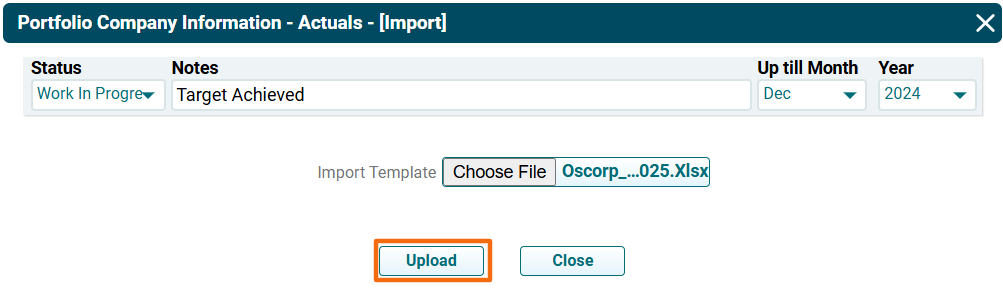
3. Click Upload. The imported data will auto-populate in the panel.
Bulk Import
To import multi-year Fin/KPI data, follow the below steps:
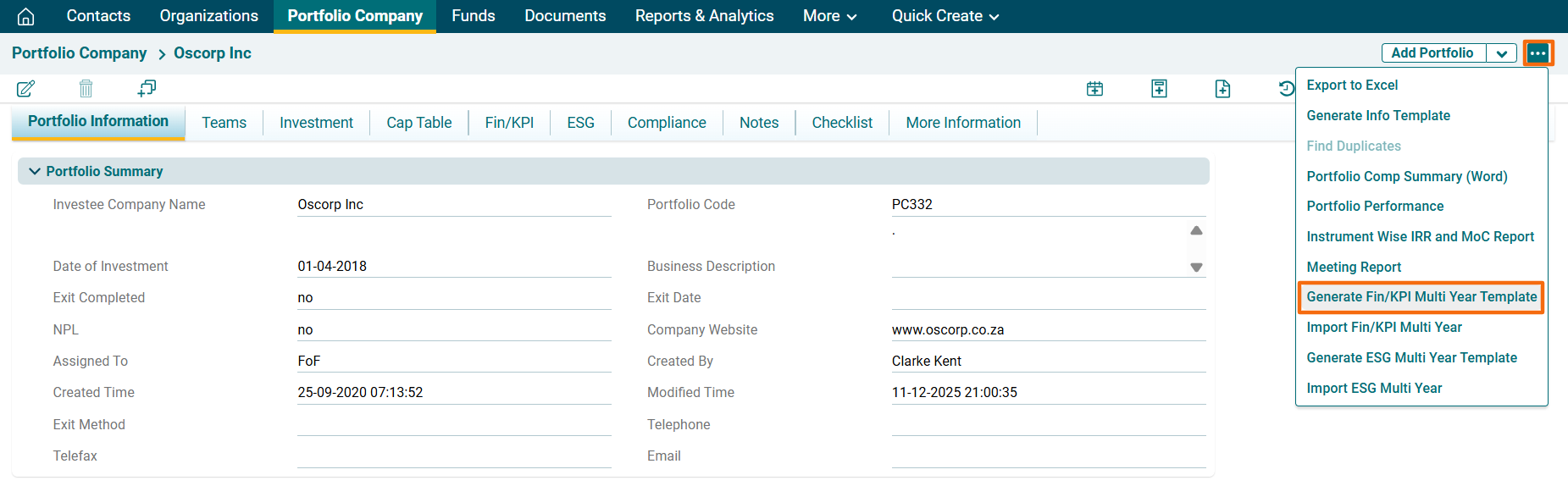
1. Click on the three dot menu in the top right corner. Click on Generate FIN/KPI Multi Year Template.
2. A new window is displayed. Select the years from the dropdown for which the data must be imported. Select the type of financials to be imported, i.e., Actuals, Budget, and Audited. Click on Download Template.

3. The excel file will download.
4. Click on the three dot menu in the top right corner. Click on Import FIN/KPI Multi Year Template.
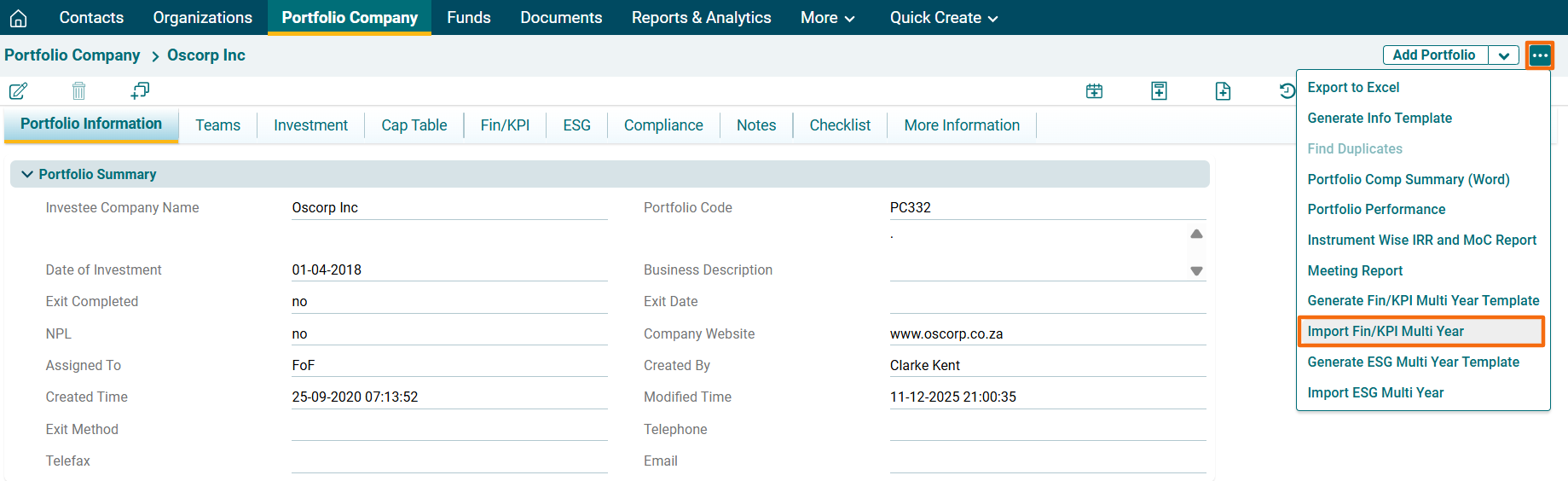
5. A new window is displayed. Select the Status, i.e., CFO Approved/ Work in Progress. Click on Choose File button.

6. Click Upload.

Export Fin/KPI Data
To export Fin/KPI data, follow the below steps:
1. Click on Export Template ( ) button on the top right corner of the respective panel.
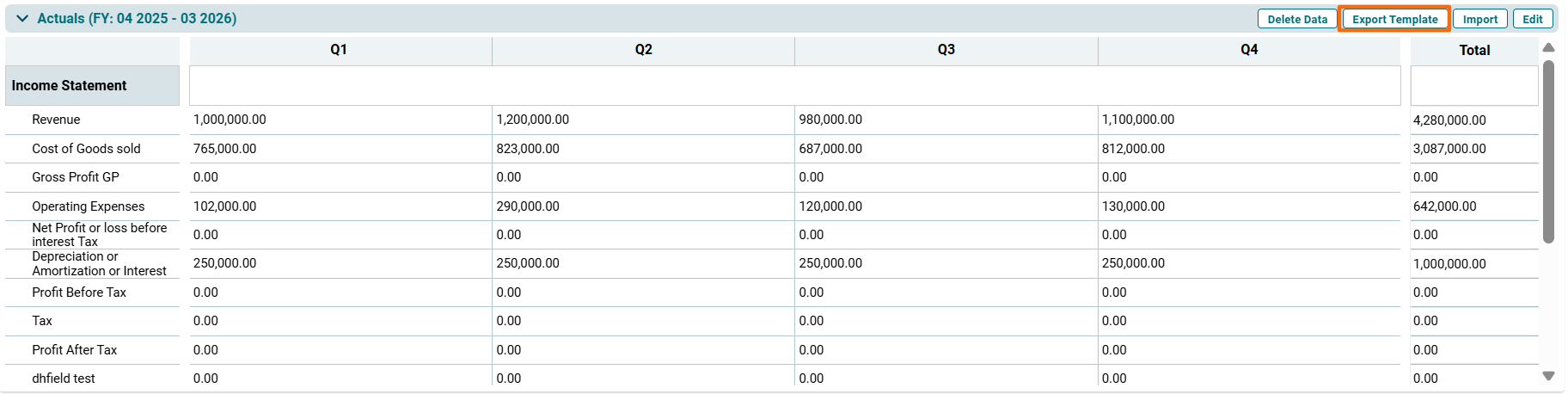
2. The excel file will download.
Delete Fin/KPI Data
To delete Fin/KPI data, follow the below steps:
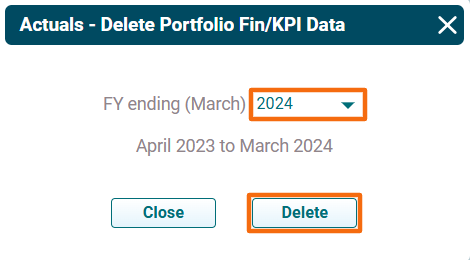
1. Click on Delete Data ( ) button on the top right corner of the respective panel.
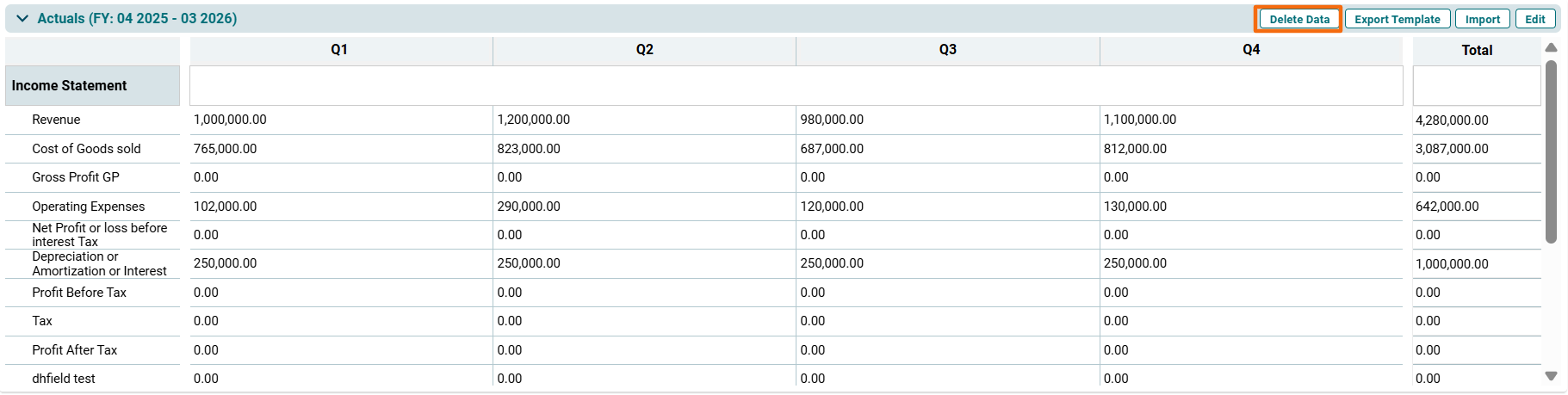
2. The [Panel Name]- Delete Portfolio Fin/KPI data window is displayed. Select the year for which you wish to delete the data. Click on Delete.