Banking Details
Banking Details panel allows you to add a bank and monitor the cashflows.
To add banking details, follow the below steps:
1. Click on Add button in the top right corner of the panel.

2. The field is activated. Update the details and click Check ( ) button from Actions column to save the details.

3. To edit a bank detail, click on Edit ( ) icon in the Action Column. Update the details and click Check (
 ) button from Actions column to save.
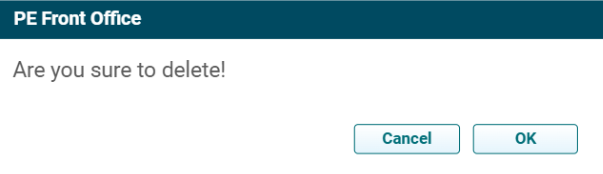
4. To delete a bank detail, click on Delete ( ) icon in the Action Column. The delete window is displayed. Click OK to delete the details.