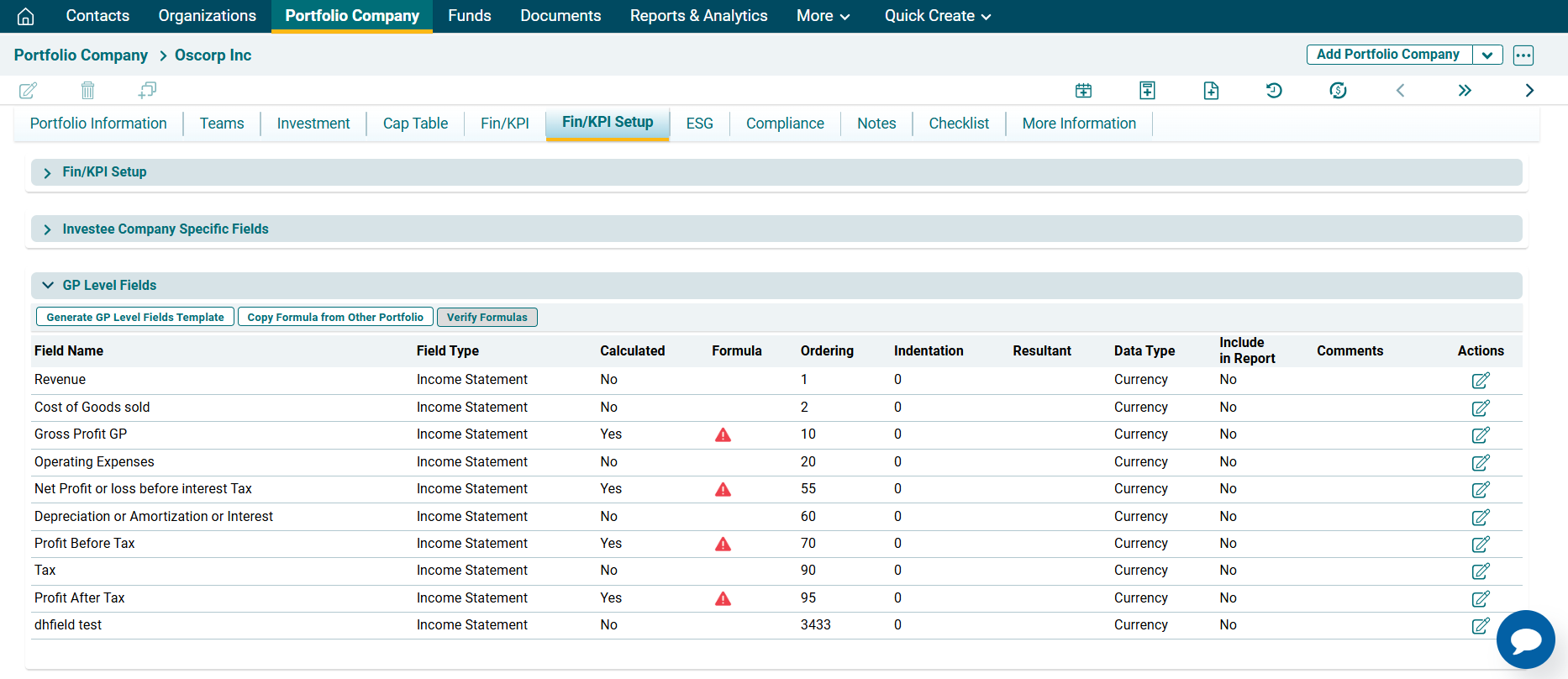
GP-Level Field
Only system admin can add fields under this panel. To modify GP-level fields, follow the below steps:
1. Navigate to Fin/KPI tab and click Edit. Fin/KPI Set-up Tab will be displayed.

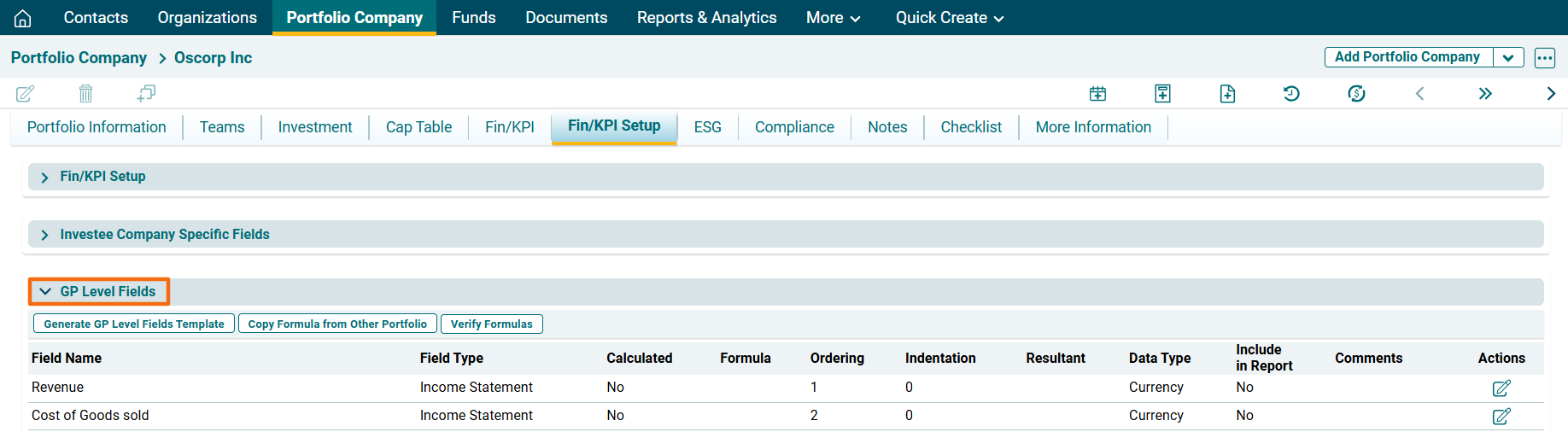
Navigate to GP Level panel.
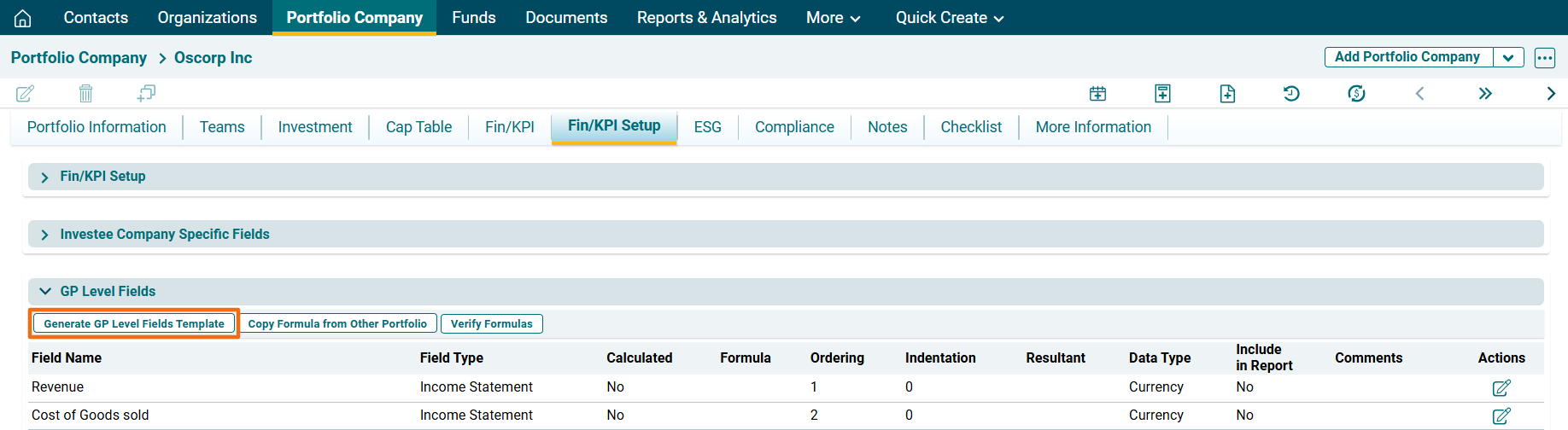
2. Click on generate GP Level Fields Template in the top left corner of the panel to bulk upload GP level Fields.
 ) in the top left corner of the panel to copy GP Level Field formulas. A new window is displayed.
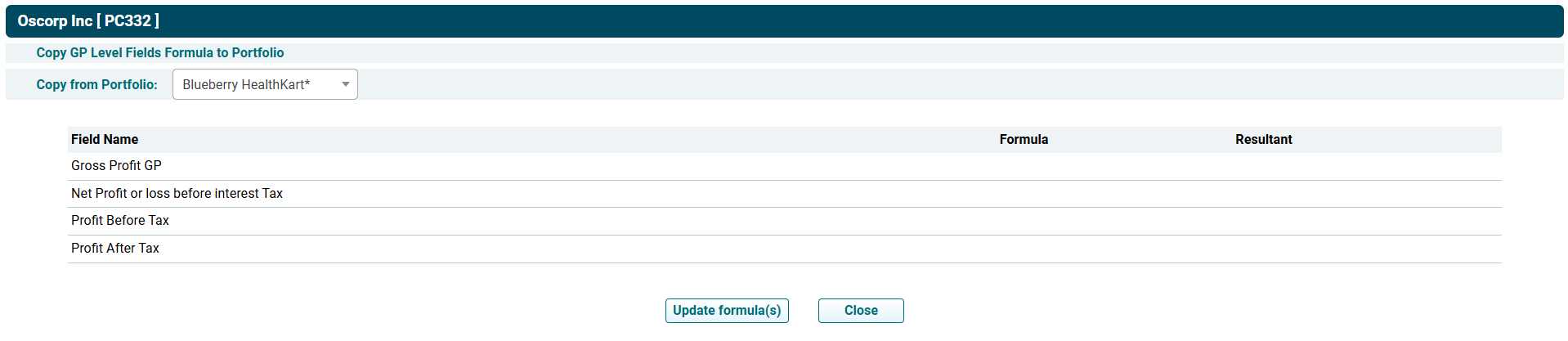
 ) in the top left corner of the panel.